EasyManua.ls Logo

Sony DTC-700 - Various Playback Operations

Sony DTC-700
56 pages
Print Icon
To Next Page IconTo Next Page
To Previous Page IconTo Previous Page
Loading...
NVE-Va
(ol
Otc
na
t-\V/
ey-
(er,
@@)
ol-1¢-1
(ear)
with
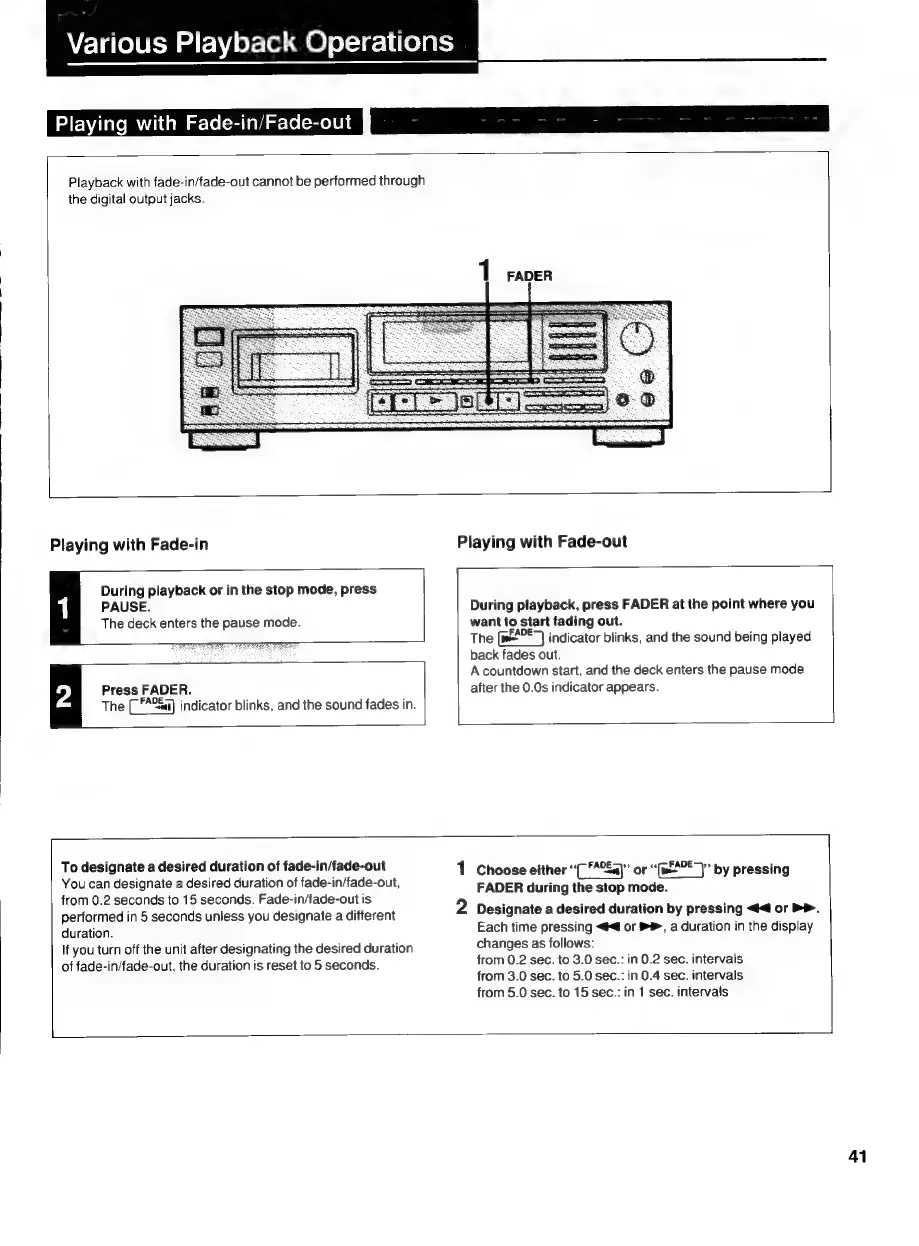
Fade-in/Fade-out
Playback
with
fade-in/fade-out
cannot
be
performed
through
the
digital
output
jacks.
Playing
with
Fade-in
Playing
with
Fade-out
During
playback
or
in
the
stop
mode,
press
PAUSE.
During
playback,
press
FADER
at
the
point
where
you
The
deck
enters
the
pause
mode.
want
to
start
fading
out.
The
(w4°E7
indicator
blinks,
and
the
sound
being
played
back
fades
out.
A
countdown
start,
and
the
deck
enters
the
pause
mode
Press
FADER.
after
the
0.0s
indicator
appears.
The
(
*A%&a)
indicator
blinks,
and
the
sound
fades
in.
To
designate
a
desired
duration
of
fade-in/fade-out
1
Choose
either
“(7
**2Ea)”
or
Sal
by
pressing
You
can
designate
a
desired
duration
of
fade-in/fade-out,
FADER
during
the
stop
mode.
from
0.2
seconds
to
15
seconds.
Fade-in/fade-out
is
2
.
i
7
.
performed
in
5
seconds
unless
you
designate
a
different
Designate
a
desired
duration
by
pressing
<4
or
PP.
duration.
Each
time
pressing
<4
or
®®,
a
duration
in
the
display
changes
as
follows:
from
0.2
sec.
to
3.0
sec.:
in
0.2
sec.
intervals
from
3.0
sec.
to
5.0
sec.:
in
0.4
sec.
intervals
from
5.0
sec.
to
15
sec.:
in
1
sec.
intervals
If
you
turn
off
the
unit
after
designating
the
desired
duration
of
fade-in/fade-out,
the
duration
is
reset
to
5
seconds.
41

Related product manuals