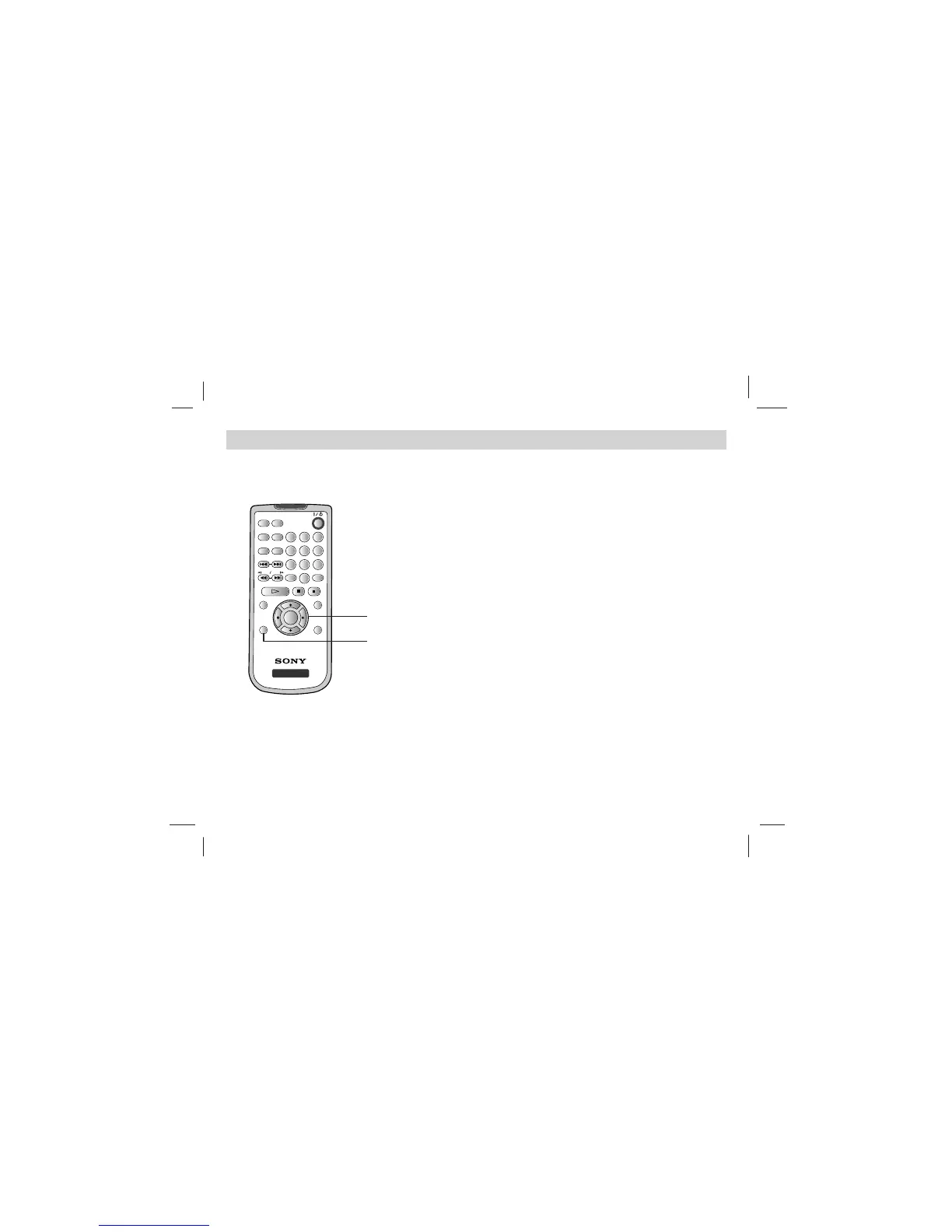
On-Screen Display
28
You can display the general playback status on the
screen. Some items can be changed using the
menu. To use the on-screen display:
1. Press DISPLAY during playback.
2. Press V/v to select an item.
The selected item is highlighted.
3. Press B/b to change the setting. You can also
use the number buttons if appropriate (e.g.
inputting the title number).
For some functions, press ENTER to execute the
setting.
NOTES:
• Some discs may not provide all of the features shown
next page.
• If no button is pressed for 10 seconds,
the on-screen display disappears.













 To Next Page