48
Setting up the Player
(continued)
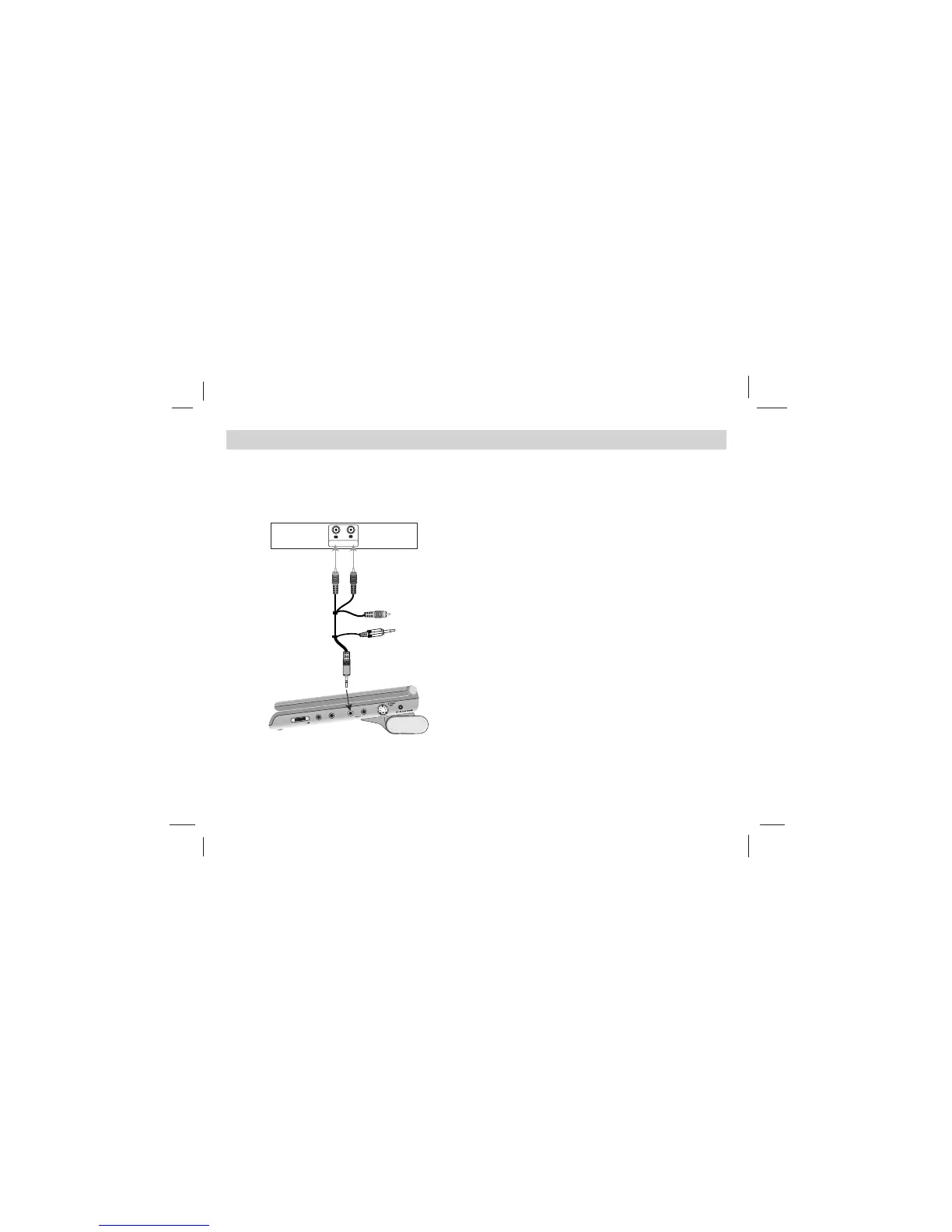
Audio Connection to Optional
Equipment
Connect the DVD player to your optional equipment
for audio output.
Amplifier equipped with 2-channel analog stereo
or Dolby Pro Logic ll / Pro Logic:
Connect the
AUDIO OUT jacks on the DVD player to the audio left
and right IN jacks on your amplifier, receiver, or stereo
system, using the audio cables.
NOTES:
To see the audio format of the current DVD in the
on-screen display, press AUDIO.













 To Next Page