44
◆ MPEG (DVD only)
Selects the type of MPEG audio signal.
◆ DTS
Selects whether or not to output DTS
signals.
Setting the Display or
Sound Track
Language (Language Setup)
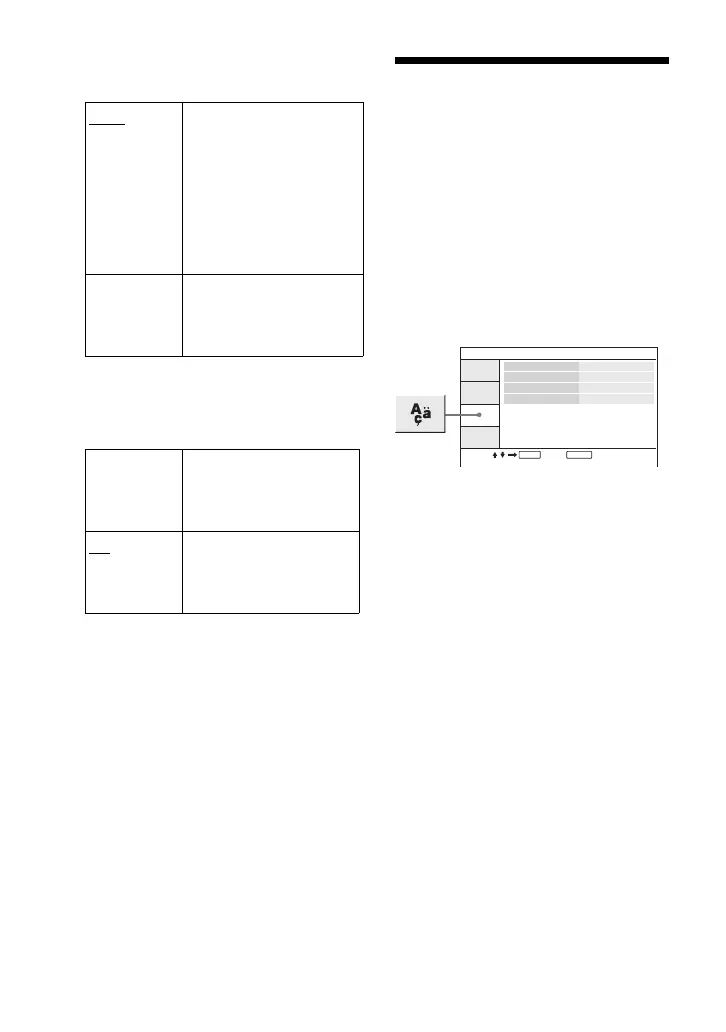
“Language Setup” allows you to set
various languages for the on-screen
display or sound track.
Select “Language Setup” in the Setup
Display. To use the display, see “Using
the Setup Display” (page 40).
◆ OSD (On-Screen Display)
Switches the display language on the
screen.
◆ Disc Menu (DVD VIDEO only)
Switches the language for the disc’s
menu.
When you select “Original,” the
language given priority in the disc is
selected.
◆ Subtitle (DVD VIDEO only)
Switches the subtitle language.
When you select “Off,” no subtitle is
displayed.
◆ Audio (DVD VIDEO only)
Switches the language of the sound
track.
When you select “Original,” the
language given priority in the disc is
selected.
PCM Select this when the player
is connected to an audio
component without a built-
in MPEG decoder. If you
play multi-channel MPEG
audio sound tracks, only
the Front (L) and Front (R)
signals will be output from
your two front speakers.
MPEG Select this when the player
is connected to an audio
component with a built-in
MPEG decoder.
On Select this when the player
is connected to an audio
component with a built-in
DTS decoder.
Off
Select this when the player
is connected to an audio
component without a
built-in DTS decoder.
ENTER RETURN
Language Setup
OSD
Disc Menu
English
English
English
English
Subtitle
Audio
Select: Cancel:



 To Next Page