Back navigation key
•
Go back to the previous screen within an
application or close the application.
Home navigation key
•
Exit an application and go back to the Home
screen.
Task navigation key
•
Open the recently used applications window and
the small apps bar.
Application screen
•
Open the Application screen.
Basic applications and settings
Make phone calls by dialling the number manually or by
using the smart dial function.
Use the Messaging application to send and receive text
and multimedia messages.
Go to Google Play™ to download free and paid
applications for your device.
Optimise the device settings to suit your own
requirements.
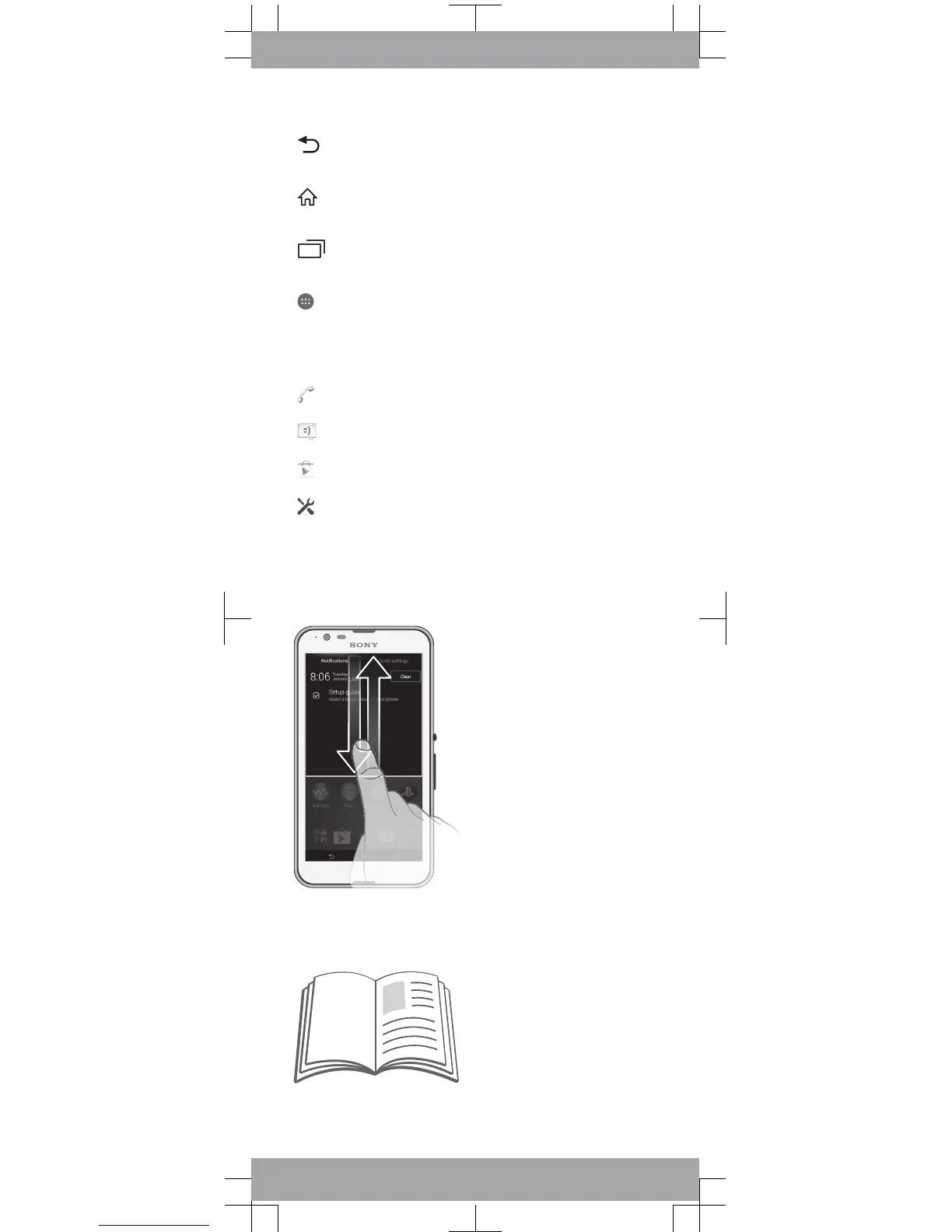
Notifications and quick settings
To open or close the Notification panel
Support on the web
Visit
www.sonymobile.com/support
to access a range of
support options for your device, including downloads,
troubleshooting tips and a User guide.









 To Next Page