Battery and Maintenance
Charging Your Device
Always use an original Sony charger and USB cable intended for your specific Xperia™ model.
Other chargers and cables may increase charging time, not charge at all, or may even damage
your device. Make sure all USB ports and connectors are completely dry, before inserting the
USB cable.
A wall socket charger will charge your device faster than charging via your computer. You
can still use your device while charging.
If the battery is depleted, it may take up to 30 minutes for your device to respond to the
charging. During this time, the screen may remain completely dark, not showing the
charging icon. Also note that it can take up to 4 hours for a completely drained battery to
charge fully.
Your device has an embedded, rechargeable battery that can only be replaced by an
authorized Sony repair center. You should never try to open or take apart the device yourself.
Doing so can cause damage and void your warranty.
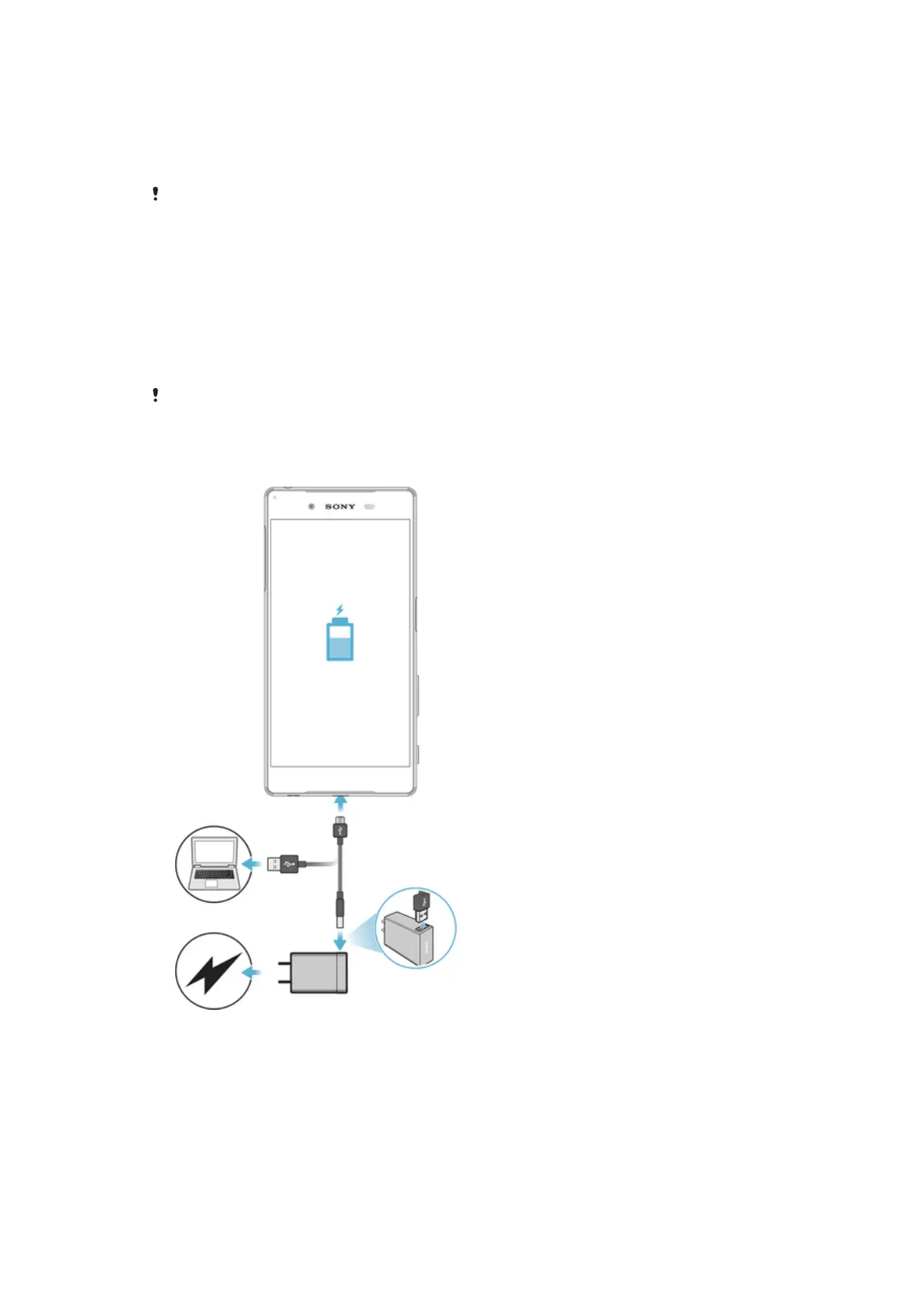
To Charge Your Device
38
This is an internet version of this publication. © Print only for private use.










 To Next Page