25
Basic Functions
Initial Settings, Position Preset
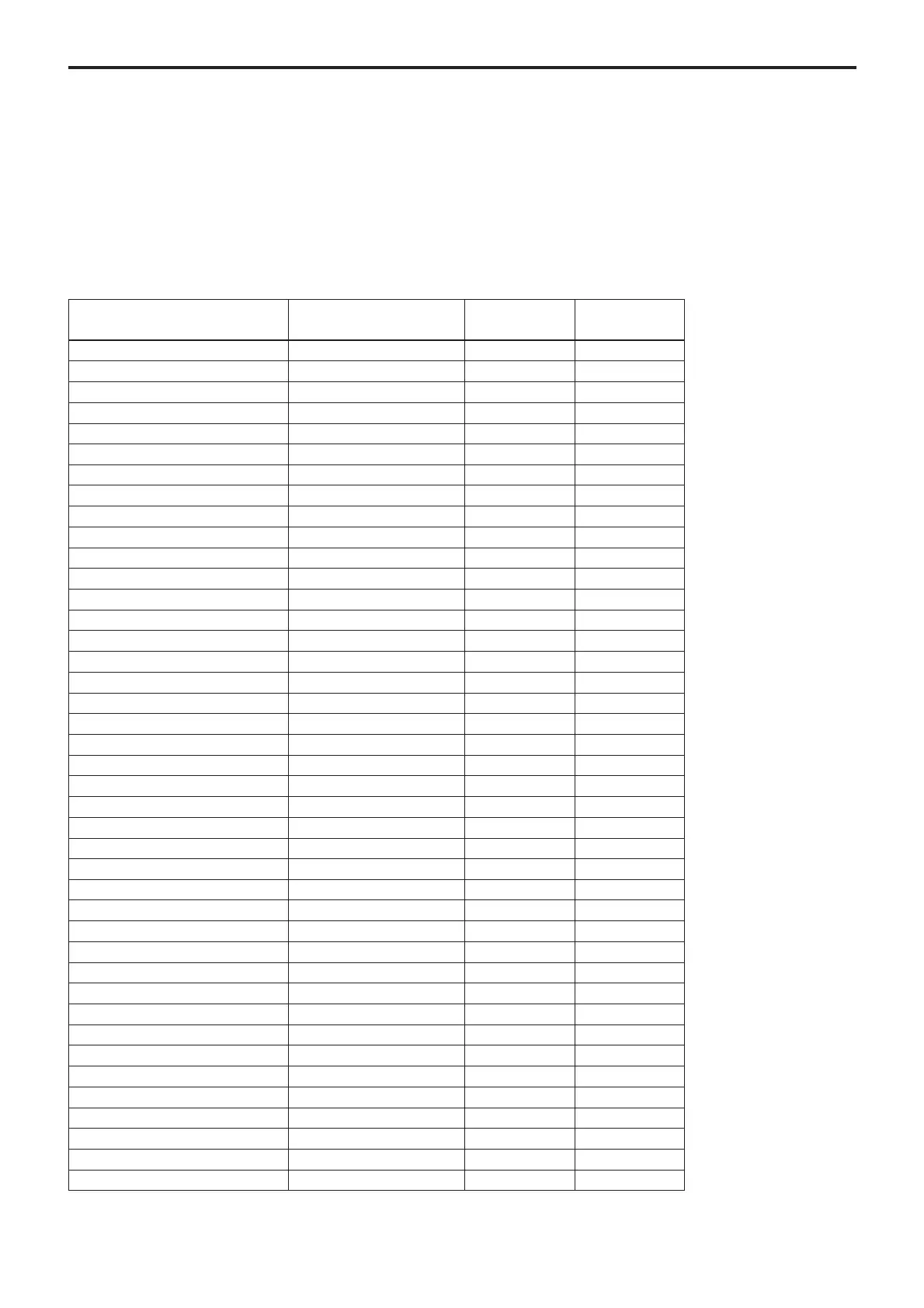
Mode/Position Initial settings
Position Position
preset 1 preset 2 to 6
Pan/Tilt Position Home position aa
Pan/Tilt Limit Position movable-range maximum a ×
Zoom Position Wide end aa
D-Zoom On/Off On aa
D-Zoom Separate/Combine Combine a ×
D-Zoom Position 00h aa
Focus Position — aa
Focus Auto/Manual Auto aa
Near Limit Setting 8000h (29 cm) aa
AF Sensitivity Normal a ×
AF Mode Normal a ×
AF Run Time 5 sec a ×
AF Interval 5 sec a ×
WB Mode Auto aa
WB Data (Rgain, Bgain) — aa
One Push WB Data — a ×
AE Mode Full Auto aa
Slow Shutter Mode Manual aa
Shutter Position 1/60sec (NTSC), 1/50sec (PAL) aa
Iris Position — aa
Gain Position — aa
Bright Position — aa
Exposure Compensation On/Off Off aa
Exposure Compensation Amount ±0 aa
Backlight On/Off Off aa
Spot AE On/Off Off a ×
Spot AE Position Setting X=8, Y=8 a ×
Aperture Level 5 aa
IR_Receive On/Off On a ×
IR_ReceiveReturn On/Off Off a ×
Auto Power Off Timer 0 a ×
Night Power Off Timer 0 a ×
LR Reverse On/Off Off a ×
Freeze On/Off Off ××
Picture Effect Off a ×
ICR On/Off Off aa
Auto ICR On/Off Off a ×
Preset Memory Same as the initial value setting aa
Display On/Off Off aa
Mute On/Off Off ××
Title Display On/Off Off a ×
The initial values are those set at the factory. Settings
for items in Position presets 1 to 6 that will be retained
even when the power to the camera is turned off are
indicated by a “O,” those that will be lost are indicated
by an “X.”
•When the power is turned on, the settings retained in
POSITION 1 will be called up as the initial settings.
•When a CAM_Memory Reset command is sent, or a
choice is made from POSITION 1 to 6 while the
RESET button on the remote control is being pressed,
the settings selected will be used as the initial
settings.
• Position preset 1 becomes VISCA command
CAM_Memory memory number 0. Position presets 2
through 6 become VISCA command CAM_Memory
memory numbers 1 through 5.
(Continued)


 To Next Page