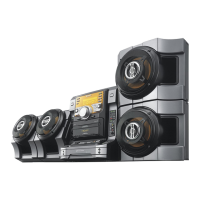
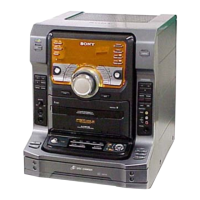
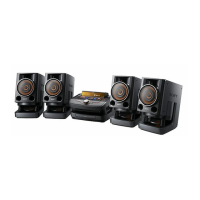
model name [FST-SH2000/LBT-SH2000]
[4-273-674-11(2)] GB
10
GB
filename[D:\NORM'S JOB\SONY HA\SO0159\FST_LBT-SH2000_PMRF
01\4273674112_GB\GB06BAS.fm]
masterpage:Left
Positioning the
speakers
To obtain optimum performance from the
system, we recommend you to place the
speakers as shown below.
A Unit
B Speaker (left)
C Speaker (right)
Setting the clock
You cannot set the clock in Power Saving
Mode.
Use the buttons on the remote control to
perform this operation.
1 Press "/1 to turn on the system.
2 Press CLOCK/TIMER SET.
If “PLAY SET” appears in the display
panel, press ./> repeatedly to
select “CLOCK SET”, then press
ENTER.
3 Press ./> repeatedly to set
the hour, then press ENTER.
4 Press ./> repeatedly to set
the minutes, then press ENTER.
Playing an AUDIO CD/
MP3 disc
1
Press CD.
2 Insert a disc with the label side
facing up.
To search a track or MP3 file
(TRACK SEARCH)
1 Press SEARCH.
2 (MP3 files only)
Press / to select the folder you
want, then press ENTER or NX.
3 Press / to select the track or file
you want, then press ENTER or
NX.
The selected track or file starts
playback.
Notes on playing discs
• The system can recognize up to
– 999 folders (including root folder).
– 999 MP3 files.
– 250 MP3 files on a single folder.
– 8 folder levels (tree structure of files).
• CD-TEXT information is not supported.
A
BC
0.3 m 0.3 m
Disc


 To Next Page