With Xperia™ Companion you can access the file system of your device. If you do not
have Xperia™ Companion installed, you are requested to install it when you connect your
device to the computer.
Always use the USB cable type intended for your Xperia™ model and make sure it is
completely dry.
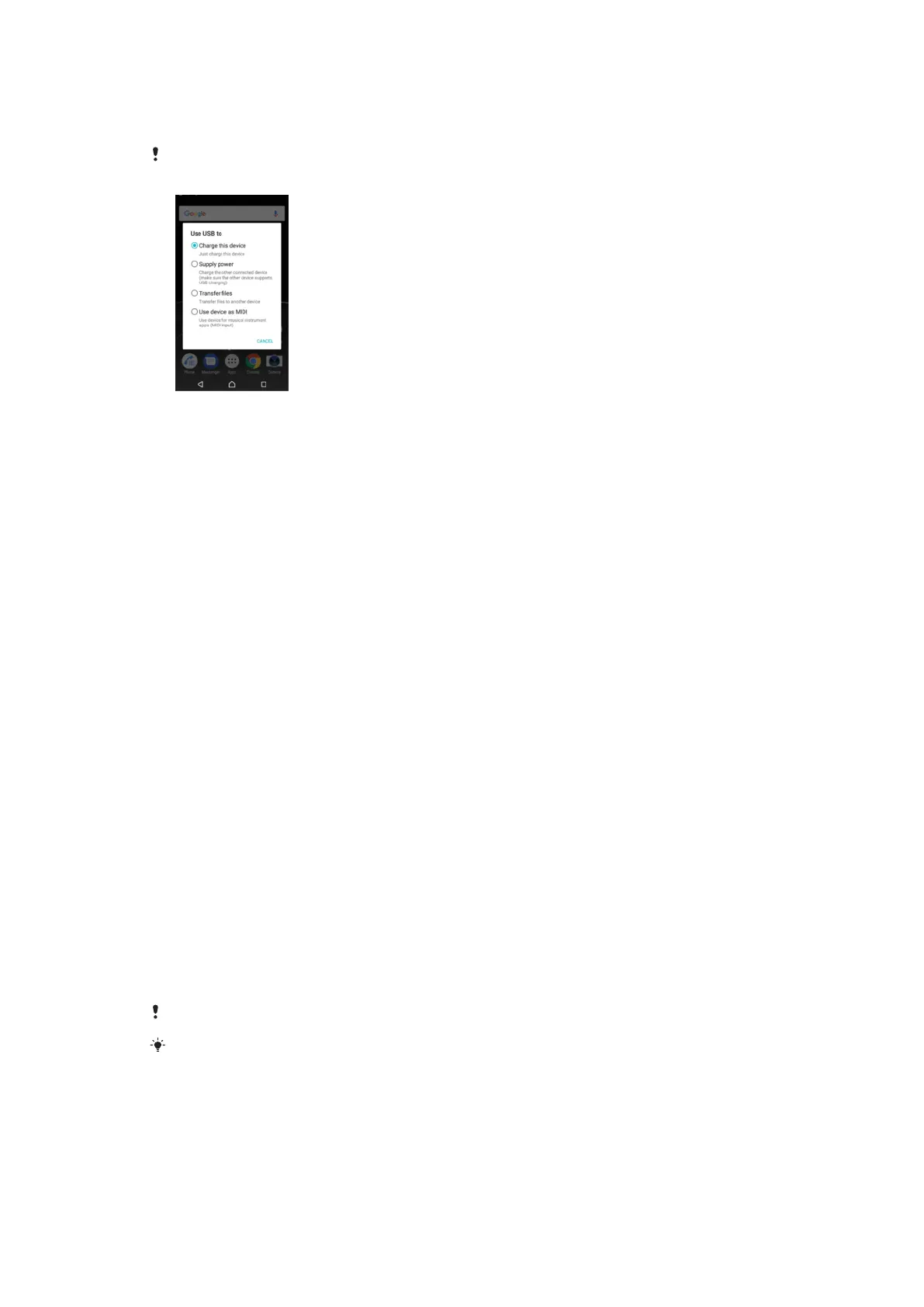
USB Connection Mode
You can use the Transfer files connection mode for managing files and updating device
software. This USB mode is used with Microsoft
®
Windows
®
computers. Charging is
enabled by default.
Using the
Use device as MIDI
mode, your device can function as a MIDI input for
musical instrument apps.
To change USB connection mode
1
Attach a USB connector to your device.
2
Drag down the Status bar, and then tap
USB charging this device
.
3
Tap either Transfer files or Use device as MIDI as desired.
Storage and memory
Your device has several different storage and memory options.
•
The
internal storage
is about 26 GB and is used to store downloaded or transferred content along with
personal settings and data. Some examples of data saved to internal storage are alarm,
volume, and language settings; emails; bookmarks; calendar events; photos; videos and
music.
•
You can use a removable
memory card
with a storage capacity of up to 256 GB to get more storage space. Media files and
some apps, along with their associated data, can be moved to this type of memory to
free up internal storage. Some apps, for example, the Camera app, can save data
directly to a memory card.
•
The
dynamic memory (RAM)
is about 3 GB and cannot be used for storage. RAM is used to handle running
applications and the operating system.
You can purchase a memory card separately.
Read more about the use of memory in Android devices by downloading the White paper for
your device at
www.sonymobile.com/support/
.
Improving Memory Performance
Your device memory tends to fill up as a result of normal usage. If the device starts to
slow down, or applications suddenly shut down, you should consider the following:
•
Always try to keep at least 500 MB of free internal storage available.
40
This is an internet version of this publication. © Print only for private use.



 To Next Page