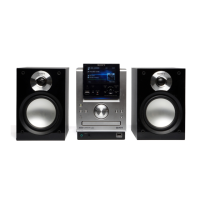
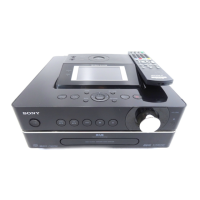
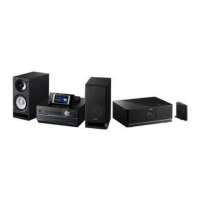
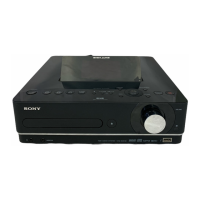
NAS-E300HD.GB.4-115-698-11(1)
5
GB
Table of Contents
Before operating the unit .................................................................................................... 4
Features on this unit .............................................................................................................. 8
Getting started
Checking the supplied accessories ...............................................................................10
Guide to parts and controls ..............................................................................................11
Remote control .........................................................................................................................11
Top of the main unit ...............................................................................................................14
Front of the main unit ............................................................................................................15
Display .........................................................................................................................................16
Connecting the speakers and antennas ......................................................................18
Canceling automatic demonstration ............................................................................21
Setting the clock ...................................................................................................................22
Importing and transferring audio data
About importing and transferring audio data ...........................................................23
Importing/Recording audio data to the HDD ............................................................24
Recording from an audio CD ...............................................................................................24
Importing audio data from an MP3 disc, a “WALKMAN”, or a USB device ...........26
Recording from an FM/AM radio broadcast, DAB service*, or externally
connected device..............................................................................................................27
Transferring audio data from the HDD .........................................................................28
Attaching the oval attachment for “WALKMAN” ...........................................................28
Transferring audio data to a “WALKMAN” or a USB device .......................................29
Erasing tracks on the “WALKMAN” or the USB device .............................................32
* For the UK model only


 To Next Page