Explore HAP:
Opens the explorer and displays the content stored in the hard disk drive of the HDD
AUDIO PLAYER.
Help:
Opens the web browser and displays the website which links to the HAP Music
Transfer Help. Select the HAP Music Transfer Help.
About:
Shows the current version and the copyright year of HAP Music Transfer.
Exit:
Quits HAP Music Transfer.
Hint
The HAP Music Transfer icon differs depending on the status of HAP Music
Transfer.
: HAP Music Transfer is not transferring music files (stopped).
: HAP Music Transfer is standing by for automatic transfer (Transfer Timer has
started).
: HAP Music Transfer is transferring music files.
[15] Using menus (Mac)
Using menus from the menu bar (Mac only)
You can use the menu bar to find the HAP Music Transfer software version, access
the HAP Music Transfer Help, and more.
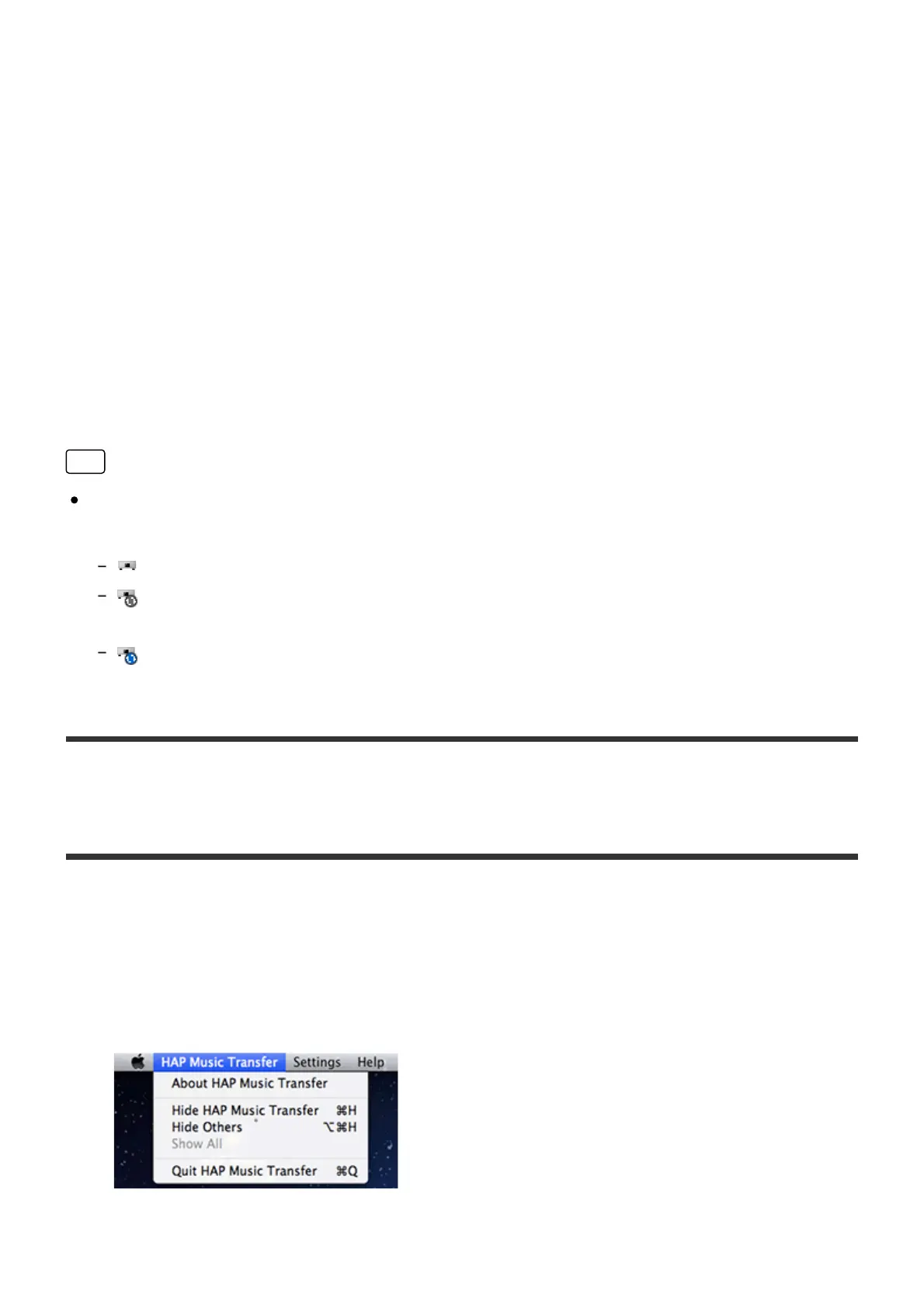
1. Select [HAP Music Transfer], [Settings] or [Help] in the menu bar.
The following menus appear.



 To Next Page