30
Menu List
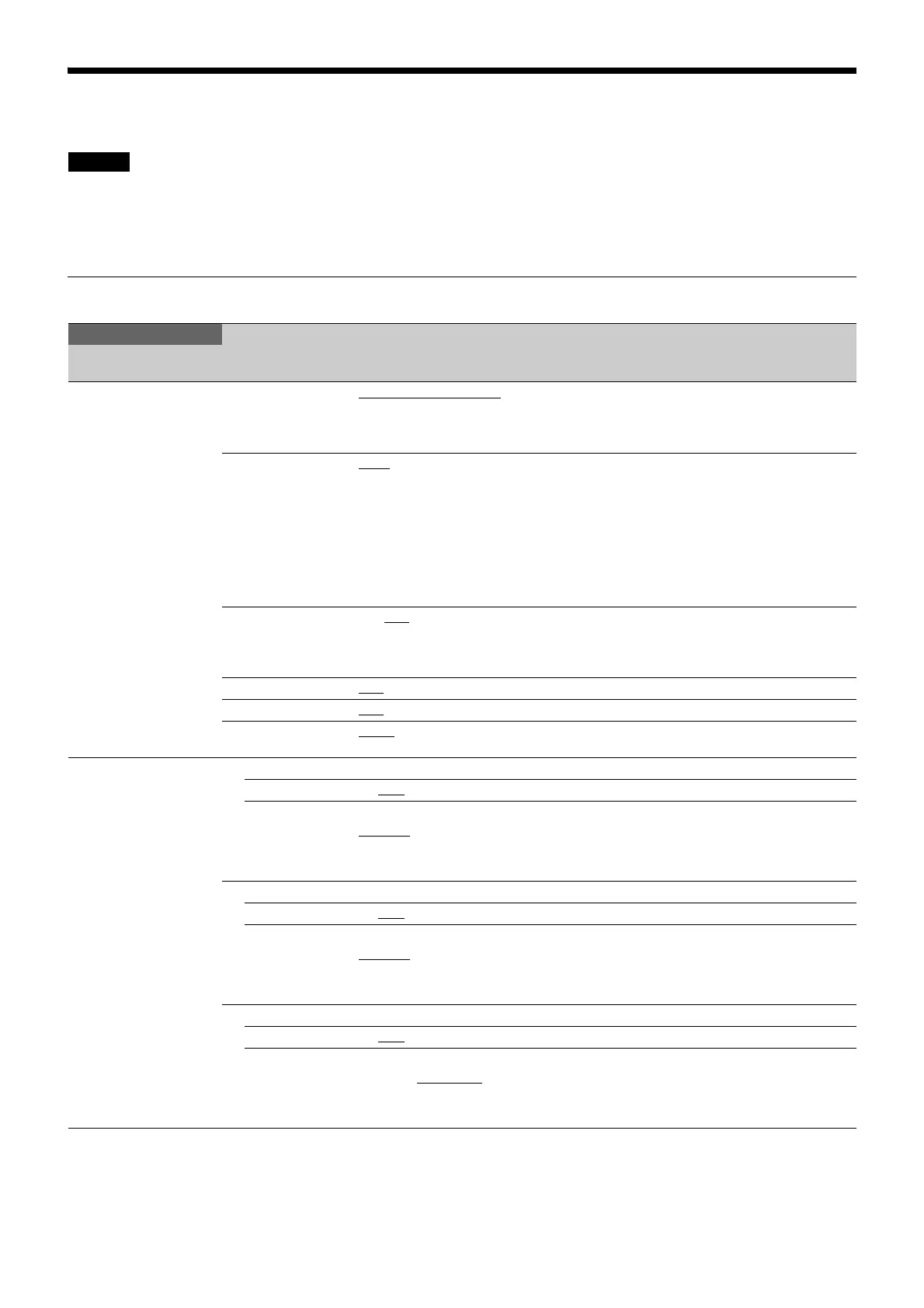
The following conventions are used in the menu list table.
Settings column values (e.g. ON, OFF, 0): Default settings are underlined
Execute using ENTER: When using the setup menu directly, press the CONTROL knob or move the CANCEL/ENTER lever to
the ENTER position to execute. When using the web menu, click the ENTER button in the OSD menu to execute.
SYSTEM CONFIG Menu
Legend
SYSTEM CONFIG
Page name
Page No.
Item Set value Description
<CAMERA I/F>
S01
CABLE TYPE FIBER CAMERA CABLE
, COAX,
COAX(HDCE), SINGLE-MODE
FIBER
Specifies the cable type used for connecting the
camera.
SINGLE-MODE FIBER: Selectable only when the
HKCU-SM50 is installed.
FIBER TRANSMIT
RATE
HIGH
, ULTRA, --- Sets the transfer rate when an optical fiber cable is
connected.
HIGH: When the HDC3500 (without HKC-FB50
installed), HDC3100, or HDC2000 series is
connected
ULTRA: When the HDC5000/5500 or HDC3500
(with HKC-FB50 installed) is connected
---: When CABLE TYPE is set to COAX or
COAX(HDCE)
OPTICAL SIGNAL ON, OFF
Turns the optical signal output from the CCU to the
camera ON/OFF.
(Displayed only when connected using optical fiber
composite cable.)
BARS OFF
, ON Turns color bars ON/OFF.
TEST OFF
, TEST1, TEST2 Turns TEST SAW ON/OFF.
START UP VIDEO
SIGNAL
BARS
, GRAY Selects the signal to output until the unit connects
with the camera after power-on.
<VIDEO I/O>
S02
SDI-I/O 1 Sets SDI I/O 1.
I/O IN, OUT
Selects input or output.
SIGNAL When OUT is selected in I/O:
SDI-OUT
When IN is selected in I/O:
SDI-RET
Sets the signal function.
SDI-I/O 2 Sets SDI I/O 2.
I/O IN, OUT
Selects input or output.
SIGNAL When OUT is selected in I/O:
SDI-OUT
When IN is selected in I/O:
SDI-RET
Sets the signal function.
SDI-I/O 3 Sets SDI I/O 3.
I/O IN, OUT
Selects input or output.
SIGNAL When OUT is selected in I/O:
SDI-OUT, HD TRUNK
When IN is selected in I/O:
SDI-RET
Sets the signal function.



 To Next Page