50
GB
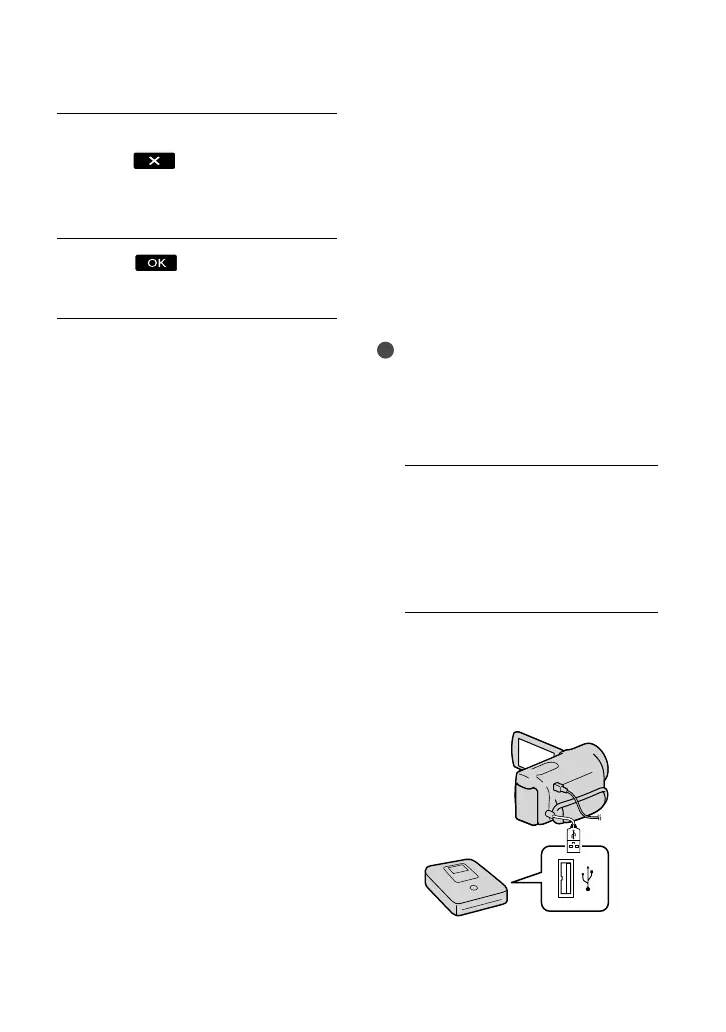
After the operation is completed,
touch
on the camcorder
screen and remove the disc when
the tray is open.
Touch
and disconnect the
USB cable.
Creating a high
definition image
quality (HD) disc with a
DVD writer, etc., other
than DVDirect Express
Use the USB cable to connect your
camcorder to a disc creation device, which
is compatible with high definition image
quality (HD) movies, such as a Sony DVD
writer. Refer also to the instruction manuals
supplied with the device to be connected.
Notes
Connect your camcorder to the wall outlet (wall
socket) using the supplied AC Adaptor for this
o
perat
ion (p. 13).
Sony DVD writer may not be available in some
countries/regions.
1
Connect the AC Adaptor and the
power cord (mains lead) to the
DC IN jack of your camcorder
and the wall outlet (wall socket)
(p. 13).
2
Turn on your camcorder, and
connect a DVD writer, etc. to your
camcorder with the Built-in USB
Cable.
The [USB Select] screen appears on the
camcorder screen.




 To Next Page