71
GB
Quick reference
Parts and controls
Figures in ( ) are reference pages.
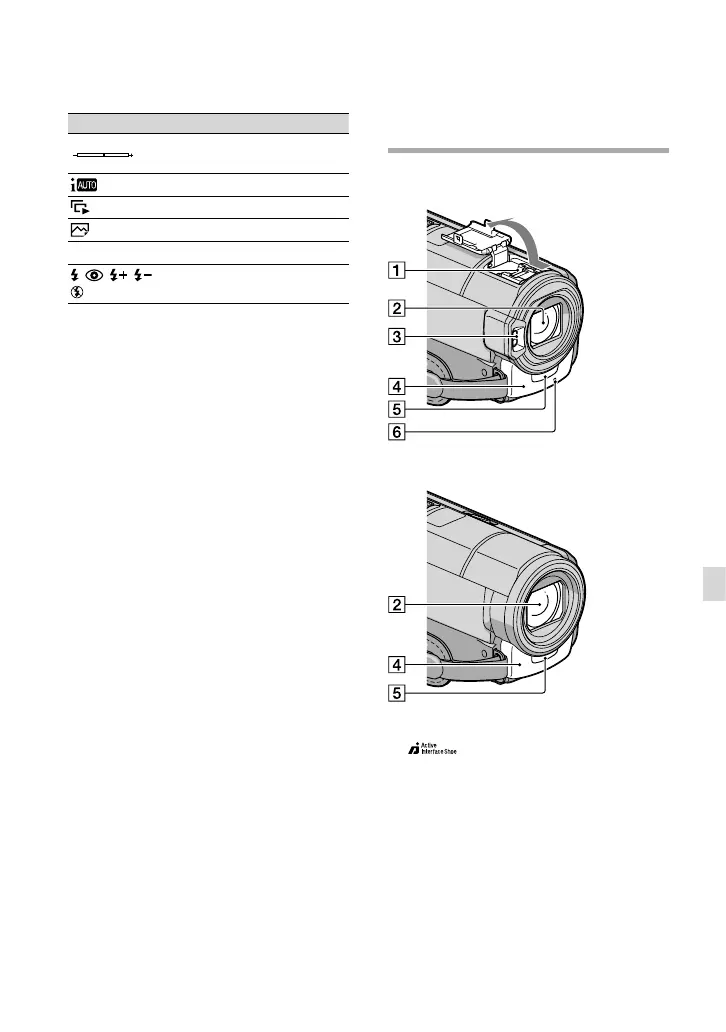
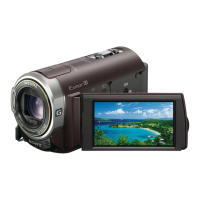
HDR-CX360E/CX360VE/PJ30E/PJ30VE
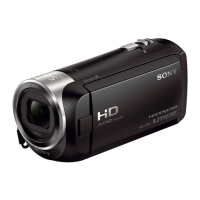
HDR-PJ10E
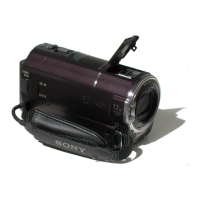
Active Interface Shoe
The Active Interface Shoe supplies power to
optional accessories such as a video light, a
flash, or a microphone. The accessory can be
turned on or off as you operate the POWER
switch on your camcorder.
Lens (G lens)
Flash
Built-in microphone
Remote sensor
Camera recording lamp (56)
Indicator Meaning
Spot Meter/Fcs / Spot
Meter/ Exposure
Intelligent Auto
Slide show button
101-0005
Data file name
Protected image
Flash/
Red Eye Reduction
Indicators and their positions are approximate
and may differ from what you actually see.
Some indicators may not appear, depending on
your camcorder model.




 To Next Page