Advanced Adjustments and Settings
masterpage:Right
lename[E:\SEM_Janet\DATA_DDW970\J9050954_2549734911DDW970AU\2549734911\GB06
DV_HT-DDW970-AU.fm]
33
GB
model name1[HT-DDW970]
[2-549-734-91(1)]
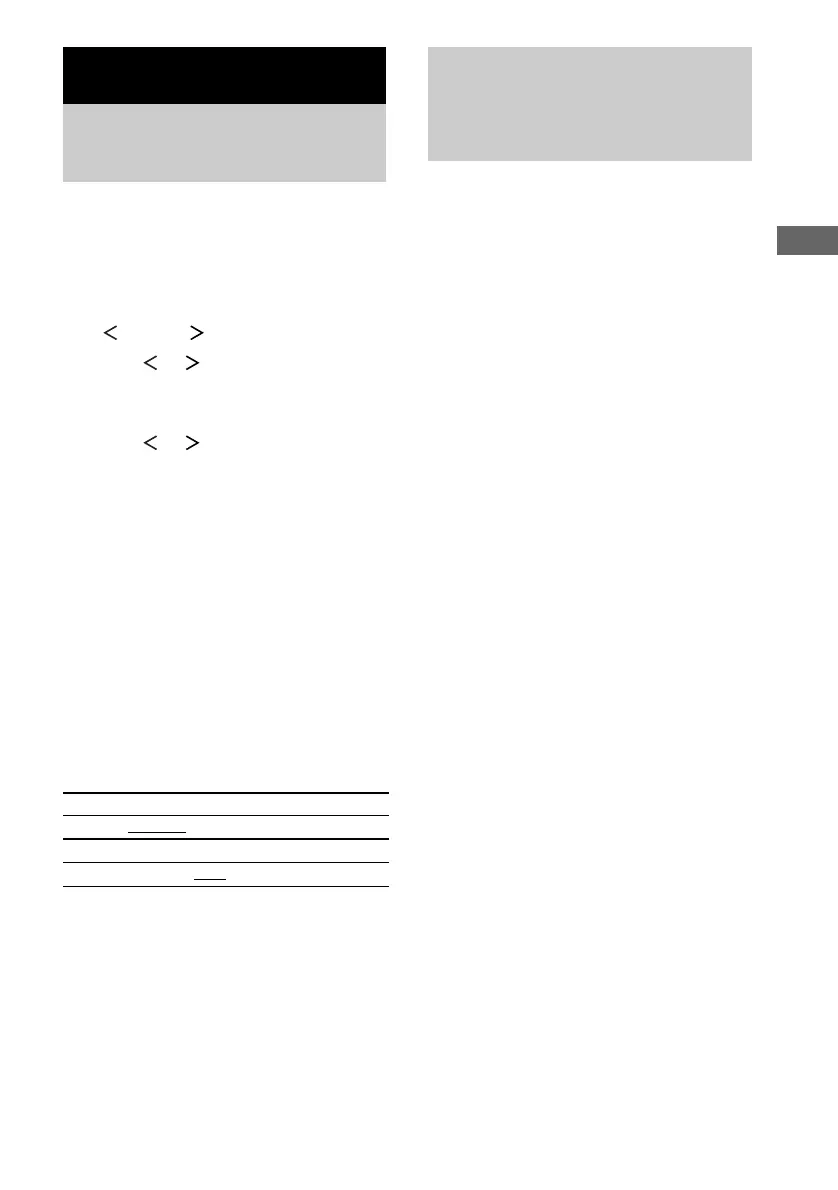
You can reassign a component video input to
another visual input.
1 Press MAIN MENU repeatedly to select
“ CUSTOM ”.
2 Press or repeatedly to select
“COMP. V. A.”.
3 Press ENTER.
4 Press or repeatedly to select the
component video input you want to
reassign.
5 Press + or – repeatedly to select the
input you want the component video
input jacks selected in step 4 to be
reassigned to.
The input you can reassign varies for each
component video input. For details, see
“Selectable component video inputs for
each input”.
6 Press ENTER.
Selectable component video
inputs for each input
The initial settings are underlined.
Note
You cannot reassign more than one component video
input to the same visual input.
You can switch the audio input mode for
components for which this receiver have digital
audio input jacks.
1 Press input buttons to select the input.
2 Press INPUT MODE repeatedly to
select the audio input mode.
The selected audio input mode appears in
the display.
Audio input modes
• AUTO IN
Gives priority to digital signals when there are
both digital and analog connections. If there
are no digital signals, analog is selected.
• COAX IN
Specifies the digital audio signals input to the
DIGITAL COAXIAL input jack.
•OPT IN
Specifies the digital audio signals input to the
DIGITAL OPTICAL input jacks.
• ANALOG
Specifies the analog audio signals input to the
AUDIO IN (L/R) jacks.
Notes
• When signals with a sampling frequency of more
than 48 kHz is input, the tone and sound field cannot
be used.
• Some audio input modes may be dimmed depending
on the input. This means that the selected input is
unavailable.
Advanced Adjustments and Settings
Reassigning the
component video input
— COMPONENT VIDEO INPUT
ASSIGN
VIDEO 2
VIDEO 1, VIDEO 2, VIDEO 3
DVD
VIDEO 1, VIDEO 3, DVD
Switching the audio input
mode for digital
components
— INPUT MODE
GB01COV_HT-DDW970-AU.book Page 33 Wednesday, June 8, 2005 7:08 PM



 To Next Page