5
US
Getting Started
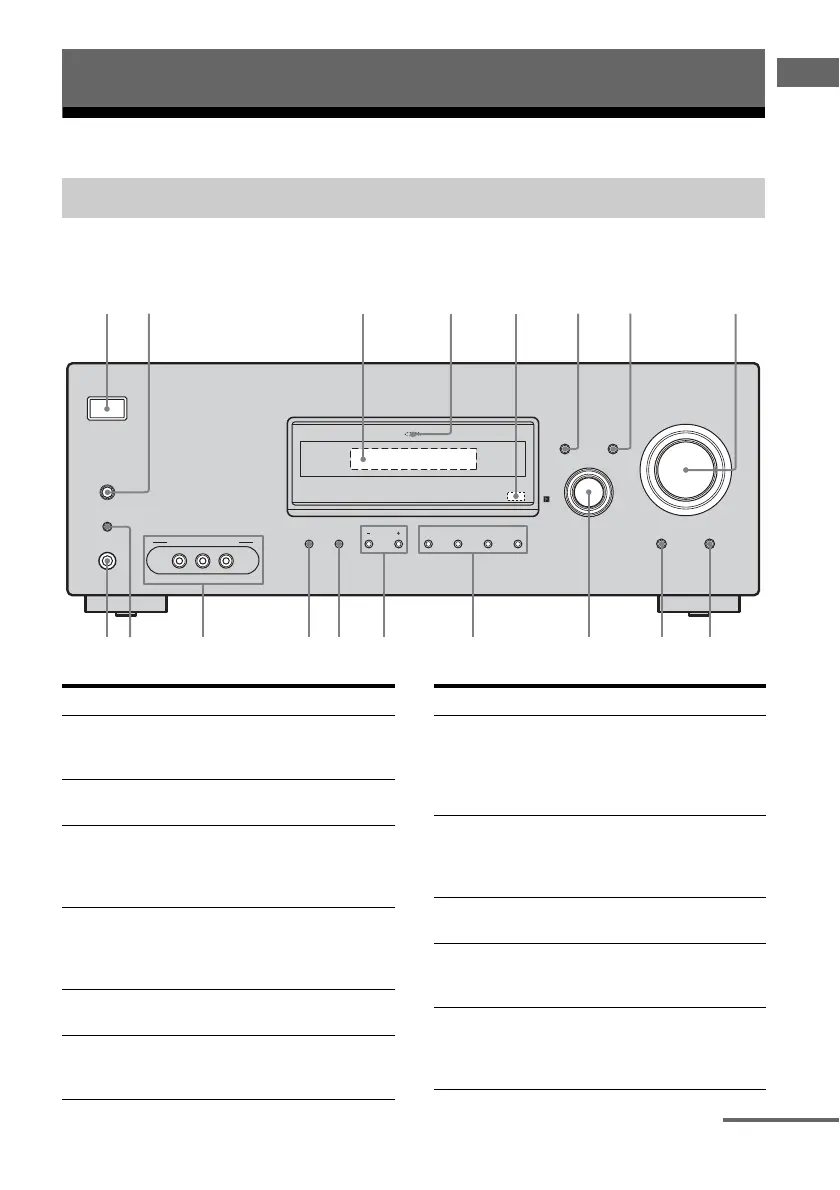
Description and location of parts
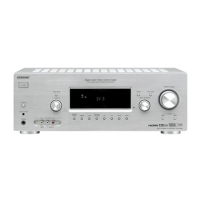
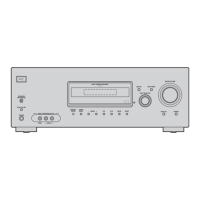
Front panel
Getting Started
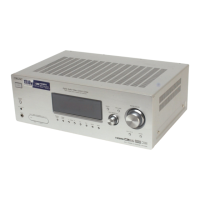
Receiver
?/1
AUTO CAL MIC
SPEAKERS
(OFF/A/B/A+B)
PHONES
VIDEO 3 IN/PORTABLE AV IN
VIDEO L AUDIO R
MEMORY/
ENTER
TUNING
MODE
TUNING 2CH A.F.D. MOVIE MUSIC
AUTO CAL MUTING
DISPLAY INPUT MODE
INPUT SELECTOR
MASTER VOLUME
MULTI CHANNEL DECODING
3 5
9
q;qaqk qdqfqgqhqj
12 8
6 74
qs
Name Function
A ?/1
(on/standby)
Press to turn the receiver on
or off (page 28, 37, 38, 54,
77).
B SPEAKERS
(OFF/A/B/A+B)
Press to select the front
speaker system (page 29).
C Display The current status of the
selected component or a
list of selectable items
appears here (page 7).
D MULTI
CHANNEL
DECODING
lamp
Lights up when multi
channel audio is decoded
(page 38).
E Remote sensor Receives signals from
remote commander.
F DISPLAY Press to select information
displayed on the display
(page 64).
Name Function
G INPUT MODE Press to select the input
mode when the same
components are connected
to both digital and analog
jacks (page 59).
H MASTER
VOLUME
Turn to adjust the volume
level of all speakers at the
same time (page 34, 35, 37,
38).
I MUTING Press to mute the sound
(page 35).
J AUTO CAL Press to activate the Auto
Calibration function
(page 30).
K INPUT
SELECTOR
Turn to select the input
source to playback (page
35, 37, 38, 55, 58, 59, 61,
63, 65).
continued


 To Next Page