8
GB
Sounds are played back enhanced with
sound effects and clarity of dialog.
Press NIGHT to display [N ON].
To inactivate the Night mode, press
NIGHT to display [N OFF].
The Voice mode helps make dialogs
clearer.
Press VOICE to display [V ON].
To inactivate the Voice mode, press
VOICE to display [V OFF].
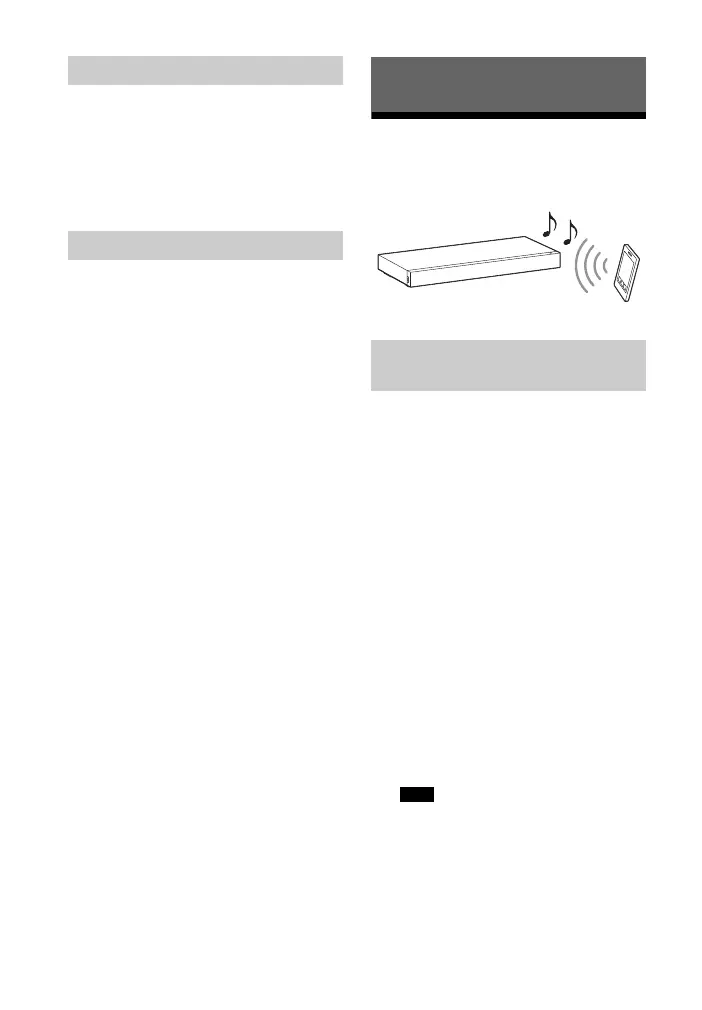
Listening to music from a
BLUETOOTH device
Pairing is the process required to create
a link between BLUETOOTH devices to
allow wireless connection. You must
pair a device with the system before you
start using the system.
Once BLUETOOTH devices are paired,
there is no need to pair them again.
1 Press PAIRING on the system.
The BLUETOOTH indicator (blue)
flashes quickly during BLUETOOTH
pairing.
2 Turn on the BLUETOOTH function
on the BLUETOOTH device, search
for devices and select “HT-XT100.”
If a Passkey is requested, enter
“0000.”
3 Make sure that the BLUETOOTH
indicator (blue) lights up.
• You can pair up to 8 BLUETOOTH
devices. If the 9th BLUETOOTH device
is paired, the least recently
connected device will be replaced by
the new one.
Setting the Night mode
Setting the Voice mode
BLUETOOTH Functions
Pairing this system with a
BLUETOOTH device
Note



 To Next Page