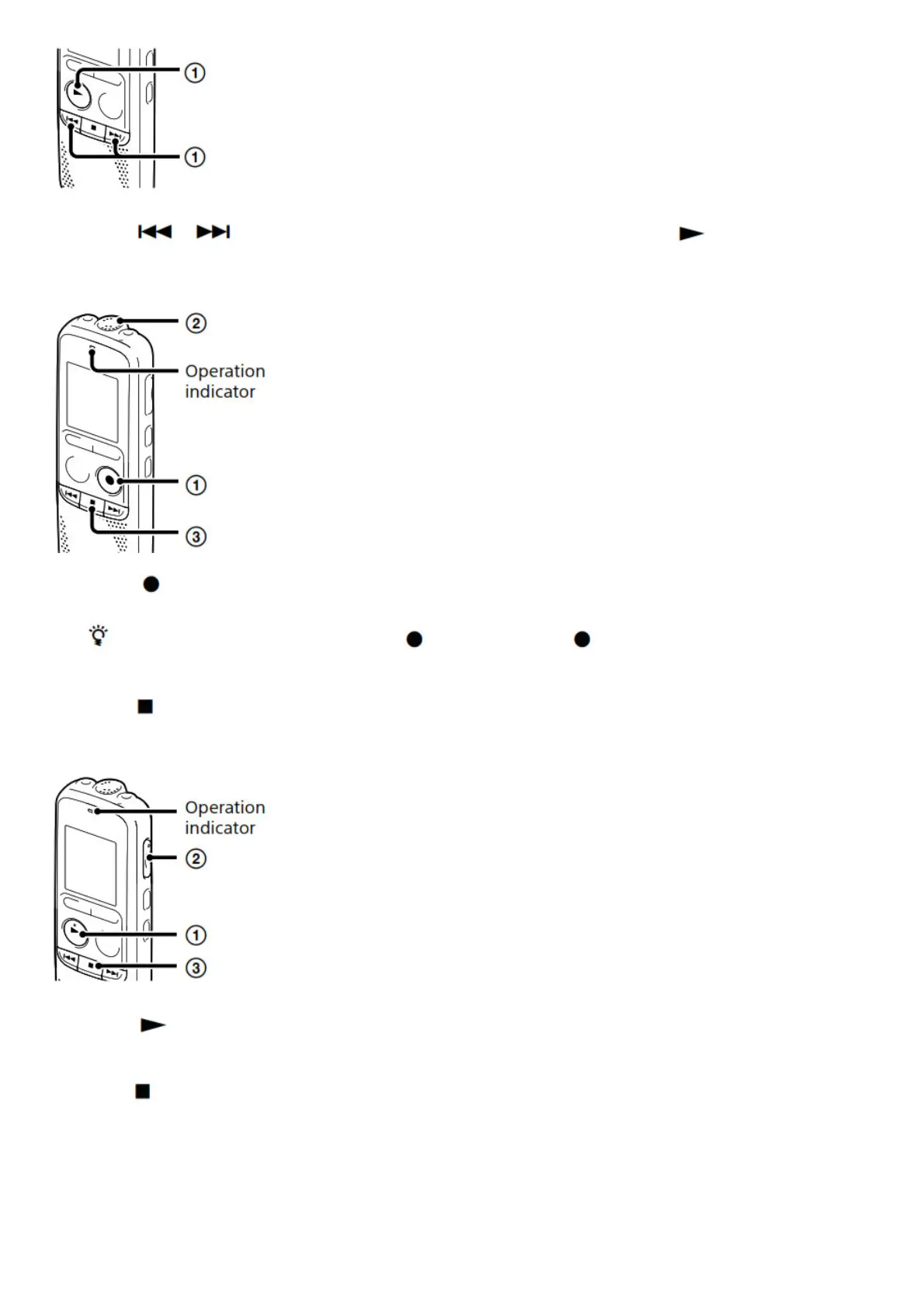
When you insert batteries and turn the power on, the year section begins to flash.
1. Press or to set the year (the last two digits of the year), and then press PLAY/ENTER. Repeat
this procedure to set month, day, hour, and minute in sequence.
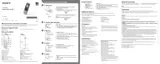
Record.
1. Press REC/PAUSE.
Recording starts and the operation indicator lights in red.
You can pause the recording by pressing REC/PAUSE. Press REC/ PAUSE again to restart the
recording.
2. Place the IC recorder so that the built-in microphone faces the direction of the source to be recorded.
3. Press (stop) to stop recording. “ACCESS” appears and the recording stops.
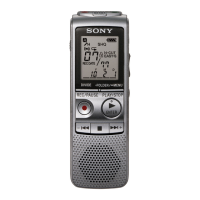
Listen.
1. Press PLAY/
Playback starts and the operation indicator lights in green.
2. Adjust the volume by pressing VOL –/+.
3. Press (stop) to stop playback.
Erase.


 To Next Page