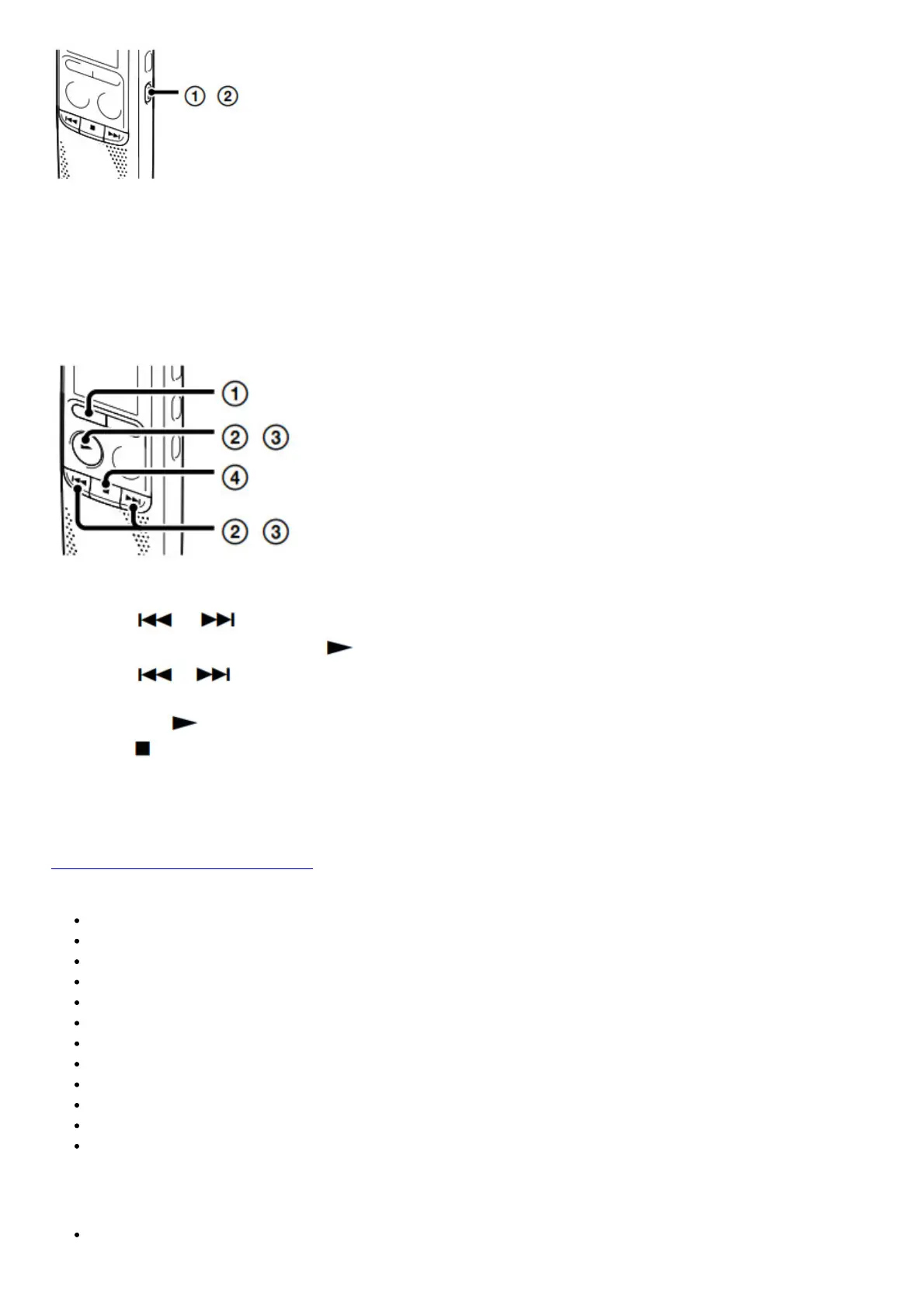
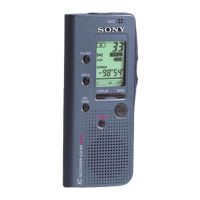
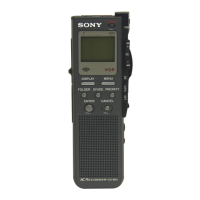
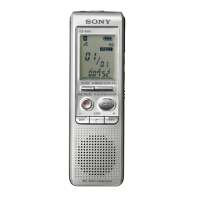
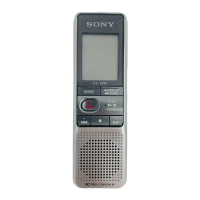
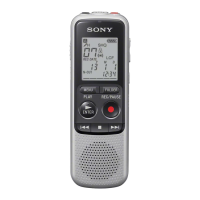
1. When the IC recorder is in the stop mode, press and holds ERASE.
When the IC recorder is in playback mode, press ERASE.
“ERASE” is displayed.
2. Press ERASE.
Using the menu
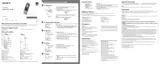
1. Press MENU.
2. Press or to select a menu item for which you want to
make the setting, and then press PLAY/ENTER.
3. Press or
4. to select the setting that you want to set, and
5. then press PLAY/ENTER.
6. Press (stop) to exit the menu mode.
Additional features
You can also view the help guide on the following Sony IC Recorder customer support home page:
http://rd1.sony.net/help/icd/b14/uc/
Details of these additional features for recording, playback, and editing are included in the help guide.
MODE (Recording mode)
SENS (Microphone sensitivity)
LCF (Low cut filter)
VOR (Voice Operated Recording)
REC-OP (Adding a recording)
DPC (Digital Pitch Control)
N-CUT (Noise cut)
EASY-S (Easy search)
CONT (Continuous play)
LOCK (Protecting a file)
ALARM
DIVIDE (Dividing a file)
Precautions
On power
Operate the unit only on 3.0 V or 2.4 V DC.


 To Next Page