5
GB
Step 4: Setting the Clock
You need to set the clock to use the alarm
function or record the date and time.
When you insert a battery for the first time, or
when you insert a battery after the IC recorder has
been without a battery for more than 1 minute, the
“Set Date&Time” animation appears, and then the
year section begins to flash in the clock setting
display window.
Setting the clock after
recharging the battery
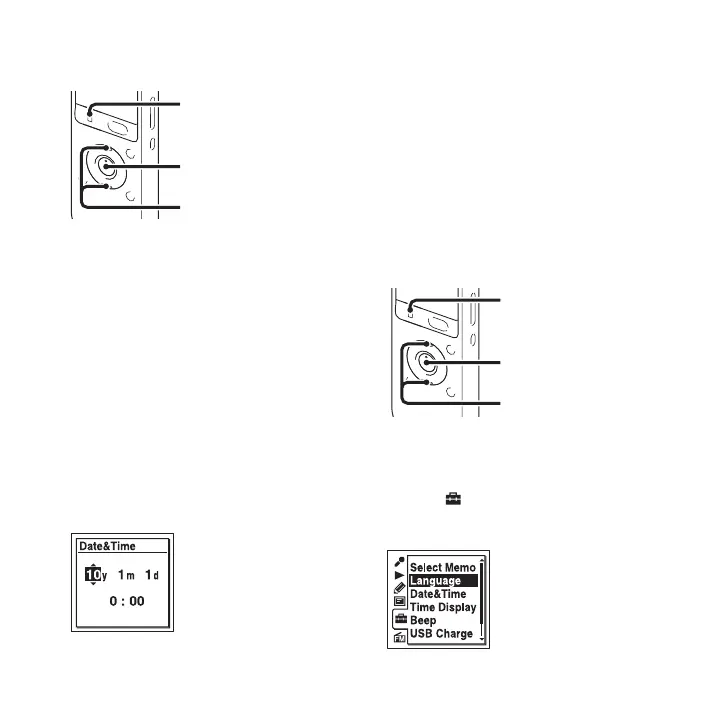
1 Press v or V on the control button to set the
year, month, day, hour, and minute in sequence,
and then press
N/ENT.
Select the last two digits of the year when you
set the year.
2 Press x STOP to return to the stop mode
display.
Setting the clock using the
menu
Refer to “Setting the clock using the menu”
(page 14 in “Operating Instructions”).
Step 5: Setting the
Language to Be Used in
the Display Window
You can select the language to be used for
messages, menus, folder names, file names, etc.
from 11 languages.
1 Select the (IC recorder setting) tab t
“Language” in the menu, and then press
N/
ENT.
x STOP
N/ENT
v, V
x STOP
N/ENT
v, V



 To Next Page