8
GB
Starting to record (Auto (AGC) recording)
To stop recording
Listening
Starting playback
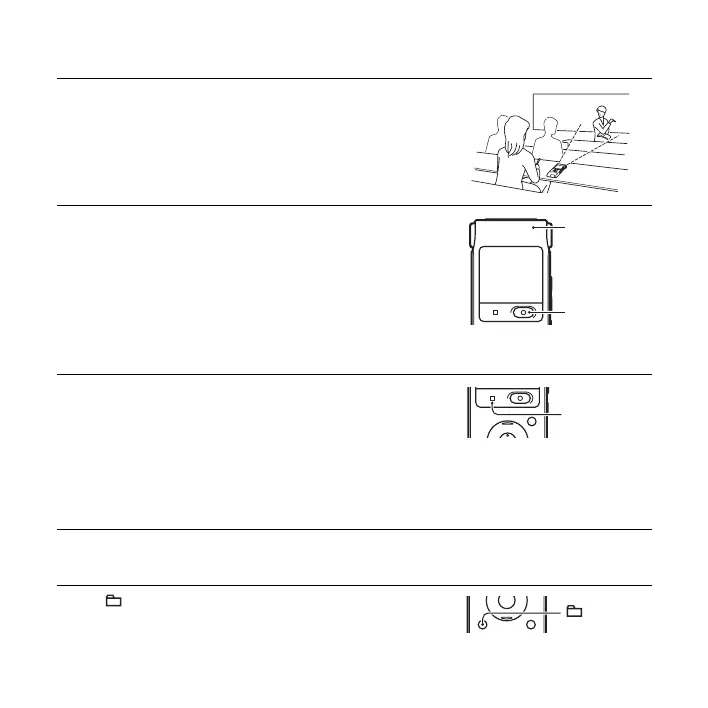
1 Place the IC recorder so that the built-in microphones face the
direction of the source to be recorded.
2 Press z REC/PAUSE in the stop mode.
The operation indicator lights in red.
You do not need to press and hold
z REC/PAUSE while
recording.
The new file will be automatically recorded after the last
recorded file.
1 Press x STOP.
The “Accessing...” animation appears and the IC recorder stops
at the beginning of the current recording file.
1 Slide the HOLD/POWER switch towards the center to release
the IC recorder from the HOLD status.
2 Press .
Operation
indicator
z
REC/PAUS
x STOP



 To Next Page