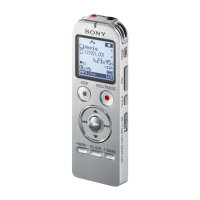
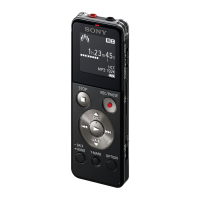
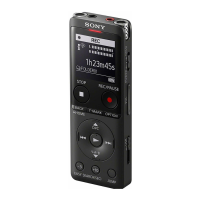
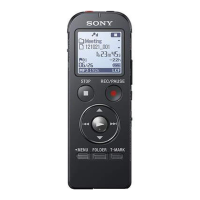
ICD-UX522F/UX523F
16
4-16. BATT LIFE
In this mode, the result measured with the battery life measure-
ment fi rmware can be displayed.
Procedure:
1. Enter the test mode.
2. Press the [
>
] or [
.
] keys to select the “BATT LIFE”, and
press the [
N
/ENTER] key.
3. The result measured with the battery life measurement fi rm-
ware is displayed.
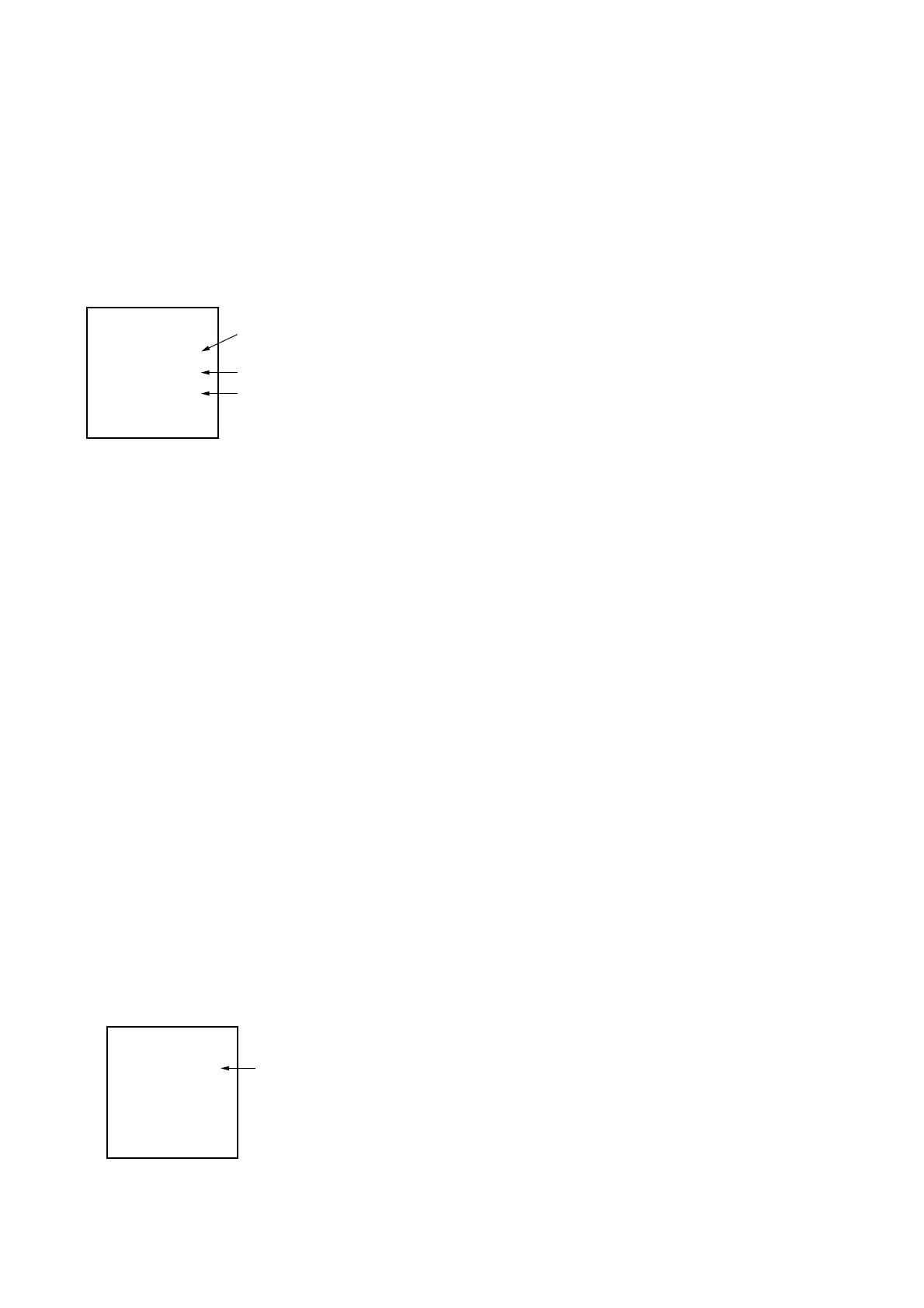
<BATT LIFE>
---- REC 0 Lv1
YY/MM/DD
HH/MM/SS
LCD Display
Hours/minutes/seconds
Year/months/days
Recording mode/
Recording and
playback type/
Battery level
Recording mode:
Recording mode of the fi le recorded or played back at the time
of measurement is displayed.
(192/128/M160/M48/M8/LPCM/FM/FMREC/ST/STSP/
STLP/SP/LP etc.)
Recording and play back type:
The state at the time of measurement is displayed.
Battery level:
The battery life value is displayed. Value is changed by press-
ing the [
>
] or [
.
] keys.
Battery lebel: LV1= 100%
LV2= 50%
LV3= 25%
LV4= >25%
LV5= 0%
Releasing method:
Press the [STOP/
x
] key, return to test mode menu.
4-17. WRITER VER
Not used for the servicing.
4-18. CHG LOG
In this mode, the charge log saved at SRAM can be copied to
eMMC.
Procedure:
1. Enter the test mode.
2. Press the [
>
] or [
.
] keys to select the “CHG LOG”, and
press the [
N
/ENTER] key.
3. The charge log saved at SRAM is copied to eMMC.
<CHG LOG>
Success
LCD Display
Result Indication
Releasing method:
Press the [STOP/
x
] key, return to test mode menu.
4-19. LREC LOG
Not used for the servicing.
4-20. LREC LOG Clear
Not used for the servicing.
4-21. MENU INIT
In this mode, this unit can return to the factory shipment settings.
Procedure:
1. Enter the test mode.
2. Press the [
>
] or [
.
] keys to select the “MENU INIT”, and
press the [
N
/ENTER] key.
3. Initialization of this unit is performed.
“Success” is displayed, and this unit reboots.


 To Next Page