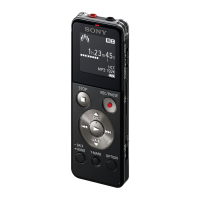
ICD-UX522F/UX523F
3
ABOUT THE BOARDS REPLACING
When the boards installed in this unit are defective, exchange the
complete mounted board.
However J301 and J302 on the MAIN board are exchangeable.
Refer to “EXPLODED VIEWS” (page 17).
ABOUT THE FIRMWARE REWRITING WHEN REPLAC-
ING THE MAIN BOARD
When the MAIN board of this unit is replaced, perform processing
according to the following procedure.
Precaution
The contents which are not opened to customers are included
in the following procedure. After you are cautious of handling of
information, execute work under the suffi cient administration.
1. About the preparing of tools
Download the tools used by this work from the homepage of TISS.
When the tools cannot be confi rmed by TISS, confi rm to the ser-
vice headquarters.
2. Operation procedure
Procedure:
1. Connect this unit to the PC.
2. Copy the “ICX-0417.UPG” fi le to this unit.
3. Remove this unit from the PC, this unit is rebooted automati-
cally.
4. Connect this unit to the PC.
5. Unzip the model setting fi le to get folder. Open the folder and
choose the folder which suits the following conditions out of it.
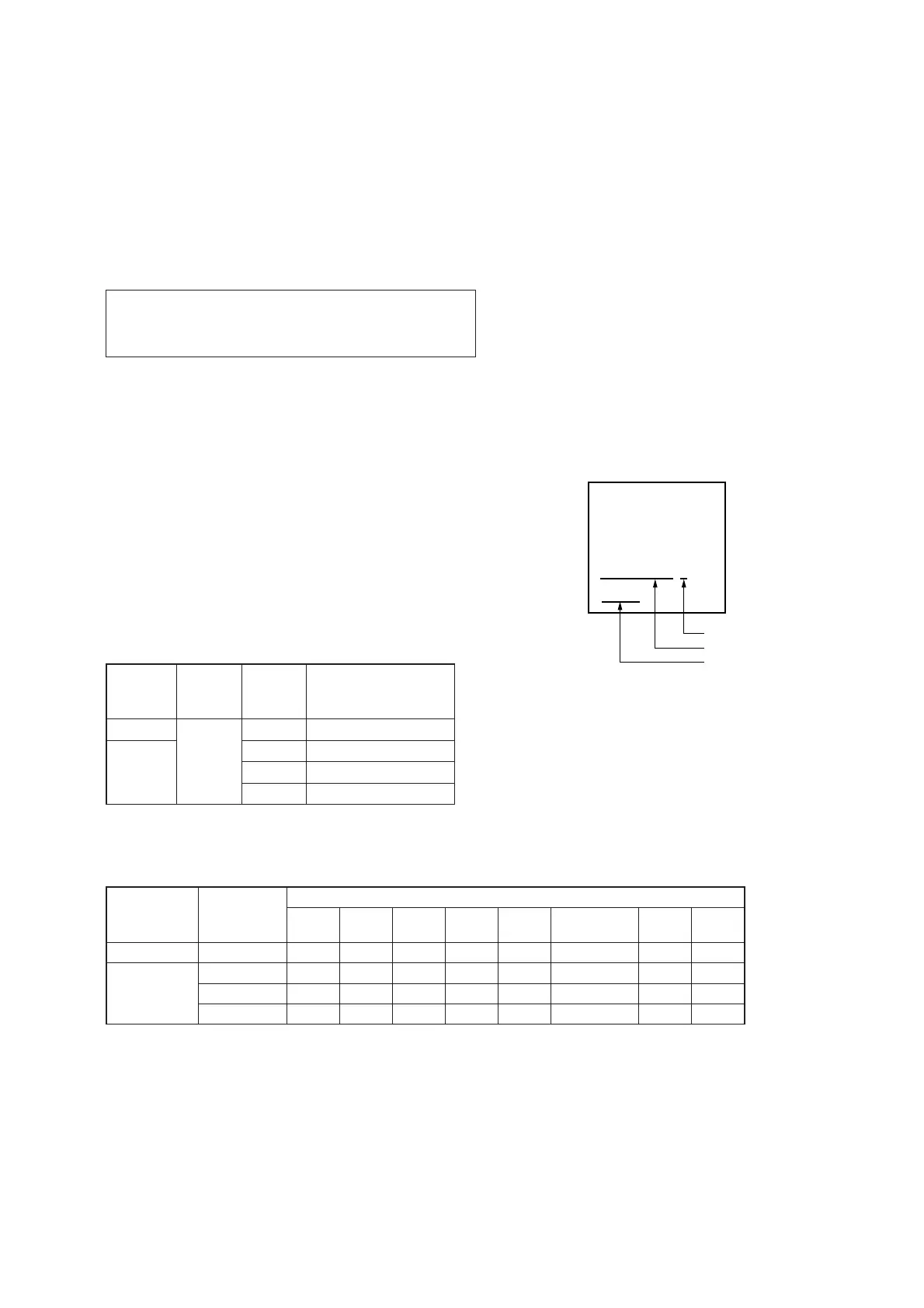
Folder selection condition
Built-in
memory
Capacity
FM
function
Desti-
nation
Folder name
2GB
exists
Chinese ICD-UX522F_CN
4GB
E ICD-UX523F_E
Korean ICD-UX523F_KR3
Chinese ICD-UX523F_CN
6. Copy the “DEVINFO.UPG” fi le included in the folder selected
at step 5 to this unit.
7. Remove this unit from the PC, this unit is rebooted automati-
cally.
8. Slide the [DPC (SPEED CTRL)] switch to OFF.
9. While pressing the [STOP/
x
] and [VOL –] keys, slide the
[DPC (SPEED CTRL)] switch to ON.
10. The test mode menu is displayed, and enter the test mode. Re-
lease the [STOP/
x
] and [VOL –] keys.
11. Press the [
>
] or [
.
] keys to select the “MENU INIT”, and
press the [
N
/ENTER] key to enter the mode.
12. Initialization of this unit is performed. “Success” is displayed,
and this unit reboots.
13. Remove battery. Then, equip this unit with battery.
14. Slide the [POWER] switch to turn the power on.
15. Slide the [DPC (SPEED CTRL)] switch to OFF.
16. While pressing the [STOP/
x
] and [VOL –] keys, slide the
[DPC (SPEED CTRL)] switch to ON.
17. The test mode menu is displayed, and enter the test mode. Re-
lease the [STOP/
x
] and [VOL –] keys.
18. Confi rm the fi rmware version, model name and destination.
<SERVICE MENU>
ICD-UX523F/E
1.00.01
Example of Display
Destination
Model name
Firmware version
19. Remove battery to release the test mode.
Model Destination
Color
Silver Pink Blue Violet White
Champaign
Gold
Black Red
ICD-UX522F Chinese
zz z z
ICD-UX523F
E
zzzzz z zz
Chinese
zzz
Korean
zz z
COLOR VARIATION


 To Next Page