EasyManua.ls Logo

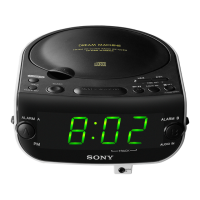
Sony ICF-CD833 - Additional Features and Precautions; Doze Function; Powerful Bass

Sony ICF-CD833
12 pages
Print Icon
To Next Page IconTo Next Page
To Previous Page IconTo Previous Page
Loading...
Note
When
you
use
the
radio
alarm,
preset
the
station
you
want
for
the
alarm
in
MEMORY
PRESETS
button
1, as
the
preset
1
station
is
the
wake
up
station.
Example:
To
set
AM
1260
kHz
in
MEMORY
PRESETS
button
2.
1.
Tune
in
the
AM
1260
kHz
(see
“Manual
Tuning”).
2.
Press
TRACK/ENTER/CLOCK.
P
(preset)
indication
flashes.
3.
Keep
TRACK/ENTER/CLOCK
pressed
and
MEMORY
PRESETS
button
2
while
P
is
flashing.
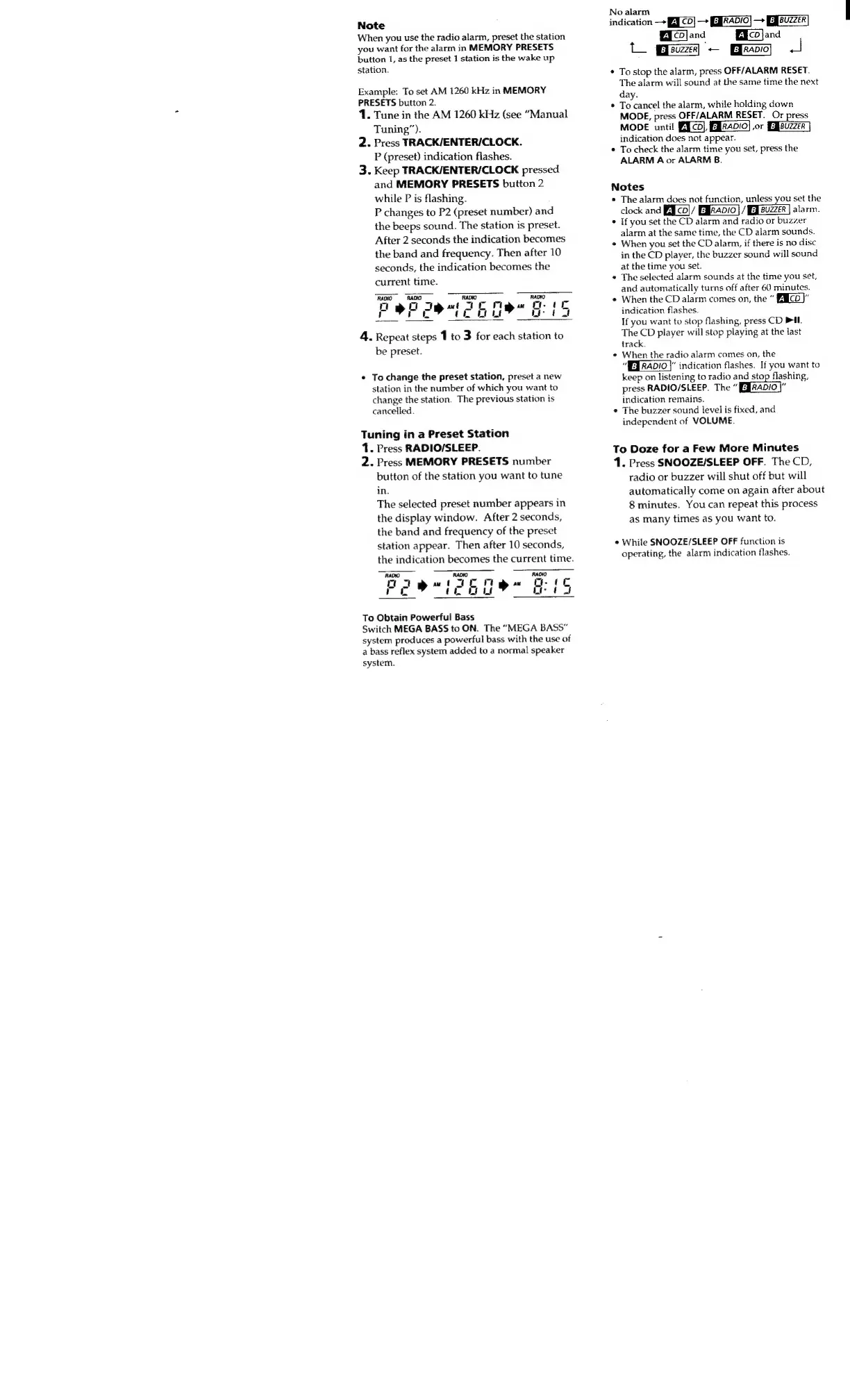
P
changes
to
P2
(preset
number)
and
the
beeps
sound.
The
station
is
preset.
After
2
seconds
the
indication
becomes
the
band
and
frequency.
Then
after
10
seconds,
the
indication
becomes
the
current
time.
RADIO
RADIO
RADIO
RADIO
O
bO
Ibu
ICM
mete
E
Td
Sats
eh
ae
a
4.
Repeat
steps
1
to
3
for
each
station
to
be
preset.
s
To
change
the
preset
station,
preset
a
new
station
in
the
number
of
which
you
want
to
change
the
station.
The
previous
station
is
cancelled.
Tuning
in
a
Preset
Station
1.
Press
RADIO/SLEEP.
2.
Press
MEMORY
PRESETS
number
button
of
the
station
you
want
to
tune
in.
The
selected
preset
number
appears
in
the
display
window.
After
2
seconds,
the
band
and
frequency
of
the
preset
station
appear.
Then
after
10
seconds,
the
indication
becomes
the
current
time.
RADIO
RADIO
RADIO
C
frien)
(TE
n
G.
1
DO
610
bURE"
Ea
To
Obtain
Powerful
Bass
Switch
MEGA
BASS
to
ON.
The
“MEGA
BASS”
system
produces
a
powerful
bass
with
the
use
of
a
bass
reflex
system
added
to
a
normal
speaker
system.
No
alarm
indication
CO]
F00)
B
od
Ma
E
-
fal
e
To
stop
the
alarm,
press
OFF/ALARM
RESET.
The
alarm
will
sound
at
the
same
time
the
next
day.
Tessa
the
alarm,
while
holding
down
MODE,
press
OFF/ALARM
RESET.
Or
press
MODE
until
PICO),
ERRADO]
or
indication
does
not
appear.
To
check
the
alarm
time
you
set,
press
the
ALARM
A
or
ALARM
B.
Notes
s
The
alarm
does
not
function,
unless
you
set
the
clock
and
A
|
cd]/
Ekana]
/
Buzzer
|
alarm.
If
you
set
the
CD
alarm
and
radio
or
buzzer
alarm
at
the
same
time,
the
CD
alarm
sounds.
When
you
set
the
CD
alarm,
if
there
is
no
disc
in
the
CD
player,
the
buzzer
sound
will
sound
at
the
time
you
set.
The
selected
alarm
sounds
at
the
time
you
set,
and
automatically
turns
off
after
60
minutes.
When
the
CD
alarm
comes
on,
the
ELCT"
indication
flashes.
If
you
want
to
stop
flashing,
press
CD
Pil.
The
CD
player
will
stop
playing
at
the
last
track.
When
the
radio
alarm
comes
on,
the
“FET
RADIO
|"
indication
flashes.
If
you
want
to
keep
on
listening
to
radio
and
stop
flashing,
press
RADIO/SLEEP.
The
Gaba):
indication
remains.
The
buzzer
sound
level
is
fixed,
and
independent
of
VOLUME.
To
Doze
for
a
Few
More
Minutes
1.
Press
SNOOZE/SLEEP
OFF.
The
CD,
radio
or
buzzer
will
shut
off
but
will
automatically
come
on
again
after
about
8
minutes.
You
can
repeat
this
process
as
many
times
as
you
want
to.
e
While
SNOOZE/SLEEP
OFF
function
is
operating,
the
alarm
indication
flashes.

Related product manuals