3
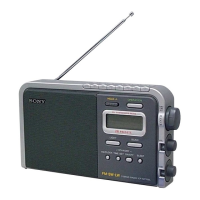
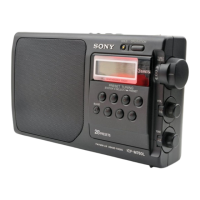
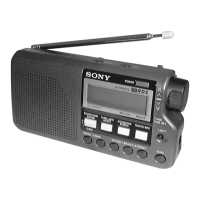
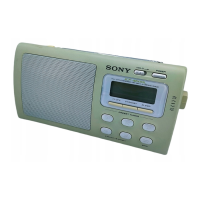
ICF-M410L
This section is extracted
from instruction manual.
SECTION 1
GENERAL
*
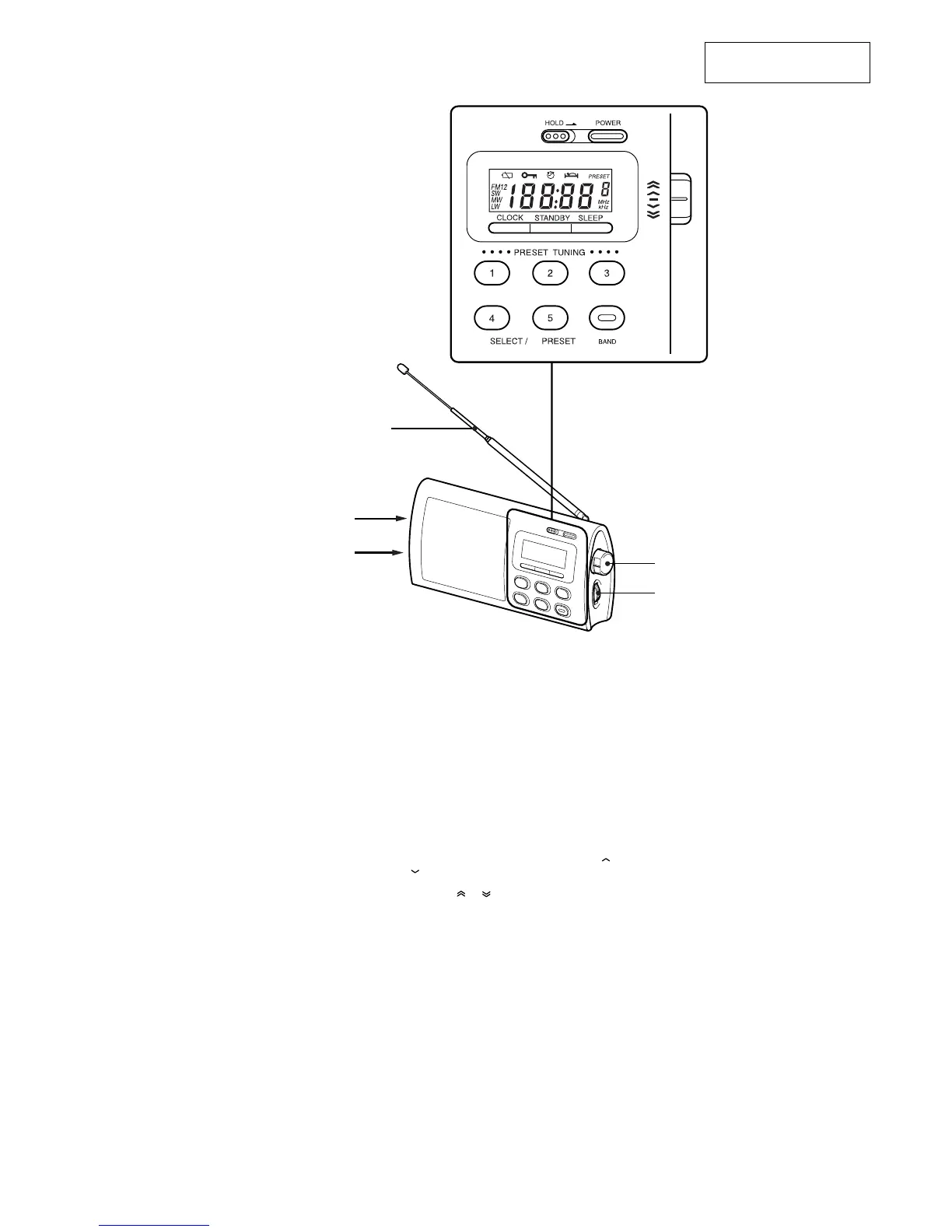
Telescopic Antenna
TUNE/TIME SET
VOL
DC IN 4.5V
v jack
Setting the Clock
The display will flash “0:00” when the batteries are
installed or the AC power adaptor is plugged in for
the first time.
The clock can be adjusted when the radio is off.
1 To stop flashing of the display, press
CLOCK (mb/CLOCK for ICF-M410S).
2 While holding down CLOCK, turn
TUNE/TIME SET to set the clock to the
current time.
When you turn the control knob a little to or
, the clock digits move forward or back one
by one, and when you turn the control knob
further to
or , the clock digits move
rapidly.
When you release CLOCK, the clock starts
operating, and “:” starts flashing.
24-hour system : “0:00” = midnight, “12:00” =
noon


 To Next Page