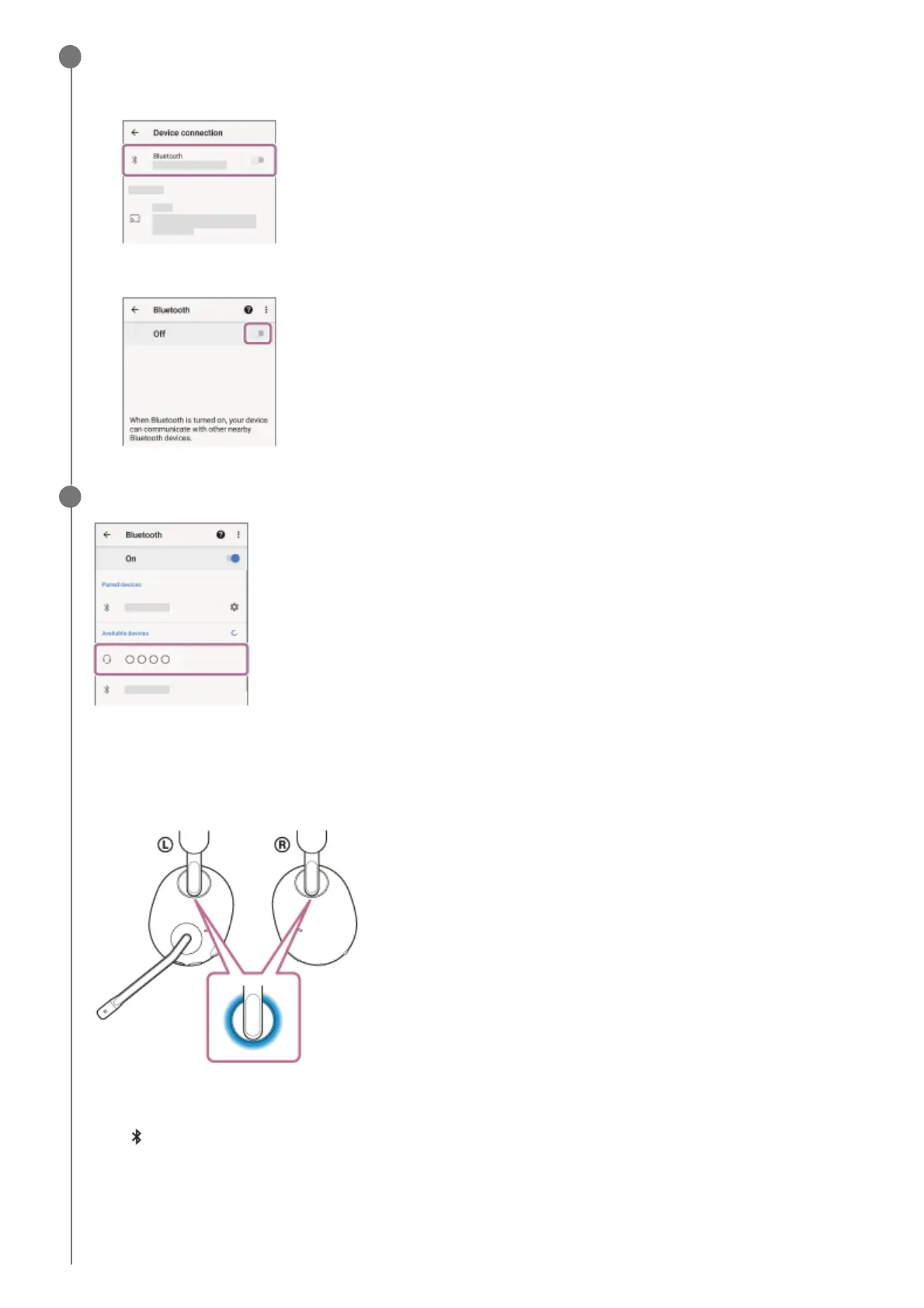
Display the devices paired with the Android smartphone.
3
Select [Settings] - [Device connection] - [Bluetooth].
1.
Touch the switch to turn on the Bluetooth function.
2.
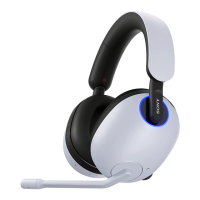
Touch [INZONE H9 / INZONE H7].
You will hear a notification sound indicating that the connection is established.
INZONE H9:
The left and right ring indicators (blue) change to a slow flashing.
INZONE H7:
The
(Bluetooth) indicator (blue) flashes quickly for about 5 seconds, then changes to a slow flashing.
4


 To Next Page