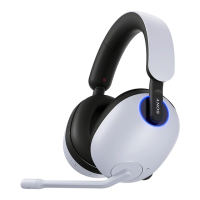
INZONE H7:
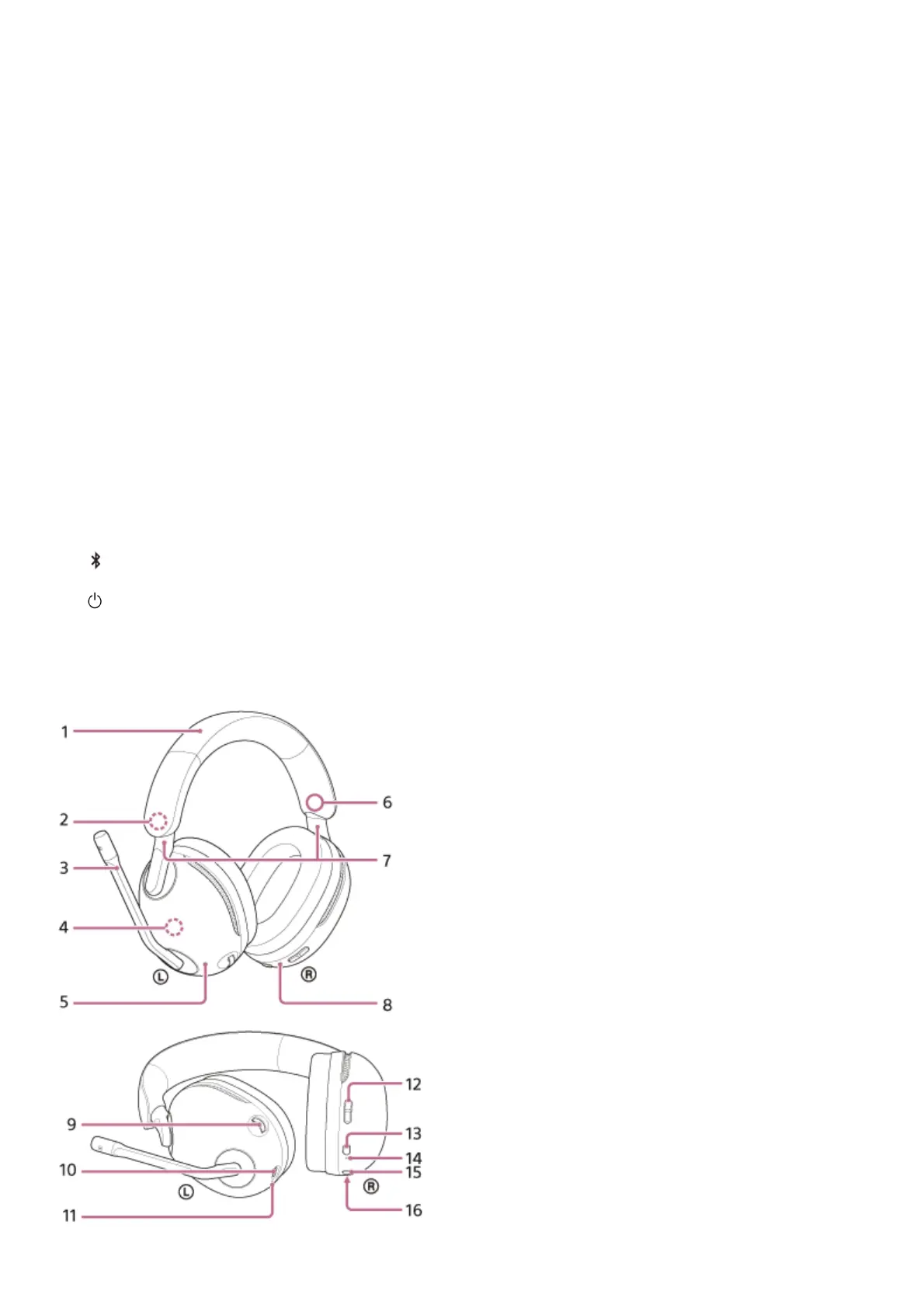
Sliders (left, right)
Slide to adjust the length of the headband.
7.
Right unit8.
Ring indicators (left, right) (blue or white)9.
NC/AMB (noise canceling/Ambient Sound Mode) button10.
VOL (volume) –/+ dial
There is a tactile dot on the + side.
11.
Noise canceling function microphones (left, right)
Pick up the sound of the noise when the noise canceling function is in use.
12.
USB Type-C port
Connect the headset to a computer, or to an AC outlet via a commercially available USB AC adaptor, with the
supplied USB Type-C cable to charge the headset.
13.
Charging indicator (orange)
Lights up or flashes in orange to indicate the rechargeable battery and charging status.
14.
GAME/CHAT (game/chat balance) button
You can adjust the volume balance between the game sound and voice chat.
15.
(Bluetooth) button16.
(power) button17.
Headband1.


 To Next Page