i-Manual online
Print Font Size
How to Use i-Manual
“BRAVIA” TV Features
Watching TV
Settings/Home Menu
Using Other
Equipment/Internet
Parts Description
Troubleshooting
Bookmarks
Index
i-Manual online map
Top Page > How to Use i-Manual
How to Use i-Manual
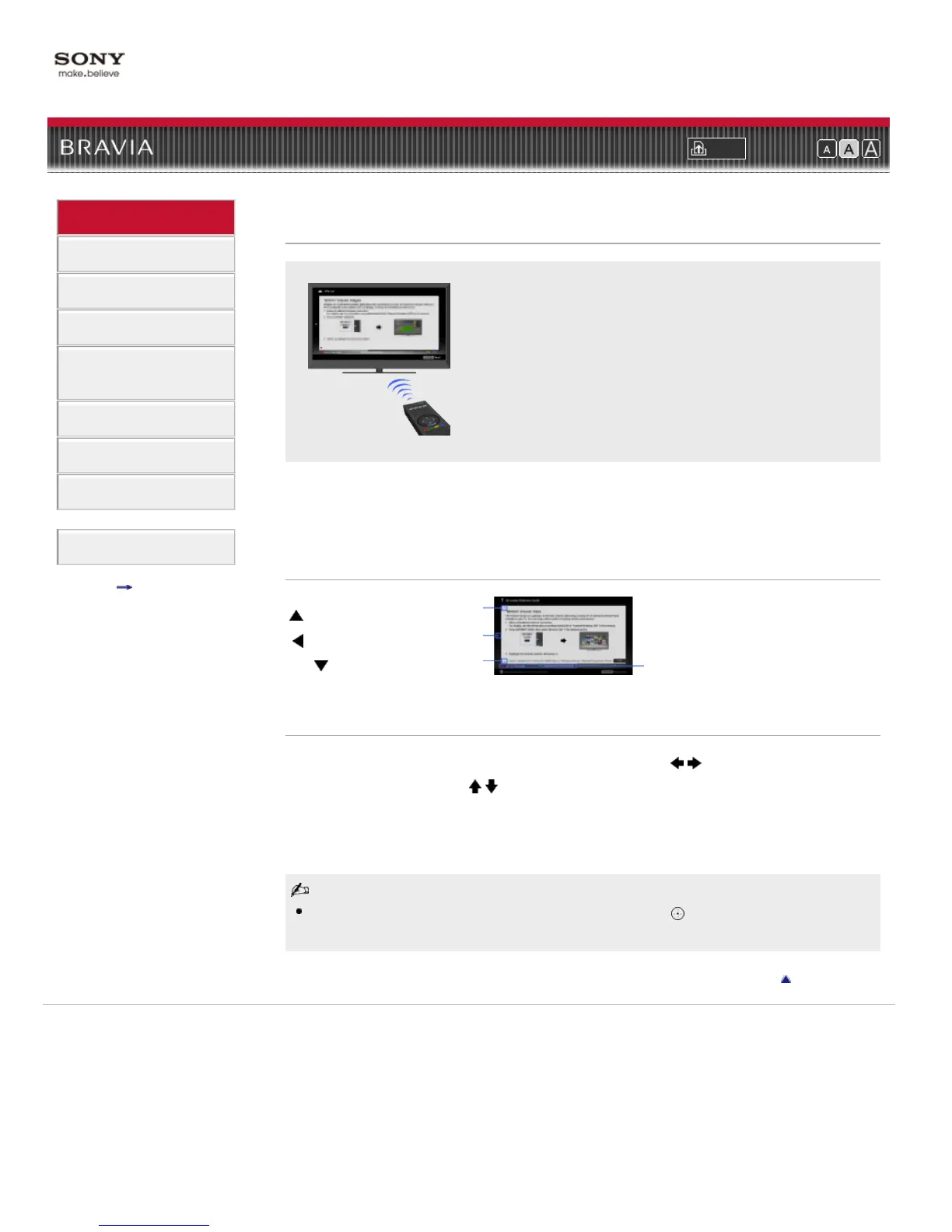
Displays the on-screen instruction manual (this manual).
Displays the on-screen instruction manual (this manual).
Please review the Setup Guide (Operating Instructions) accompanying this television for
important information on usage.
Indicators on the i-Manual screen
i-Manual operations
To return to the previous layer/proceed to the next layer, press / .
To step through pages, press
/ .
To jump to the top page of i-Manual, press the corresponding color button.
To bookmark the page/remove bookmark, press the corresponding color button.
To operate the TV or change settings, press i-MANUAL to exit i-Manual.
Some features can be started directly from the i-Manual. Press to start the feature when [Use
this feature] is displayed at the bottom of the screen.
Return to Top
Copyright 2011 Sony Corporation
: Previous page indicator
: Previous layer indicator
: Next page indicator
Color button operation indicator


 To Next Page