Need help?
Do you have a question about the Sony KV-24FV300 and is the answer not in the manual?
Essential safety warnings to prevent hazards like electric shock and fire.
Information regarding FCC compliance and potential interference with radio communications.
Instructions for safe installation, avoiding objects, liquids, and environmental hazards.
Guidelines against self-servicing and ensuring correct replacement parts are used.
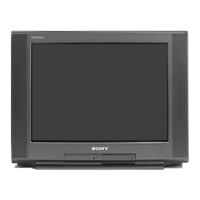
Highlights key technological advancements and user benefits of the WEGA TV model.
Identifies and describes the purpose of various input/output jacks on the TV's rear panel.
Illustrates how to connect the TV to an antenna or CATV cable using different cable types.
Guide to connecting VCRs, DVD players, satellite receivers, camcorders, and headphones.
Step-by-step guide to perform Auto Program for channel setup and scanning.
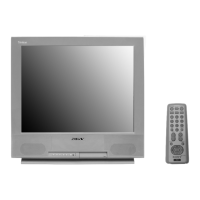
Detailed explanation of each button's function on the Sony RM-Y180 remote control.
Instructions on how to display, navigate, and exit the TV's on-screen menu system.
Adjusting picture settings (contrast, brightness, color) and audio settings (treble, bass, balance).
Managing channels, favorite channels, and setting up parental control and content ratings.
Setting the current time, programming timers, and configuring system options like language and captions.
Guide to programming the remote control to operate Sony and non-Sony video equipment using codes.
Solutions for common TV problems like no picture, no sound, color issues, and reception problems.
Technical details including screen size, power requirements, inputs/outputs, and dimensions.


 To Next Page


 General