Adjustment Using the Menus
34
[Serial Remote]
[Controller] menu is available when the menu is
displayed via BKM-16R or BKM-17R. (Only when
BKM-16R or BKM-17R is connected with the Peer to
Peer connection or Single connection.)
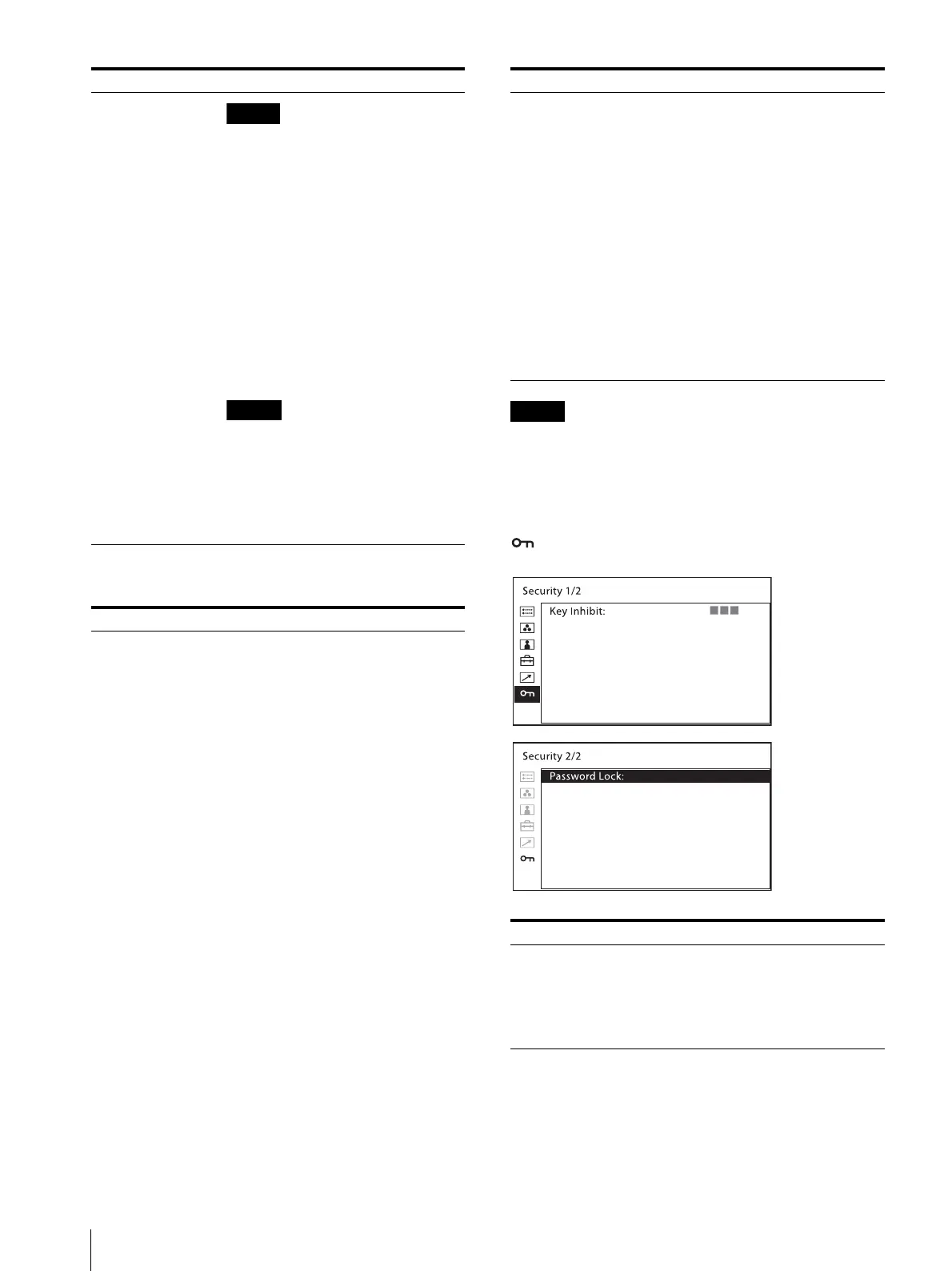
[Security] menu
If you use the parallel remote
function, you need to connect
cables. For more details, see page 11.
Set [Marker] (page 27) in [Marker
Setting] to [On] to control the aspect
marker and center marker.
[Forced Tally] The tally lamp function is forcibly
assigned to 7 pin and 8 pin of the
PARALLEL REMOTE connector.
Selecting [On] assigns tally lamp green
to 7 pin and tally lamp red to 8 pin.
[Off]: The tally lamp function is
not forcibly assigned.
[On]: Forcibly assigns the tally
lamp function.
When [Off] is selected, any listed
functions can be assigned to 7 and 8
pins. Selecting [On] with any function
other than the tally lamp assigned to 7
and 8 pins will ignore this setting, and
the tally lamp is forcibly assigned to 7
and 8 pins instead.
Submenu Setting
[Serial Remote] Selects the mode to be used.
[Off]: The serial remote does not
function.
[On]: The serial remote functions.
[Update]: Select to update the
software of this product. After
the update is complete or when
the power is turned off, the
product returns to the mode it
was in before [Update] was
selected.
[Monitor] Sets the monitor setting.
[Monitor ID]: Sets the ID of the
monitor.
[Group ID]: Sets the group ID of the
monitor.
[IP Address]: Sets the IP address.
[Subnet Mask]: Sets the subnet mask.
([255.255.255.000])
[Default Gateway]: Sets the default
gateway [On] or [Off].
[Address]: Sets the default
gateway.
[Cancel]: Selects to cancel the setting.
[Confirm]: Selects to save the setting.
Submenu Setting
[Controller] Sets the address of the remote
controller.
[IP Address]: Sets the IP address.
[Subnet Mask]: Sets the subnet mask.
([255.255.255.000])
[Default Gateway]: Sets the default
gateway [On] or [Off].
[Address]: Sets the default
gateway.
[Cancel]: Selects to cancel the setting.
[Confirm]: Selects to save the setting.
[Connection] Sets the connection of the monitor and
the controller.
[LAN]: for connection via a
network
[Peer to Peer]: for one to one
connection
Submenu Setting
[Key Inhibit] You can lock the setting so that they
cannot be changed by an unauthorized
user. Select [On] or [Off].
If you set to [On], all items are
displayed in black, indicating the items
are locked.
Submenu Setting



 To Next Page