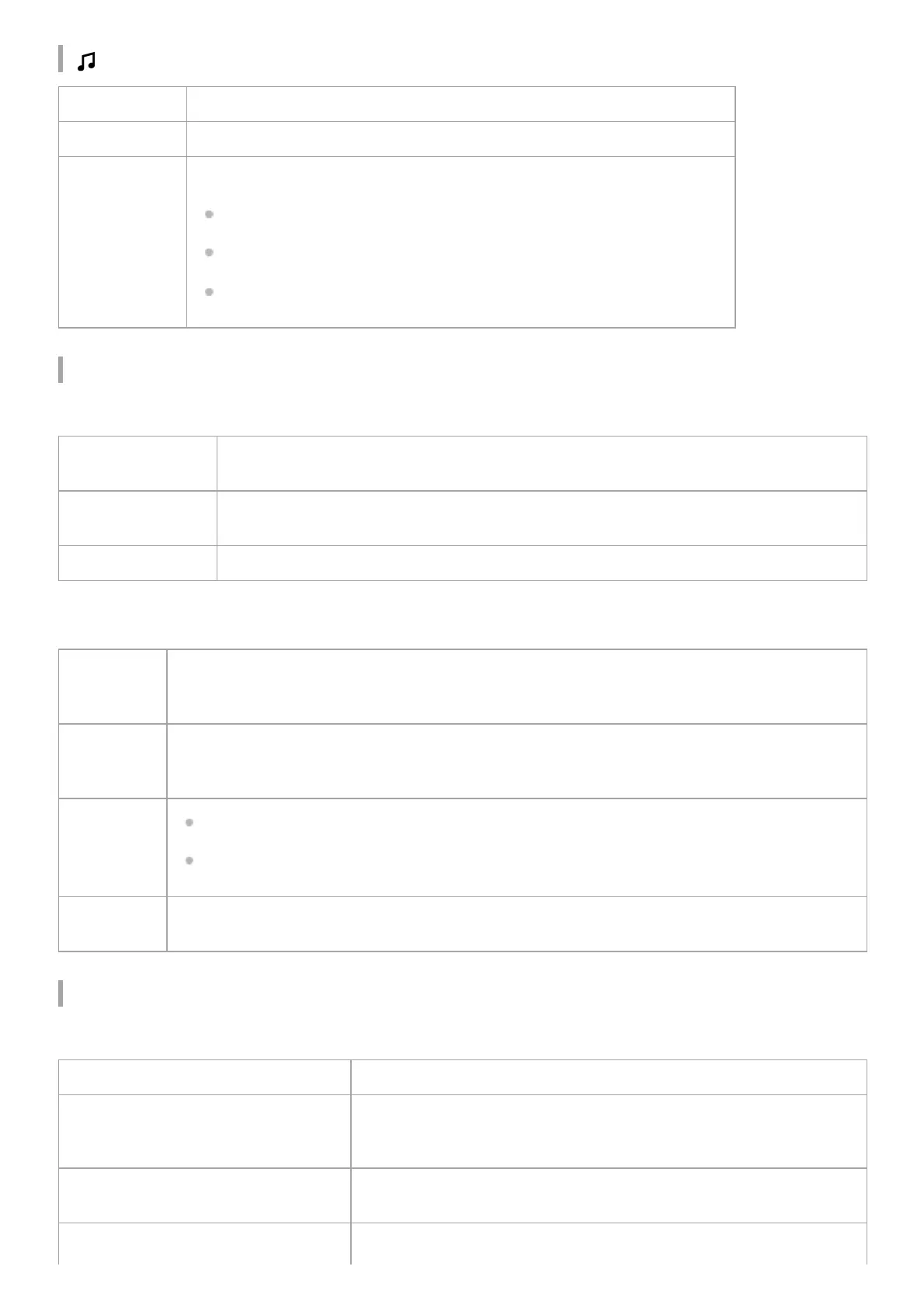
(Push & Play) indicator
BLUETOOTH indicator
When connecting to a BLUETOOTH device
When using the Speaker Add function
Network indicator
When connecting to Wi-Fi
Lights up (white) The Spotify Connect function is being used to play back music via Push & Play.
Flashes (white) Registering to Favorite music was successful.
Flashes (red)
If there is also an error sound, consider the following.
The Spotify Connect function has never been used
The speaker is not connected to Wi-Fi
The Spotify Connect function cannot be used
Quickly flashes
(white)
The speaker has entered pairing mode. Perform the pairing procedure on the BLUETOOTH
device.
Slowly flashes
(white)
The speaker is automatically starting to connect to the BLUETOOTH device that was last
connected.
Lights up (white) The speaker is connected to a BLUETOOTH device.
Quickly
flashes
(orange)
The speaker has finished the Speaker Add connection and is waiting to be paired with a
BLUETOOTH device. Perform the pairing procedure on the BLUETOOTH device.
Slowly
flashes
(orange)
A Speaker Add connection is starting with the LSPX-S2.
Lights up
(orange)
The speaker is being used in double mode.
The speaker is being used in stereo mode (left (L) channel).
Lights up
(red)
The speaker is being used in stereo mode (right (R) channel).
Turns off The speaker is not connected to Wi-Fi.
Lights up (white)
The speaker is connected to Wi-Fi.
The Spotify Connect function is not being used.
Lights up (green)
The speaker is connected to Wi-Fi and the Spotify Connect function is
being used.
Slowly flashes (white, The Wi-Fi function is off.



 To Next Page