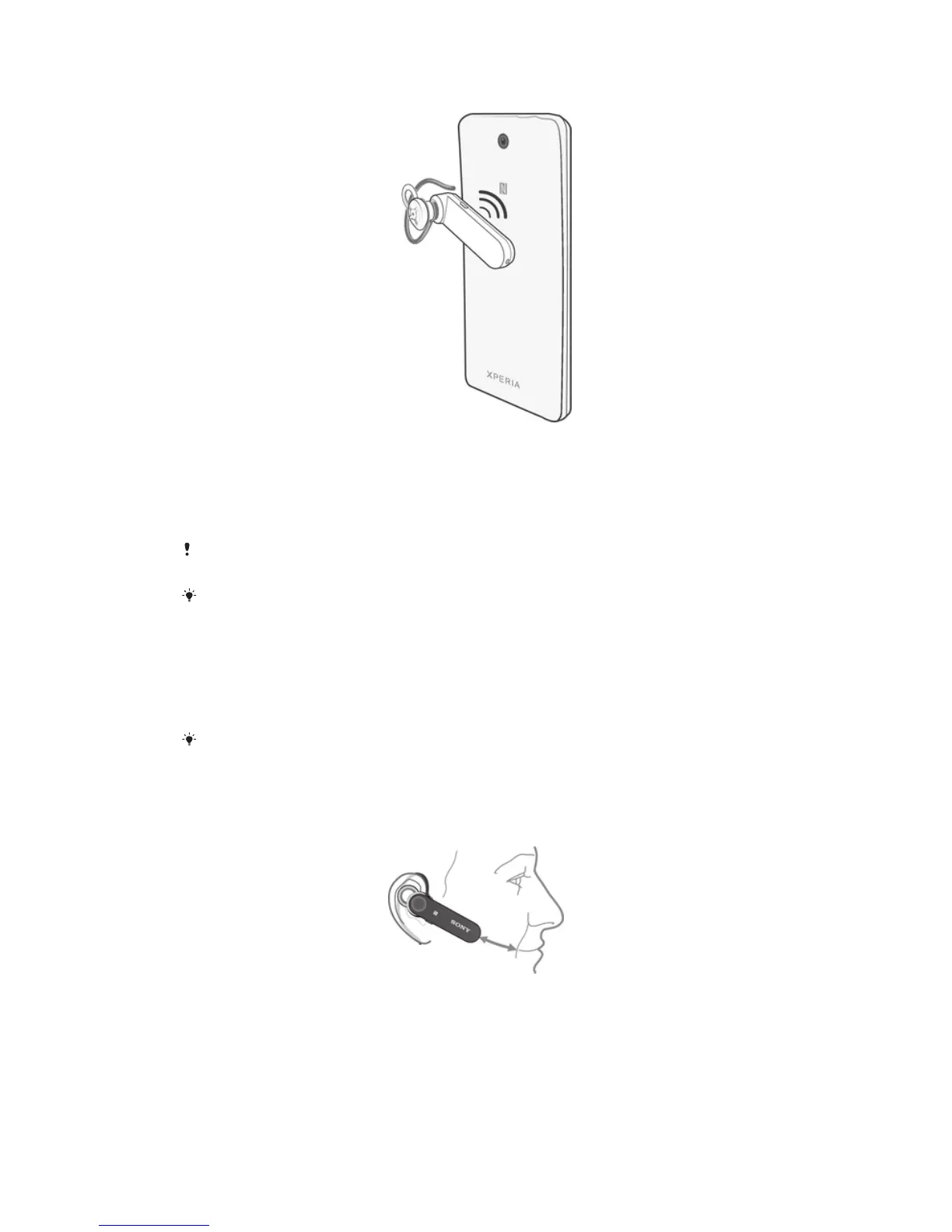
To automatically pair your headset with a Bluetooth™ device
1
Make sure that the Bluetooth™ device has the NFC function turned on and
that the screen is active and unlocked.
2
Place the Bluetooth™ device over your headset so that the NFC detection area
of each device touches the other.
3
Follow the pairing instructions that appear on the Bluetooth™ device. If a
passcode is required, enter "0000".
The device used in this illustration is for illustration purposes only and may not accurately
depict the actual device used.
You can pair your headset with a compatible device using NFC even when the headset is
turned off.
Adjusting the volume
To change the call volume
•
During a call, press the Volume key.
You hear a slightly longer, higher-pitched beep when the volume reaches the maximum level.
After the volume reaches the maximum level, the volume goes down if you keep pressing the
Volume key.
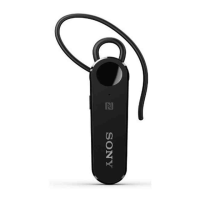
Wearing instruction
You can wear the headset with or without the ear hook, and on either the left or right
ear.
6
This is an Internet version of this publication. © Print only for private use.


 To Next Page