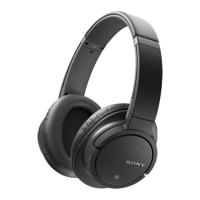
Call handling
To answer a call with the headset
•
When you hear an incoming call signal, press the Call key.
To end a call
•
During an ongoing call, press the Call key.
To reject a call
•
When you hear an incoming call signal, press and hold down the Call key.
To mute the microphone during a call
•
Press and hold down the Volume key.
When the microphone is muted, press and hold down the Volume key again to activate the
microphone.
To answer a second call
•
When you hear an incoming call signal during an ongoing call, press the Call
key. The ongoing call is put on hold.
To reject a second call
•
When you hear an incoming call signal during an ongoing call, press and hold
down the Call key.
To switch between two calls
•
Press and hold down the Call key.
7
This is an Internet version of this publication. © Print only for private use.


 To Next Page