Operation
17
GB
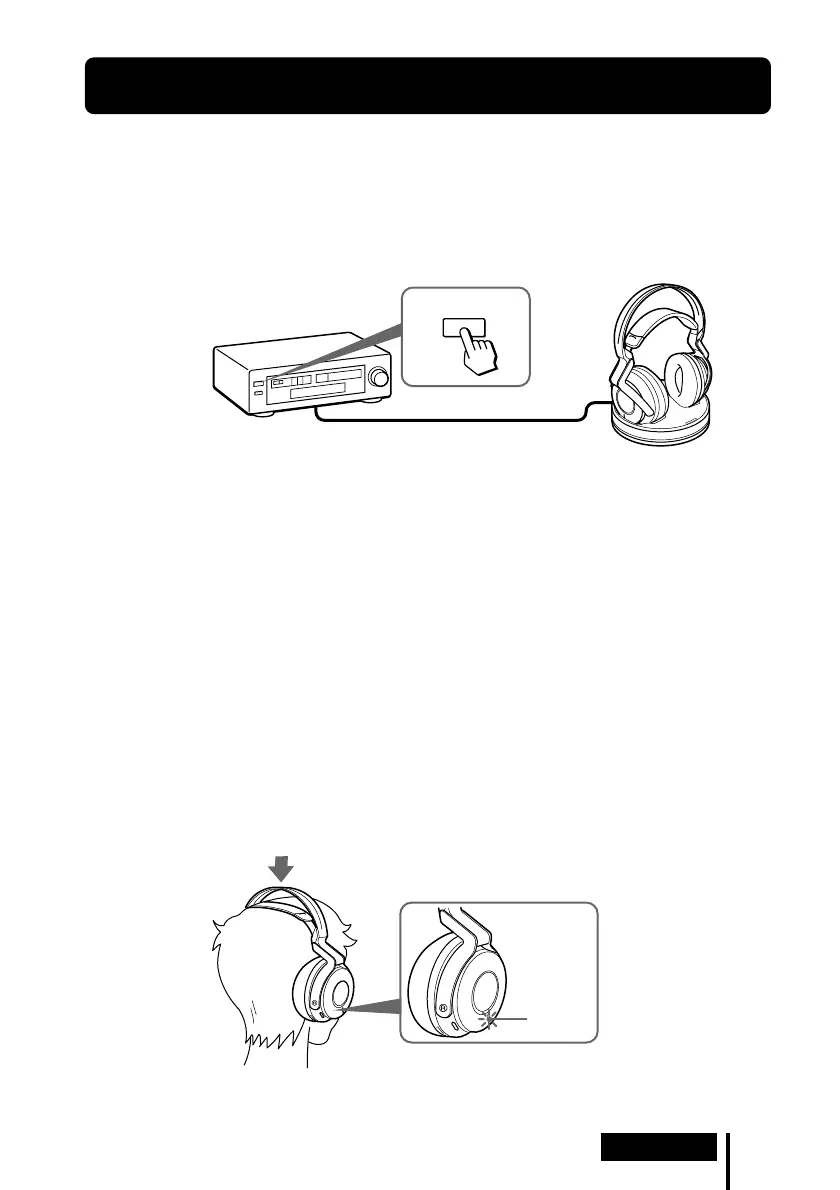
POWER
indicator
(Continued)
Listening to a Connected Component
Before starting, be sure to read “Connecting the
Headphone System” (pages 14 to 16) and make the proper
connections.
1 Turn on the component connected to the transmitter.
2 Remove the headphones from the transmitter.
The transmitter turns on automatically and the RF indicator blinks for about 5
seconds. The transmitter automatically detects the optimum frequency for
transmission according to your room conditions. The RF indicator lights up when
emission from the transmitter starts.
Signal transmission system
This unit employs a proprietary transmission system using 2.4 GHz frequency.
You can enjoy non-compressed sound with this wireless system.
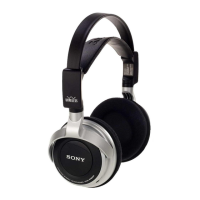
3 Put on the headphones.
The POWER indicator lights blue, and the headphones automatically turn on.
Be sure to match the right and left side of the headphones with your ears and
wear the headphones at the correct angle so that the Auto Power On/Off function
works correctly. Sound is heard from the headphones about 3 seconds after you
put on the headphones.
1 Operation
POWER
DVD device, digital satellite/TV
receiver, or other audio or video
component



 To Next Page