EasyManua.ls Logo

Sony MDS-E12 - Page 9

Sony MDS-E12
120 pages
Print Icon
To Next Page IconTo Next Page
To Previous Page IconTo Previous Page
Loading...
CHECKS
PRIOR
TO
PARTS
REPLACEMENT
AND
ADJUSTMENTS
Before
performing
repairs,
perform
the
following
checks
to
determine
the
faulty
locations
up
to
a
certain
extent.
Details
of
the
procedures
are
described
in
“4.
Electrical
Adjustments”.
Criteria
for
Determination
Measure
if
unsatisfactory:
(Unsatisfactory
if
specified
value
is
not
satisfied)
Laser
power
check
«
0.9
mW
power
¢
Clean
the
optical
pick-up
(See
page
57)
Specified
value
:
0.84
to
0.92
mW
¢
Adjust
again
¢
7.0
mW
power
¢
Replace
the
optical
pick-up
Specified
value
:
6.8
to
7.2
mW
lop
(at
7mW)
¢
Replace
the
optical
pick-up
¢
Labeled
on
the
optical
pickup
Top
value
+
10mA
¢
Unsatisfactory
if
displayed
as
T=@@
(###)
[NG”
_|*
Check
for
disconnection
of
the
circuits
around
NG
D101
(BD
board)
(@
@,
##
are
both
arbitrary
numbers)
¢
Check
the
signals
around
IC101,
IC151,
CN102,
CN103
(BD
board)
Note:
The
criteria
for
determination
above
is
intended
merely
to
determine
if
satisfactory
or
not,
and
does
not
serve
as
the
specified
value
for
adjustments.
When
performing
adjustments,
use
the
specified
values
for
adjustments.
FORCED
RESET
1.
The
mechanism
microprocessor
can
be
reset
in
the
following
procedure.
Use
the
following
procedure
when
the
unit
cannot
be
operated
normally
due
to
hang-up
and
others
of
microprocessor.
It
is
recommended.
to
use
the
forced
reset
in
the
case
when
test
mode
cannot
be
terminated
or
when
the
display
mode
that
causes
retry
cannot
be
terminated
or
when
the
unit
that
is
once
disassembled
but
the
unit
cannot
be
operated
normally
after
it
is
re-assembled
again.
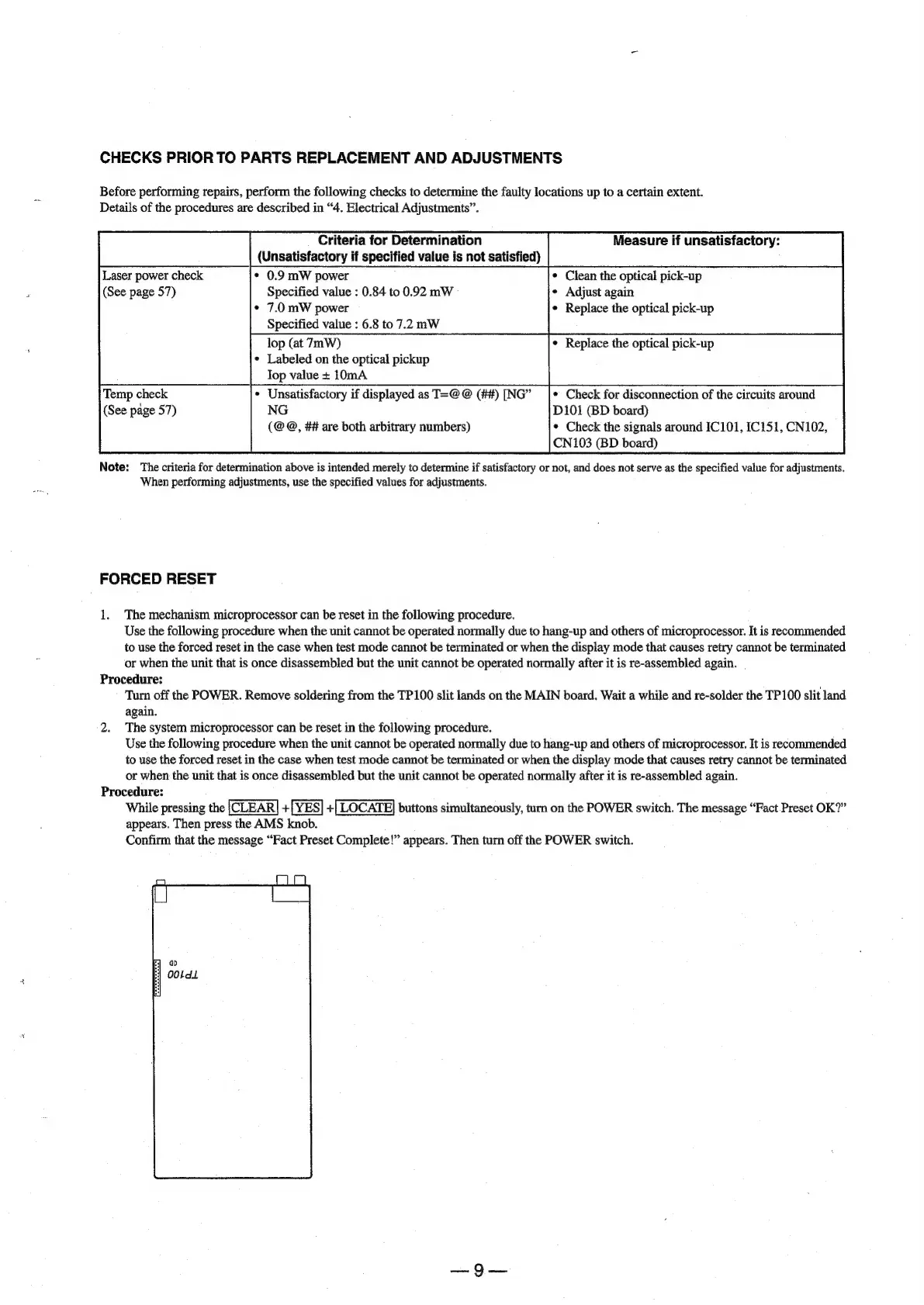
Procedure:
Turn
off
the
POWER.
Remove
soldering
from
the
TP100
slit
lands
on
the
MAIN
board.
Wait
a
while
and
re-solder
the
TP100
slit
land
again.
2.
The
system
microprocessor
can
be
reset
in
the
following
procedure.
Use
the
following
procedure
when
the
unit
cannot
be
operated
normally
due
to
hang-up
and
others
of
microprocessor.
It
is
recommended
to
use
the
forced
reset
in
the
case
when
test
mode
cannot
be
terminated
or
when
the
display
mode
that
causes
retry
cannot
be
terminated
or
when
the
unit
that
is
once
disassembled
but
the
unit
cannot
be
operated
normally
after
it
is
re-assembled
again.
Procedure:
While
pressing
the
[CLEAR]
+[YES]
+[
LOCATE]
buttons
simultaneously,
turn
on
the
POWER
switch.
The
message
“Fact
Preset
OK?”
appears.
Then
press
the
AMS
knob.
Confirm
that
the
message
“Fact
Preset
Complete!”
appears.
Then
turn
off
the
POWER
switch.

Other manuals for Sony MDS-E12

Related product manuals