MHC-EC59.GB.4-188-893-11(1)
16
GB
5
Press / repeatedly to select
a memory number.
Proceed to step 6 if only one memory
can be selected.
To cancel this operation, press .
6
Press ENTER.
Note on selecting the playback
source or transferring destination
You cannot select a memory during playback
or transferring. Make sure to select a memory
before starting playback or transferring.
Transferring music
from a disc to a USB
device
You can connect an optional USB device
to the (USB) port on the unit and
transfer music from a disc to the USB
device.
You can transfer music from a CD-DA
disc or MP3 disc only.
e audio format of les transferred by
this system is MP3.
e amount of free space required on the
USB device is about 1 MB per minute
when transferring music from a CD.
Required free space may be larger when
transferring music from an MP3 disc.
You can easily transfer all the music on
a disc to a USB device (CD SYNC). You
can also transfer a track or MP3 le that
is currently being played back (REC1).
1
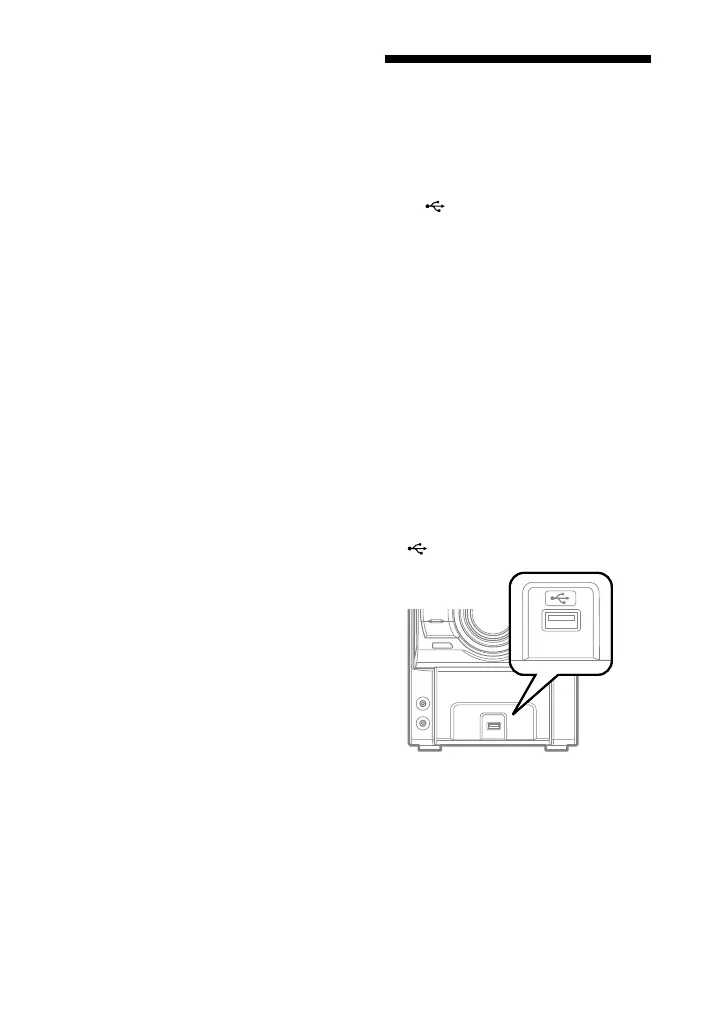
Connect the USB device to the
(USB) port.




 To Next Page