9
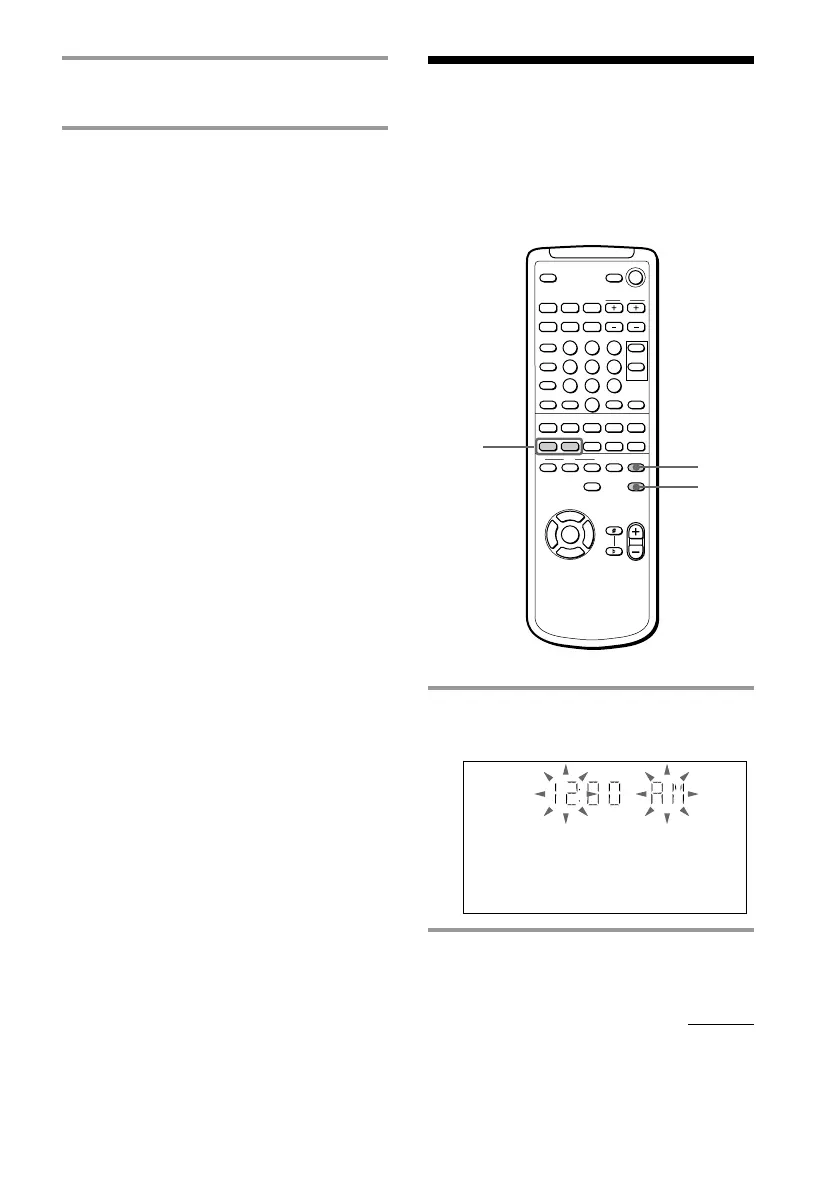
1 Press CLOCK/TIMER SET.
The hour indication flashes.
2 Press . or > repeatedly to set
the hour.
Step 3: Setting the
time
You must set the time before using the timer
functions.
NX x
xMm>.
nN
O
v
V
bB
X
1
3,5
2,4
3 Turn SATELLITE LEVEL to adjust
the satellite speakers volume.
Notes
• If you turn VOLUME (or press VOL +/– on the
remote) all the speaker volumes change.
• If you set the satellite amplifier to OFF, no sound
will come out from the satellite speakers.
• The indicator on the satellite amplifier will light
green when the main unit is powered on and will
light red when the main unit is on stanby mode.
continued



 To Next Page