Getting Started
9
Getting Started
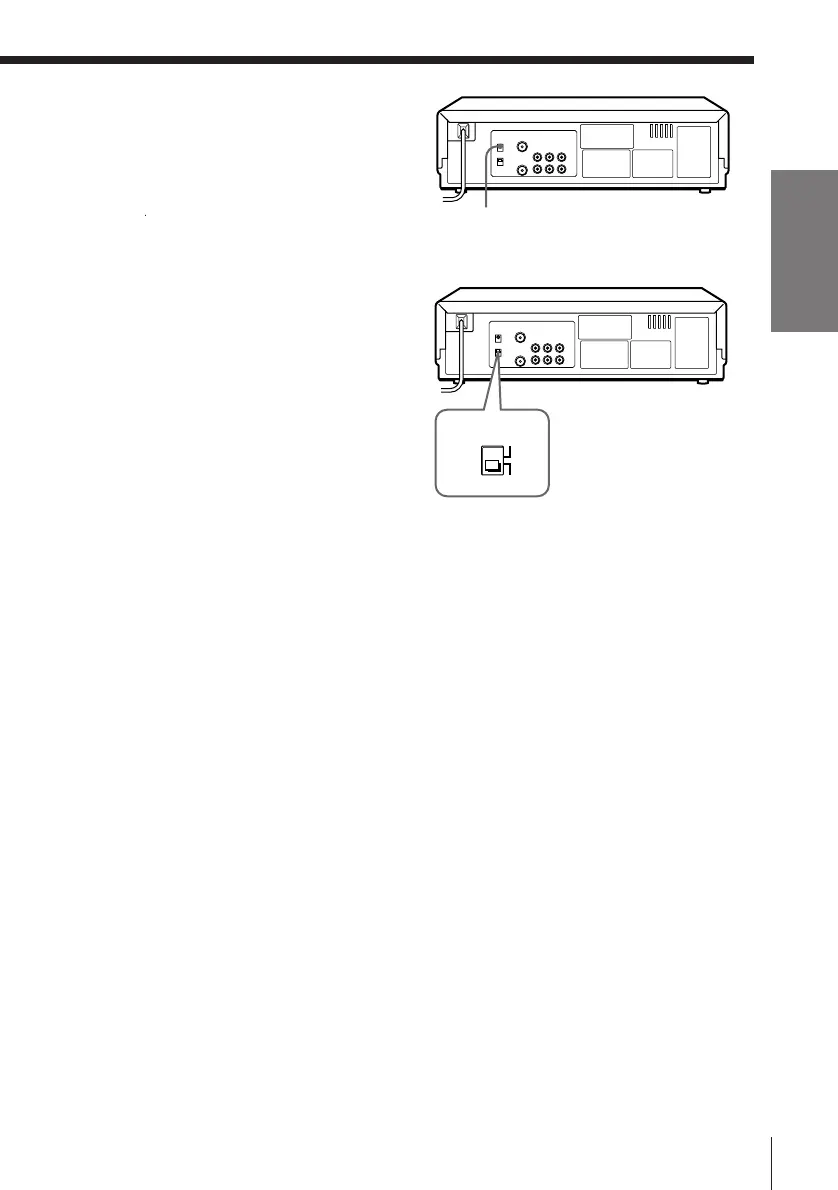
To obtain a clear playback
picture
If the playback picture does not
appear clearly in step 5 above,
turn the RF CHANNEL screw on
the rear panel of the unit with a
screwdriver to a position where
the TV clearly displays the playback picture.
To select the TV system
For your TV to receive the correct
signal from your unit, you must
set the TV SYSTEM switch on the
rear panel of the unit to either G
(for system B/G) or K (for system
D/K). If this switch is set to the
wrong position, the sound will be
distorted.
RF CHANNEL
TV SYSTEM
K
G





 To Next Page