Additional Information
13-US
BAdditional Information
Troubleshooting
Symptom
You cannot install the
USB driver software.
Memory Stick icon does
not appear in Explorer or
My computer.
(Windows)
Memory Stick icon does
not appear.
(Macintosh)
Cause/Solution
•The specified USB cable is not correctly
connected.
t Connect correctly. (page 15)
•Device other than this unit is connected
to the USB jack on the personal
computer.
t Disconnect the USB devices except
the keyboard and the mouse.
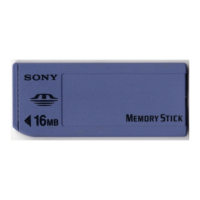
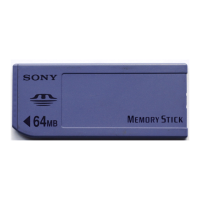
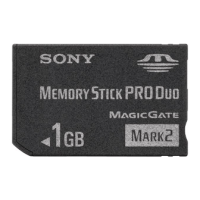
•“Memory Stick” is not in the unit.
t Insert “Memory Stick” into the unit.
•The connection between the personal
computer and the unit is not correct.
t Connect the cable correctly. (page 15)
•“Memory Stick” is not in the unit.
t Insert “Memory Stick” into the unit.
•The connection between the personal
computer and the unit is not correct.
t Connect the cable correctly. (page 15)
•“Memory Stick” is not in the unit.
t Insert “Memory Stick” into the unit.


 To Next Page