6-US
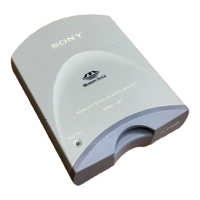
Parts identification
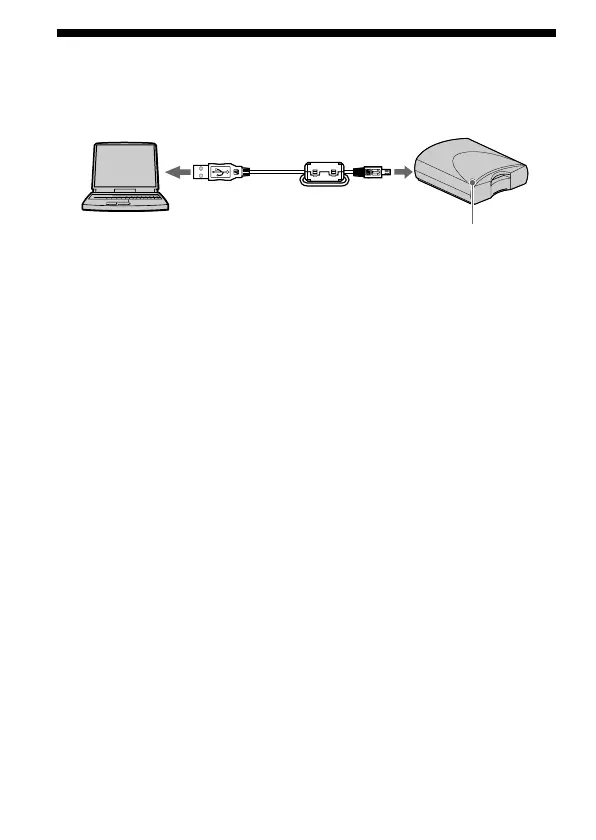
Connector A Connector B
Access lamp
•Connector A
Insert the connector (A) on the specified USB cable into the USB
connector on the personal computer (into any USB connector on the
personal computer if the personal computer has more than one USB
connector).
•Connector B
Insert the connector (B) on the specified USB cable into the USB jack on
this unit until it clicks into place.
PNote
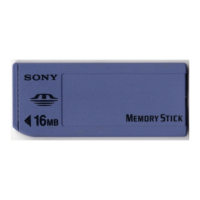
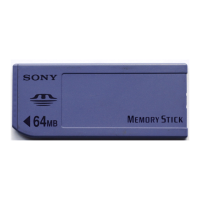
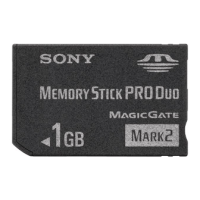
The access lamp lights when you access data on “Memory Stick”.
When the access lamp is lit, never remove the “Memory Stick”, turn off the
power of your personal computer or pull out the USB cable.


 To Next Page