8-US
BHow to use
For Windows
First, you must install the USB driver software in the package on the
personal computer you are using. Follow the procedure below to install
the USB driver software.
Installation
1 Turn on your machine to start up Windows 98.
2 Insert the USB driver software CD-ROM (supplied) into the CD-
ROM drive.
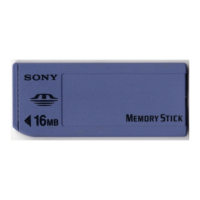
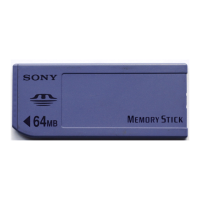
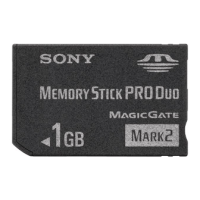
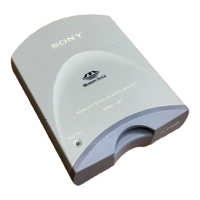
3 Insert “Memory Stick” into the unit, and connect the USB jack
on the personal computer to the USB jack on this unit using
the specified USB cable (supplied).
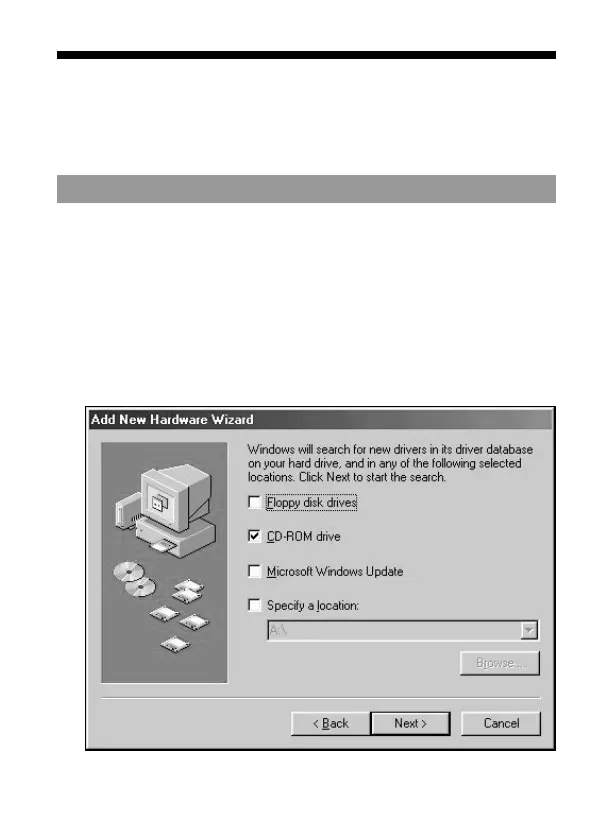
4 The Windows machine will recognize this unit, and Windows
98’s Add Hardware Wizard will start up.
5 Follow the on-screen instructions to specify the CD-ROM
drive, and install the USB driver software.


 To Next Page