How to use
9-US
How to use
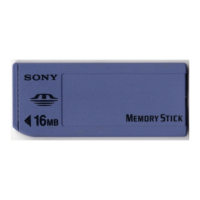
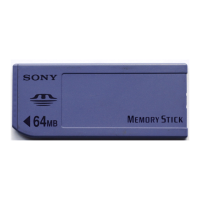
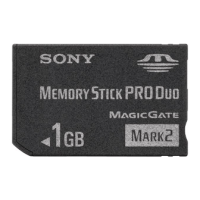
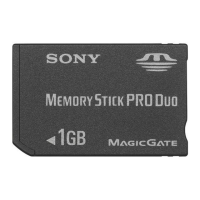
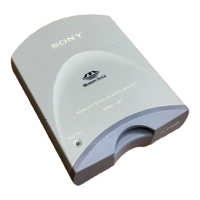
Insert “Memory Stick” into the unit, and open “Explorer” or “My
computer.”
Removable disk is newly set up so that you can access data on “Memory Stick.”
* Note that setting up the removable disk takes a while.
Removing “Memory Stick”
1 Close softwares such as Explorer running for this unit.
2 Make sure that the access lamp is not lit, then remove the
“Memory Stick.”
PNotes
• Insert “Memory Stick” into the unit before installing the USB driver software.
Otherwise you cannot install the software.
• The Add Hardware Wizard starts twice because two USB drivers are installed.
Do not cancel the installation midway, and complete the installation.
• When installing the USB driver software, other installation program may start.
If this happens, follow the instructions of the program.


 To Next Page