5-GB
Precautions on use
Pay attention to the following points when using this unit.
• If the body becomes dirty, wipe with a soft cloth. Never use benzine,
alcohol, paint thinner or other solvents. This unit may deform or
malfunction.
• The contents of data cannot be compensated if recording or playing back
is not made due to malfunctions such as “Memory Stick” error.
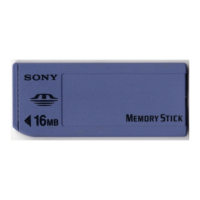
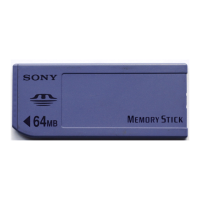
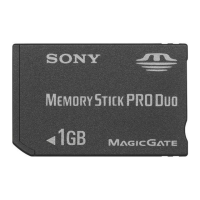
• To prevent recording or deletion of data on “Memory Stick” set the
“Memory Stick” write-protect switch to “LOCK.”
PNotes
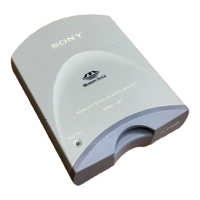
• The access lamp lights when you insert the “Memory Stick” into the unit.
This blinking indicates that the data on the “Memory Stick” is being
accessed. Never remove the “Memory Stick,” turn off the computer or
unplug the USB cable while the access lamp is blinking. Doing so may
damage the data on the “Memory Stick.”
• When disconnecting the USB cable, do not hold it by its cable; hold it by its
connector.



 To Next Page