To Set Up Your Dial-up Connection
The first time you turn your computer on, follow these steps to set up your dial-up connection:
1.
Click Start from the Windows taskbar and select All Programs.
2.
Point to Accessories, point to Communications, and then click New Connection Wizard.
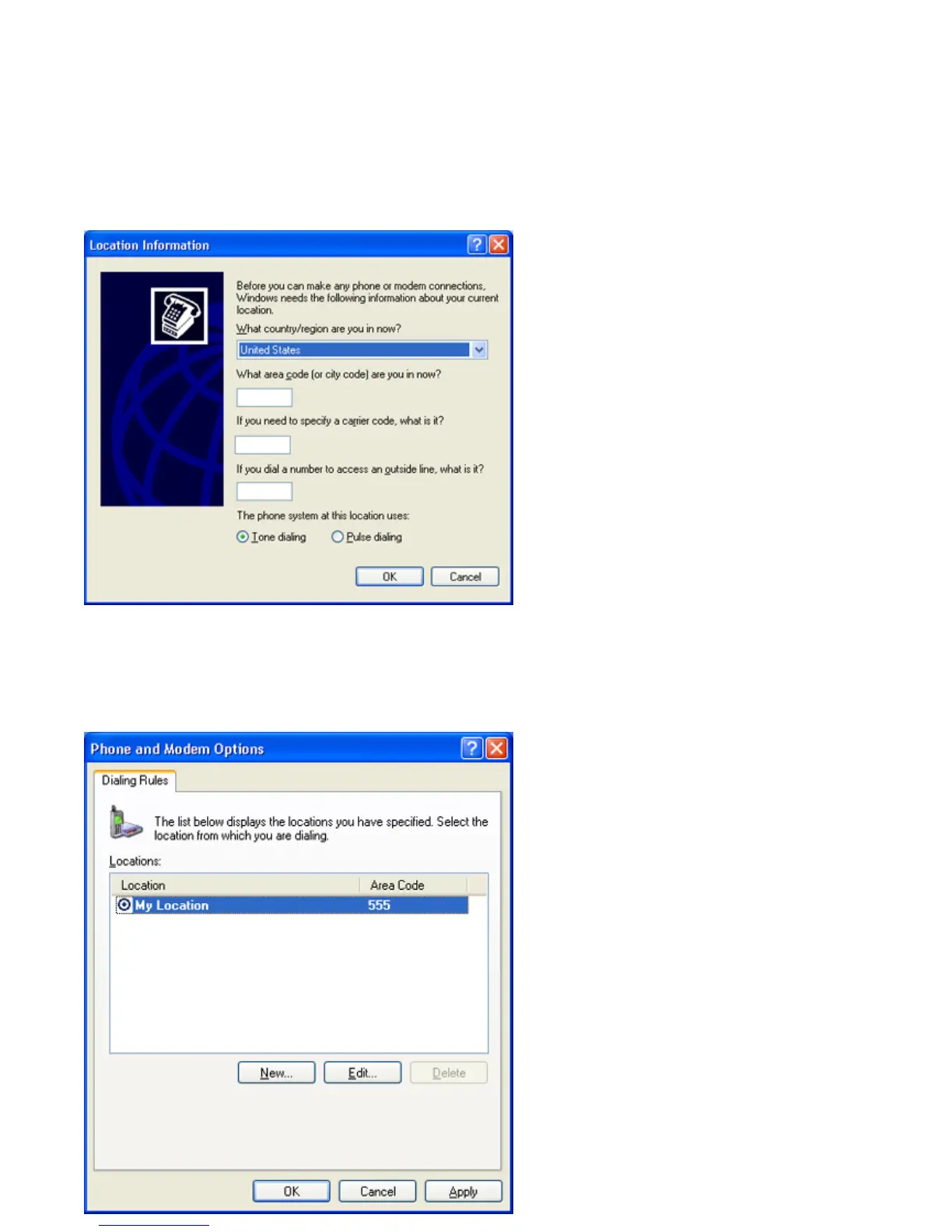
The Location Information window appears.
Location Information window
3.
Enter in your information as requested. Click OK.
The Phone and Modem Options window appears.
Phone and Modem Options window
Page 41



 To Next Page