13
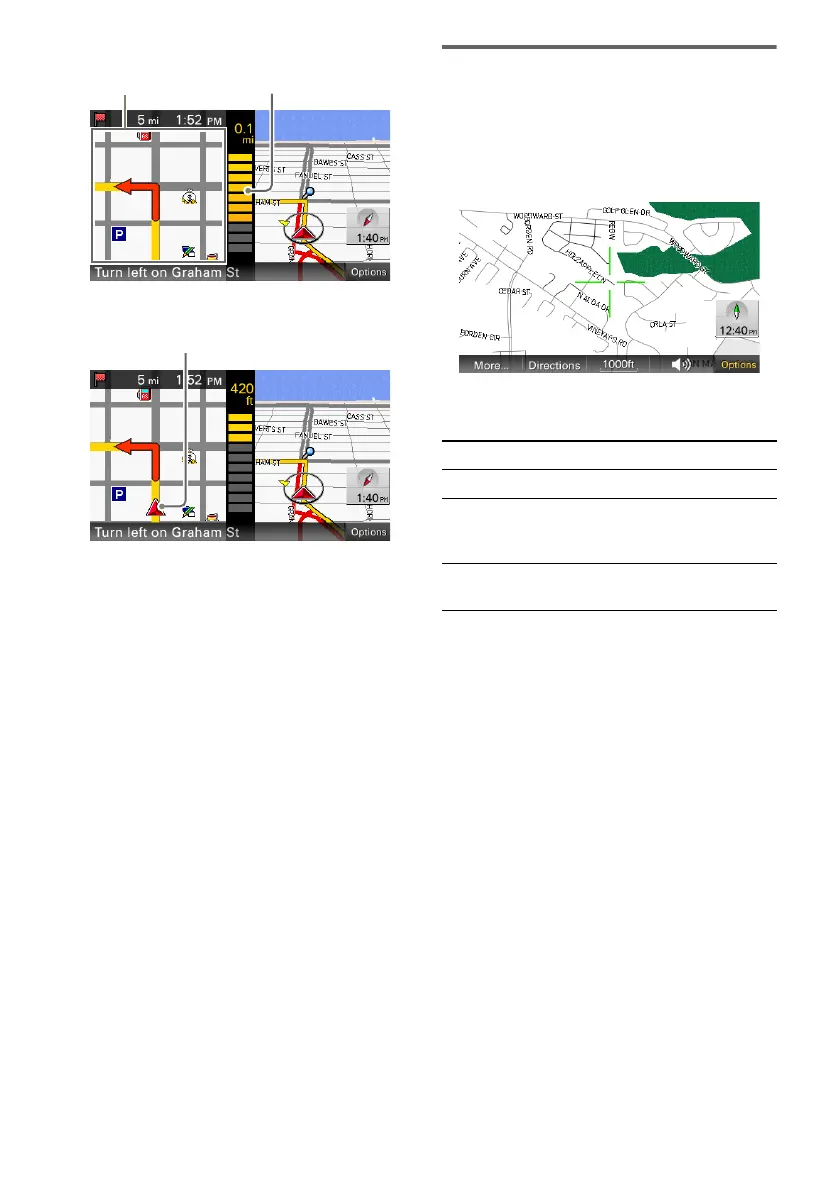
Approaching an intersection (closer)
Approaching an intersection (even closer)
A Current direction/current speed
B Current position/GPS status indication
(page 8)
C North indicator/current time
D Current street name
E ETA (Estimated Time of Arrival)/distance to
destination
F Distance to next turn
G Next instruction
H Next turn instruction
I Magnified view of an intersection
J Bar indication of the distance to next turn
K Current position
Tip
You can set to hide the magnified view of an
intersection (page 27).
Map scrolling mode
You can switch to map scrolling mode by
touching the map, whether during route guidance
or not.
By placing the desired point into the crosshair,
you can view the information on the point or
open the map option menu.
Operations in map scrolling mode
JI
To Operation
scroll a map drag the screen
move the desired
point to the center
of the screen
touch the point
pan the map left/
right
touch and hold a point and
drag it left/right



 To Next Page