76
Status Menu
Chapter 3 Menu
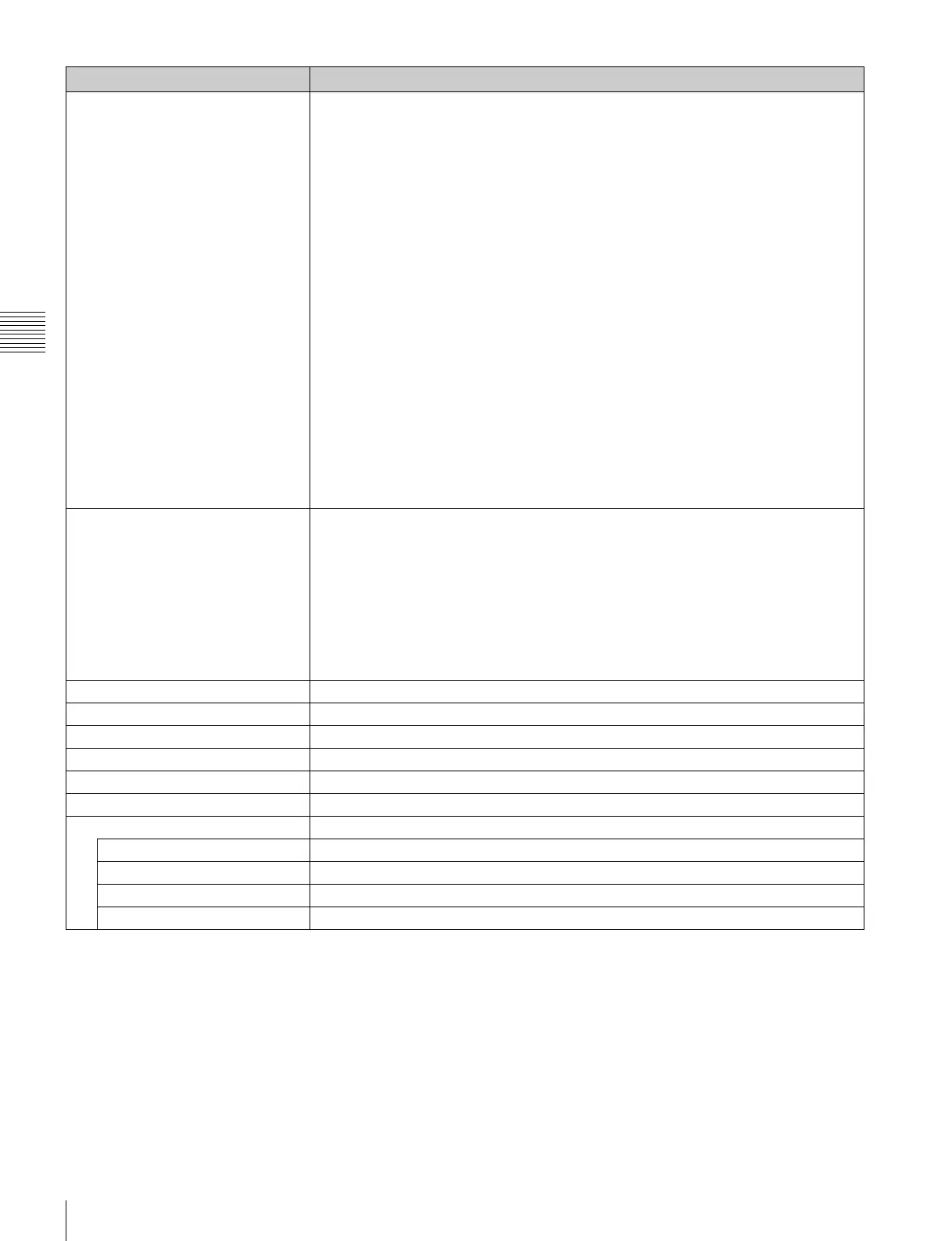
SDI Payload ID Status Displays the information of the Payload ID data superimposed on the SDI signal and current
signal status of the monitor.
When the option slot number in which the BKM-250TG is installed is selected in Slot No of
the Input Configuration menu, the following is displayed.
Option1/Input1: Option slot and input connector of the displayed information
Payload ID XX XX XX XX: Displays the 4-byte data for Payload ID of the SMPTE-
352M standard in hexadecimal in sequence of Byte 1, Byte 2, Byte 3 and Byte 4.
When the Payload ID information is not set, only Current Status is displayed and “---” is
displayed for other items. When the following information is not decoded, Unknown is
displayed.
Video Standard: Decode display of Byte 1_Bit 6-0 (SD-SDI/HD-SDI/3G-SDI/Dual
Link HD-SDI, etc.)
Sampling Structure: Decode display of Byte 3_Bit 3-0 (4:2:2 Y/Cb/Cr / 4:4:4 Y/Cb/
Cr / 4:4:4 G/B/R, etc.)
Bit Depth: Decode display of Byte 4_Bit 1-0 (8bit/10bit/12bit)
Picture Rate: Decode display of Byte 2_Bit 3-0 (23.98/24/25/29.97/30/50/59.94/60)
I/PsF/P: Decode display of Byte 2_Bit 7-6 (Interlace/PsF/Progressive)
Link Number: Decode display of Byte 4_Bit 7-6 (Single/Link_1 / Link_2 / Link_3 /
Link_4)
Current Status: Current status of the monitor
Format: Displayed as “Video Standard + Sampling Structure + Bit Depth”
Video Standard: 3G/DL/HD/SD
Sampling Structure: 422 YPbPr/444 YPbPr/ 444 RGB
Bit Depth: 10/12
I/PsF/P: Interlace/PsF/Progressive
HDMI Status Displays the signal information of the HDMI signal.
Pixel Encoding: RGB 4:4:4/YCbCr 4:4:4/YCbCr 4:2:2
Color Depth: 8bit/10bit/12bit
Matrix/Gamma: ITU-R BT.601/ITU-R BT.709/xvYCC 601/xvYCC 709
RGB Range: Limit/Full
Notes
• When HDMI Auto is set to On in the Matrix/Gamma menu of the Input Configuration menu,
the Matrix/Gamma status is displayed.
• When HDMI Auto is set to On in the RGB Range menu of the Input Configuration menu,
the RGB Range status is displayed.
Model Name Displays the model name of the monitor.
Serial No Displays the serial number of the monitor.
Software Version Displays software version of the monitor.
Operation Time Displays operation time (hours, in total) of the monitor.
Backlight Displays brighten time (hours, in total) of the monitor backlight.
Network Switch Displays the NETWORK switch setting.
Controller Status Displays information on the controller.
Model Name Displays the model name.
Serial No Displays the serial number.
Software Version Displays software version.
Network Switch Displays the NETWORK switch setting.
Menu Function and operation ([ ]: factory setting)



 To Next Page