Reader™ User Guide
Print
Search
Getting started
Basic Operations
Adding/Getting Content
Browsing Content Lists
Reading
Organizing
Other Applications
Settings
Other Information
Contents list
Top page > Other Applications > Pictures > Viewing Pictures
Viewing Pictures
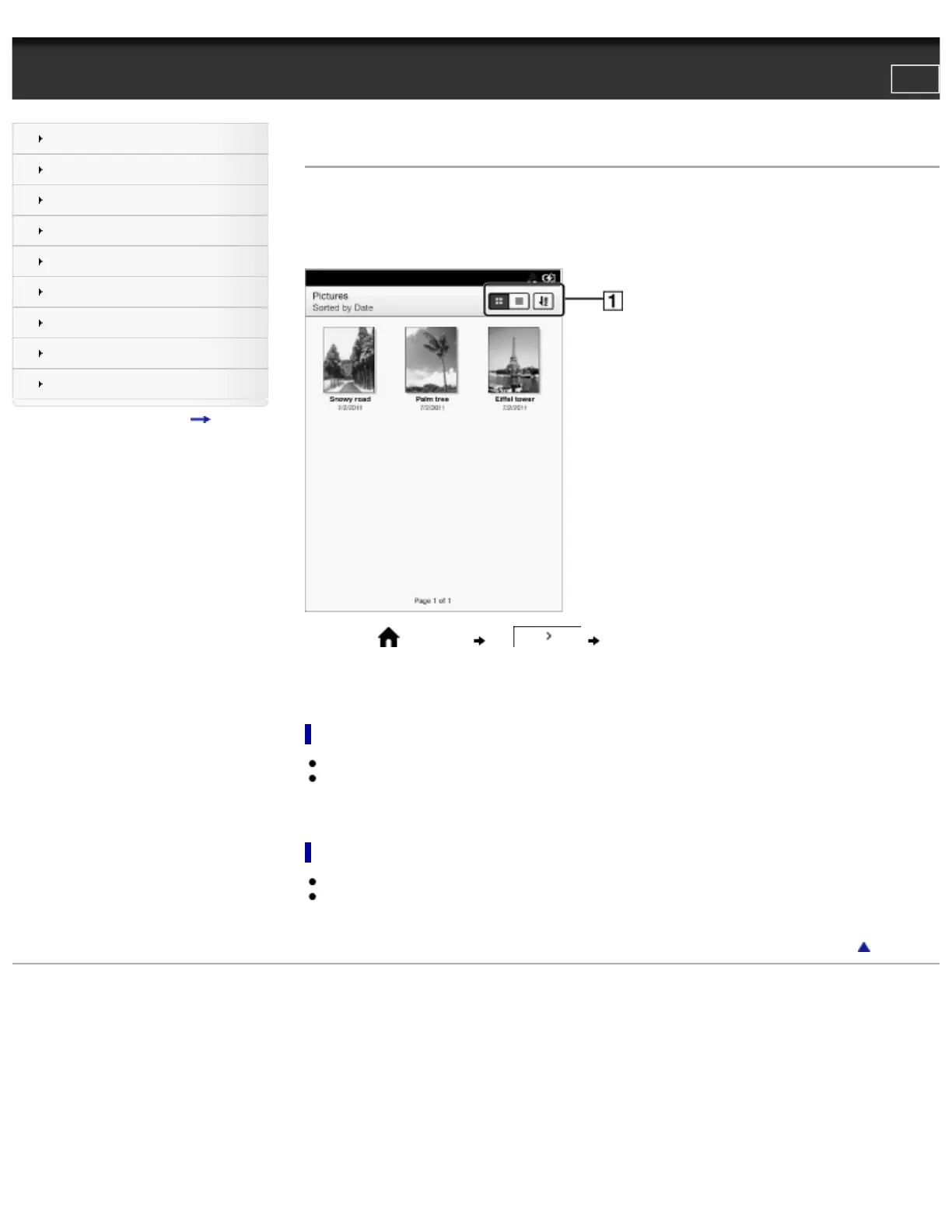
You can use the [Pictures] application to view pictures one by one or as a slideshow. You can also select the picture of your choice for the
Reader’s standby screen.
For details on transferring pictures to the Reader, see Details.
For details on supported file types, see Details.
1. Press the (Home) button tap [Pictures].
2. Tap a picture.
The picture is displayed.
Viewing the next picture in the current sort order
● Press the > (Next) button.*
● Swipe to the left.
* When pictures are displayed in landscape mode, press the < (Previous) button to view the next picture in the current sort order.
Viewing the previous picture
● Press the < (Previous) button.*
● Swipe to the right.
* When pictures are displayed in landscape mode, press the > (Next) button to view the previous picture in the current sort order.
Go to page top
Copyright 2011 Sony Corporation
file:///F|/Documents%20and%20Settings/203098/Desktop/4-288-613-11/eng/contents/07/08/01/01.html7/11/2011 8:59:45 PM













 To Next Page