44
Adding an Extra Function to the
Component Select Buttons
(continued)
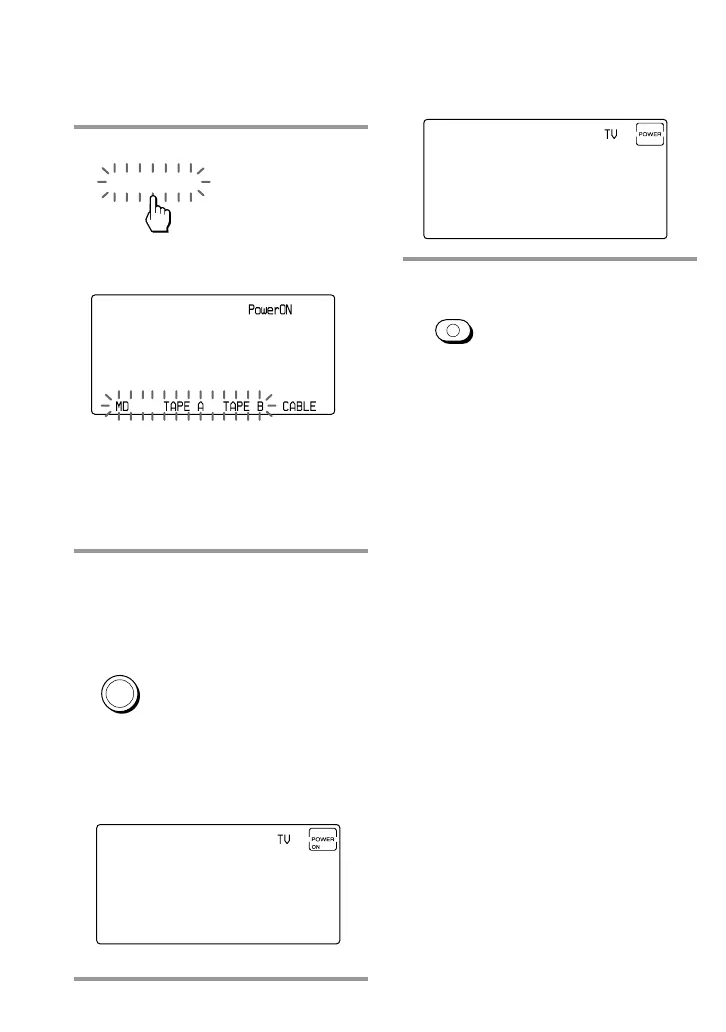
4 Press the PowerON key.
“PowerON” appears on the Mode
Display key.
The display of the component names
(preset by Sony) for which you can
program the Power-on signal flashes.
The display of the other components
stays lit.
5 Select the desired component by
pressing the Component Select
button or the Label key. (To
change the Label keys, press the
OTHER button repeatedly.)
The selected component name
appears on the Mode display key and
“POWER ON” appears on the display
with a beep sound.
PowerON
TV
To clear the Power-on command
Repeat the procedure above.
The following display appears.
6 Press COMMANDER OFF.
If you keep COMMANDER OFF
pressed for more than 2 seconds
The Commander turns off.
If you keep COMMANDER OFF
pressed for less than 2 seconds
The Commander returns to the
previous setting mode.
COMMANDER
OFF


 To Next Page