EasyManua.ls Logo

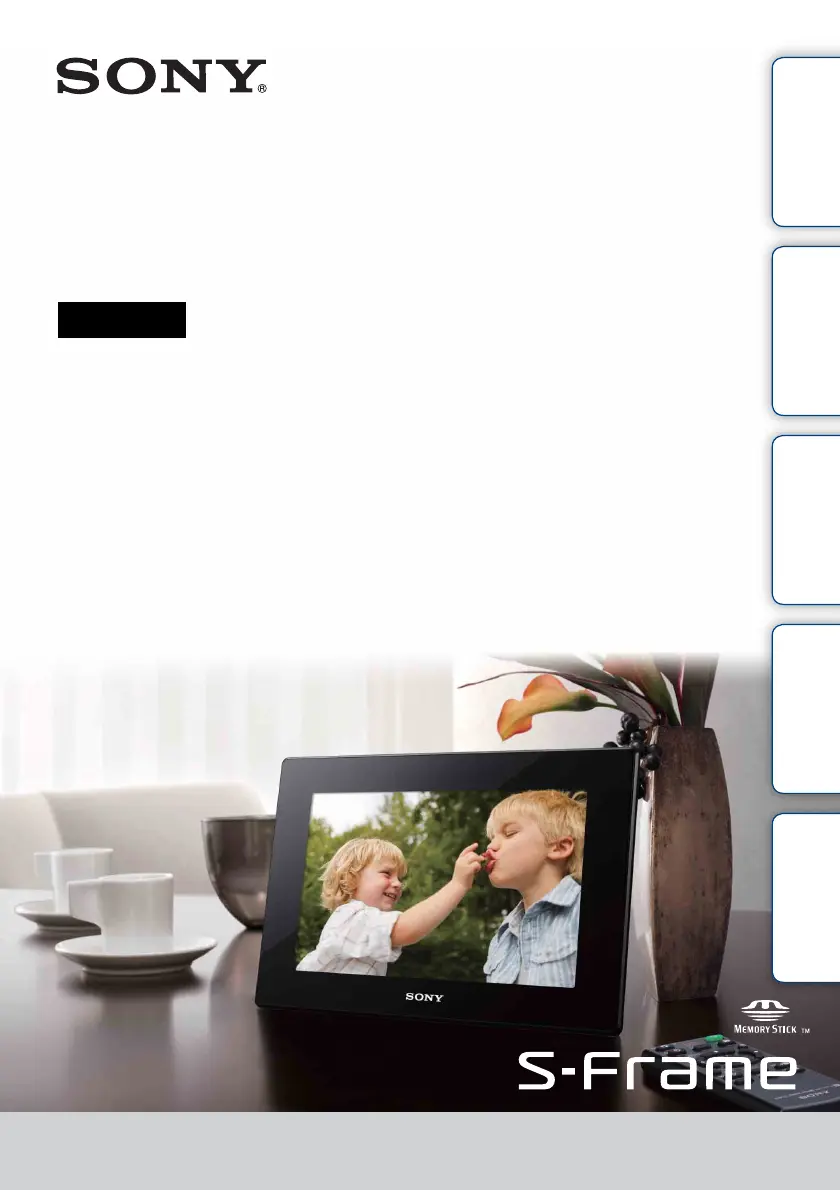
Sony S-Frame DPF-HD1000 - User Manual

Sony S-Frame DPF-HD1000
63 pages
Print Icon
To Next Page IconTo Next Page
Loading...
DPF-HD1000/HD800/HD700
4-295-278-12(1)
Table of
Contents
Let’s Use Enjoying More Troubleshooting Index
Digital Photo Frame
Handbook

Questions and Answers

  • D
    Dr. Valerie CabreraJul 29, 2025
    What to do if nothing happens even if you operate the Sony Digital Photo Frame remote control?
    • G
      garneradamJul 29, 2025
      Here are some possible solutions: 1. Replace the battery. 2. Insert the battery in the proper orientation. 3. Point the top end of the remote control towards the remote sensor on the photo frame. 4. Make sure there is no obstruction between the remote control and the remote sensor. 5. Remove the protective sheet.
  • A
    amanda47Aug 2, 2025
    Why some images are not displayed on my Sony Digital Photo Frame?
    • D
      Diane SmithAug 2, 2025
      If the image is displayed in index view but not as a single image, the file may be damaged, even if its thumbnail preview data are fine. Also, the image file may not be supported because it is a JPEG file created with your computer. The image file might not be displayed if its filename includes characters other than alphanumeric characters. Finally, the photo frame cannot display images saved in a folder more than 8 levels deep.
  • M
    mbergAug 7, 2025
    Why images are not played back in the order of shooting date on Sony S-Frame DPF-HD1000?
    • K
      Kevin WeberAug 7, 2025
      If the images were edited on a computer, the date of the file was modified. Images are thus displayed in order of modification date instead of shooting date.
  • P
    Paula OrtizAug 10, 2025
    Why a saved music file cannot be selected in Select BGM on Sony S-Frame DPF-HD1000?
    • J
      James GomezAug 10, 2025
      When you save music files in internal memory using a computer, be sure to save them in the [MUSIC] folder of internal memory. If you save a music file in any folder other than the [MUSIC] folder, it will not be displayed on the music list in Select BGM and cannot be played.
  • J
    Jeremy HoffmanAug 19, 2025
    How to fix an image that cannot be deleted on a Sony Digital Photo Frame?
    • M
      mitchelldebraAug 19, 2025
      To resolve this, first ensure the memory card is not write-protected. If it is, cancel write-protection. Check that the write-protect switch of the memory card is not in the LOCK position; if it is, slide it to the enable position. It is not possible to delete an image from or format a Memory Stick-ROM. Check the image information displayed in Single View mode. You cannot delete an image with the mark if it is set to 'Read Only'.
  • P
    Paul StevensAug 23, 2025
    Why a music file cannot be played on Sony S-Frame DPF-HD1000 Digital Photo Frame?
    • A
      anthonymelendezAug 23, 2025
      Check if the music file is playable on this photo frame. Also, set BGM ON/OFF to ON.
  • T
    Tammy AdkinsNov 13, 2025
    How to fix an image that cannot be saved on a Sony S-Frame DPF-HD1000?
    • G
      goconnorNov 13, 2025
      To resolve this, first ensure the memory card is not write-protected. If it is, cancel write-protection. Check that the write-protect switch of the memory card is not in the LOCK position; if it is, slide it to the enable position. If the memory card or internal memory is full, replace the memory card with one with sufficient free space or delete any unwanted images. If saving images from a computer to internal memory, ensure you've created a folder, as you can only save up to 512 images without one. Check that the memory card is correctly inserted. If the error persists, test the memory card with another device. For internal memory errors, initialize the internal memory, noting that this will delete all imported image files. If a protected Memory Stick is inserted, remove the protection u...

Summary

Read this before using

Notes on playback and copyrights

Important considerations regarding playback, copyright, and data backup.

Lets Use

Memory card and USB compatibility

Supported memory card types, USB memory, and required adapters.

Initial setup and power management

Guides for checking items, attaching the stand, connecting power, and turning the device on/off.

Basic image and movie playback

How to enjoy slideshows, play movies, and change viewing modes.

Connecting to a computer

Instructions for connecting the photo frame to a computer for data transfer.

Enjoying More

Troubleshooting

Power and display issues

Solutions for the photo frame not powering on or images not displaying.

Precautions

Sony S-Frame DPF-HD1000 Specifications

General IconGeneral
Display Size10.2 inches
Resolution1024 x 600 pixels
ConnectivityUSB 2.0
Aspect Ratio16:10
Weight1.2 kg
Video PlaybackYes
Audio PlaybackYes
Power SourceAC adapter
Storage Capacity2 GB
Supported Memory CardsMemory Stick PRO Duo, SD, SDHC
Supported FormatsJPEG, MPEG1, MPEG4, AVI

Related product manuals