2 Connect the
AC
power
cord (mains lead)
(supplied) to the subwoofer, and then connect
the cord to the
AC
outlets (mains).
ECJm:===
..
[fil
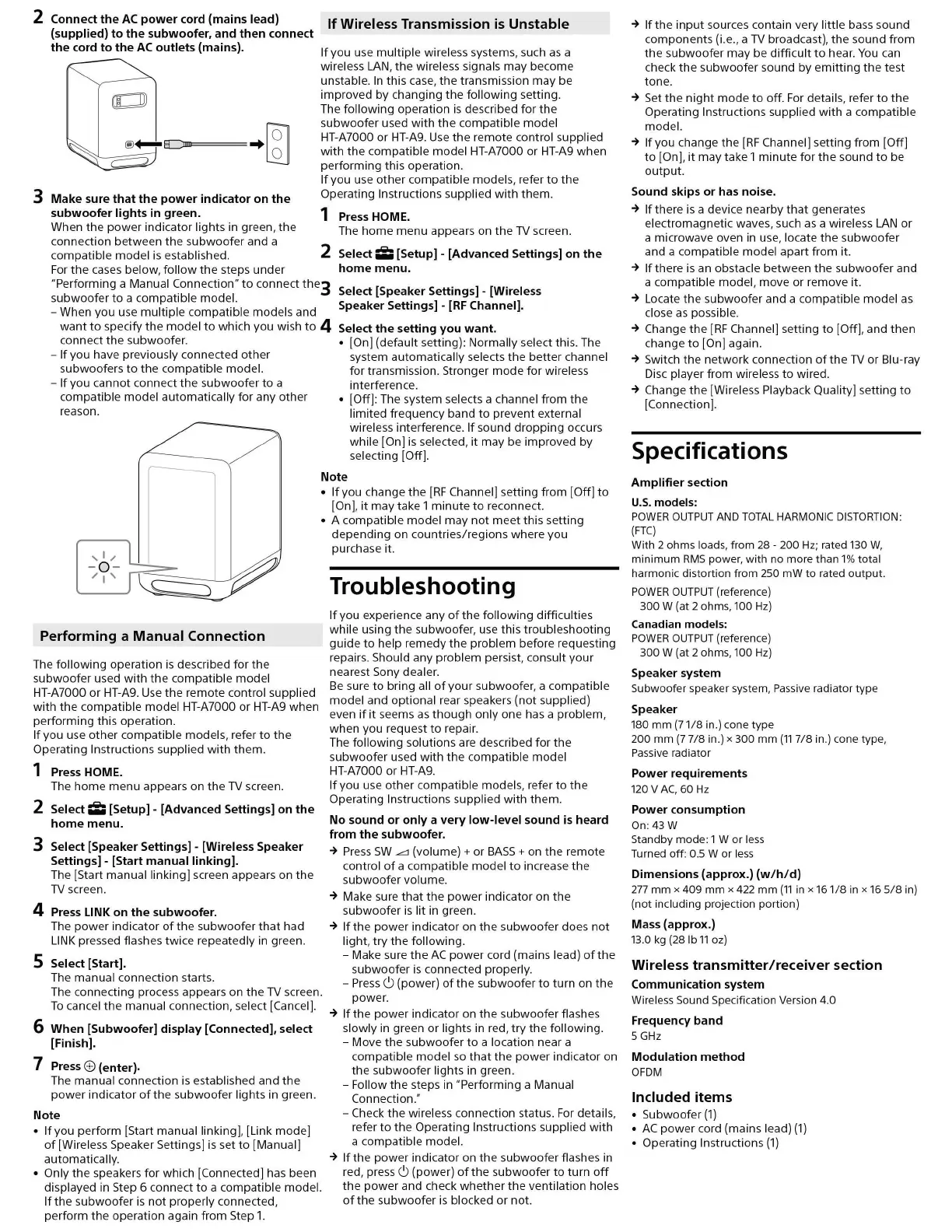
3 Make sure that
the
power
indicator on the
subwoofer lights in green.
When the
power
indicator lights
in
green, the
connection between the subwoofer and a
compatible model
is
established.
If Wireless Transmission
is
Unstable
If
you use multiple wireless systems, such
as
a
wireless
LAN
, the wireless signals may become
unstable.
In
this case, the transmission may be
improved by changing the following setting.
The
following operation
is
described
for
the
subwoofer used
with
the
compatible model
HT-A7000 or
HT-A9.
Use
the remote control supplied
with
the compatible model HT-A7000 or
HT-A9
when
performing this operation.
If
you use
other
compatible models, refer
to
the
Operating Instructions supplied
with
them.
1
Press
HOME.
The
home
menu appears on the
TV
screen.
2
Select;;;
[Setup] - [Advanced Settings] on
the
home
menu.
For
the
cases below,
follow
the
steps under
"Performing a Manual Connection"
to
connect
the3
subwoofer
to
a compatible model.
Select [Speaker Settings] - [Wireless
Speaker Settings] -
[RF
Channel].
- When you use multiple compatible models and
want
to
specify the model
to
which you wish
to
4
connect the subwoofer.
Select the setting you want.
• [On] (default setting): Normally select this. The
system automatically selects the better channel
for transmission. Stronger
mode
for
wireless
interference.
-
If
you have previously connected
other
subwoofers
to
the compatible model.
-
If
you cannot connect the subwoofer
to
a
compatible model automatically for any other
reason.
,1,,
- 0 -
"1'
~
Performing a Manual Connection
The following operation
is
described
for
the
subwoofer used
with
the
compatible model
HT-A7000 or
HT-A9.
Use
the remote control supplied
with
the compatible model HT-A7000 or
HT-A9
when
performing this operation.
If
you use
other
compatible models, refer
to
the
Operating Instructions supplied
with
them.
1
Press
HOME.
The
home
menu appears on the
TV
screen.
2
Select;;;
[Setup] - [Advanced Settings] on the
home
menu.
3 Select [Speaker Settings] - [Wireless Speaker
Settings] - [Start manual linking].
The [Start manual linking] screen appears on the
TV
screen.
4
Press
LINK
on the subwoofer.
The
power
indicator
of
the subwoofer
that
had
LINK
pressed flashes twice repeatedly
in
green.
5 Select [Start].
The manual connection starts.
• [Off]: The system selects a channel from the
limited frequency band
to
prevent external
wireless interference.
If
sound
dropping
occurs
while [On]
is
selected, it may be improved by
selecting [Off].
Note
•
If
you change the
[RF
Channel] setting from [Off]
to
[On], it may take 1 minute
to
reconnect.
• A compatible model may
not
meet
this setting
depending on countries/regions where you
purchase it.
Troubleshooting
If
you experience any
of
the following difficulties
while using the subwoofer, use this troubleshooting
guide
to
help remedy the problem before requesting
repairs. Should any problem persist, consult
your
nearest Sony dealer.
Be
sure
to
bring all
of
your subwoofer, a compatible
model and optional rear speakers (not supplied)
even
if
it
seems
as
though
only one has a problem,
when you request
to
repair.
The following solutions are described
for
the
subwoofer used
with
the compatible model
HT-A7000 or
HT-A9.
If
you use other compatible models, refer
to
the
Operating Instructions supplied
with
them.
No sound or only a very low-level sound
is
heard
from the subwoofer.
➔
Press
SW
.L'.l
(volume)+
or
BASS+ on the remote
control
of
a compatible model
to
increase the
subwoofer volume.
➔
Make sure
that
the
power
indicator on the
subwoofer
is
lit in green.
➔
If
the power indicator on
the
subwoofer does
not
light,
try
the following.
- Make sure
the
AC
power
cord (mains lead)
of
the
subwoofer
is
connected properly.
The connecting process appears on the
TV
screen.
To
cancel
the
manual connection, select [Cancel].
-
Press
6 (power)
of
the
subwoofer
to
turn
on the
power.
➔
If
the power indicator on
the
subwoofer flashes
slowly
in
green or lights in red,
try
the following.
6 When [Subwoofer] display [Connected], select
[Finish].
7
Press
8 (enter).
The manual connection
is
established and
the
power indicator
of
the subwoofer lights in green.
Note
•
If
you perform [Start manual linking], [Link mode]
of
[Wireless Speaker Settings]
is
set
to
[Manual]
automatically.
• Only the speakers for which [Connected] has been
displayed in Step 6 connect
to
a compatible model.
If
the subwoofer
is
not
properly connected,
perform the operation again from Step
1.
- Move the subwoofer
to
a location near a
compatible model
so
that
the
power
indicator on
the subwoofer lights in green.
- Follow
the
steps in "Performing a Manual
Connection."
- Check the wireless connection status.
For
details,
refer
to
the Operating Instructions supplied
with
a compatible model.
➔
If
the power indicator on
the
subwoofer flashes
in
red, press 6 (power)
of
the subwoofer
to
turn
off
the
power
and check
whether
the ventilation holes
of
the subwoofer
is
blocked or not.
➔
If
the
input
sources contain very little bass sound
components (i.e., a
TV
broadcast), the sound from
the
subwoofer may be
difficult
to
hear.
You
can
check
the
subwoofer sound by
emitting
the
test
tone.
➔
Set the
night
mode
to
off.
For
details, refer
to
the
Operating Instructions supplied
with
a compatible
model.
➔
If
you change the
[RF
Channel] setting from [Off]
to
[On],
it
may take 1 minute for
the
sound
to
be
output.
Sound skips or has noise.
➔
If
there
is
a device nearby
that
generates
electromagnetic waves, such
as
a wireless
LAN
or
a microwave oven
in
use, locate the subwoofer
and a compatible model apart from it.
➔
If
there
is
an obstacle between the subwoofer and
a compatible model, move or remove it.
➔
Locate the subwoofer and a compatible model
as
close
as
possible.
➔
Change the
[RF
Channel] setting
to
[Off], and
then
change
to
[On] again.
➔
Switch the
network
connection
of
the
TV
or Blu-ray
Disc player from wireless
to
wired.
➔
Change the [Wireless Playback Quality] setting
to
[Connection].
Specifications
Amplifier section
U.S.
models:
POWER
OUTPUT
AND
TOTAL
HARMONIC
DISTORTION:
(FTC)
With 2 ohms loads, from
28
-
200
Hz;
rated
130
W,
minimum
RMS
power, with no more than
1%
total
harmonic distortion from
250
mW
to rated output.
POWER
OUTPUT
(reference)
300 W (at 2 ohms,
100
Hz)
Canadian models:
POWER
OUTPUT
(reference)
300 W (at 2 ohms,
100
Hz)
Speaker system
Subwoofer speaker system,
Passive
radiator type
Speaker
180
mm (71/8 in.)
cone
type
200 mm
(7
7/8 in.) x 300 mm
(11
7/8 in.) cone type,
Passive
radiator
Power requirements
120
V
AC,
60
Hz
Power consumption
On:43W
Standby mode: 1 W or
less
Turned off:
0.5
W or
less
Dimensions (approx.)
(w/h/d)
277
mm x 409 mm x
422
mm
(11
in
x 161/8
in
x
16
5/8
in)
(not including projection portion)
Mass (approx.)
13.0
kg
(28
lb
11
oz)
Wireless transmitter/receiver section
Communication system
Wireless
Sound
Specification Version 4.0
Frequency band
5
GHz
Modulation method
OFDM
Included items
• Subwoofer
(1)
•
AC
power cord (mains lead)
(1)
• Operating Instructions
(1)


 To Next Page
 Loading...